CYCLOPS-I BT Scanner Configuration Guide 33
Hybrid Mode:
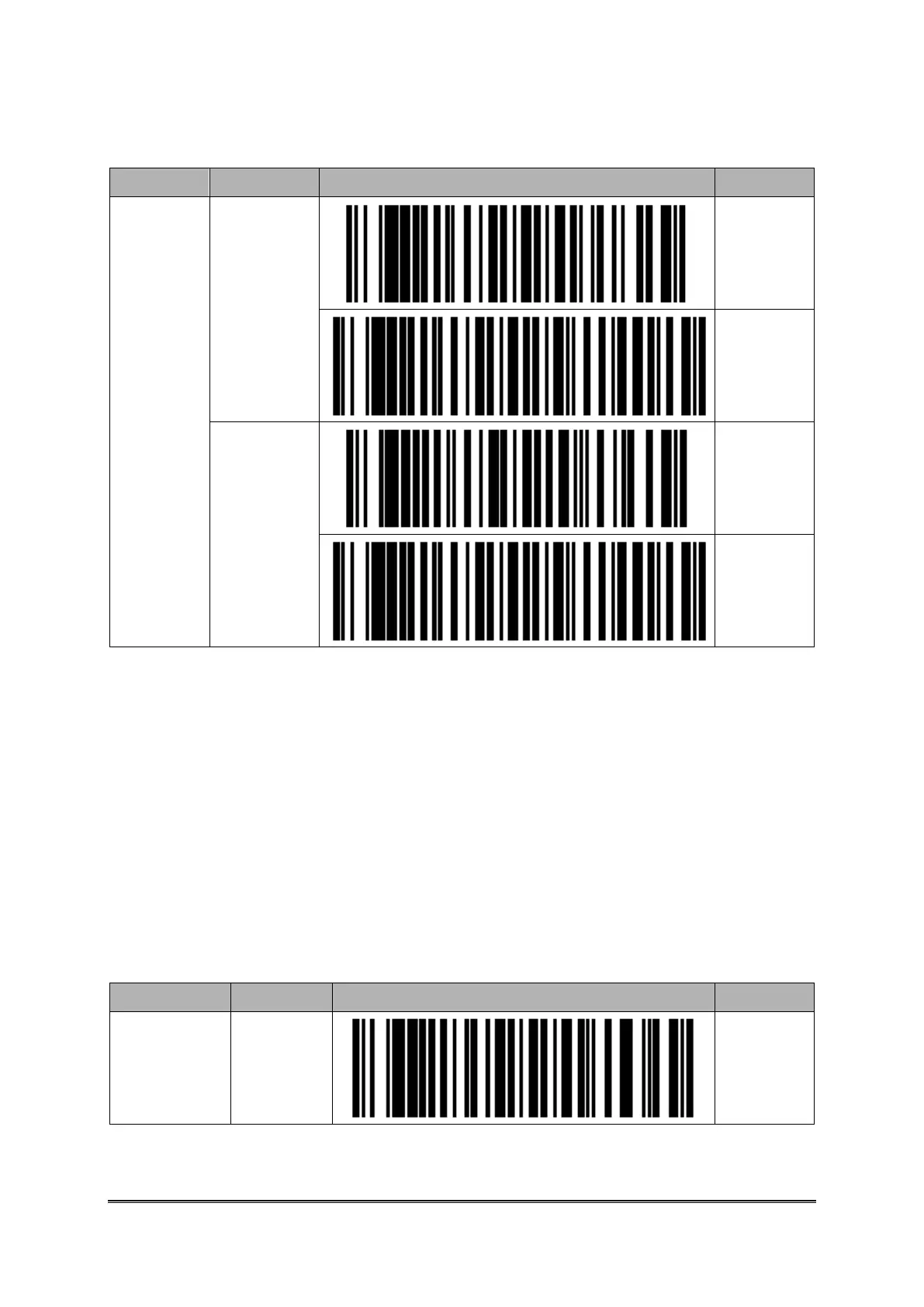
SPP Master
Communica
tion mode
SPP Slave
communicat
ion mode
※ Please enter the physical address of BT module of the Host Device first, when using SPP
Master Mode.
Please refer to<Setting Barcode of Alpha-Numeric Entries>
Setting Barcodes of Physical Address of Bluetooth Module
Factory Default setting of CYCLOPS-I is in SPP Master Mode. This will make CYCLOPS-I
can be connected with host device easily.
Physical address of Bluetooth module is 12-digit contains only 0~9, A~F. Please use barcodes
listed in <9.2.6 Setting Barcodes of Alpha-Numeric Entries> to enter the physical address
of Bluetooth module.
Enter
Physical
Address of
BT Module



 To Next Page