CYCLOPS-I BT Scanner Configuration Guide 34
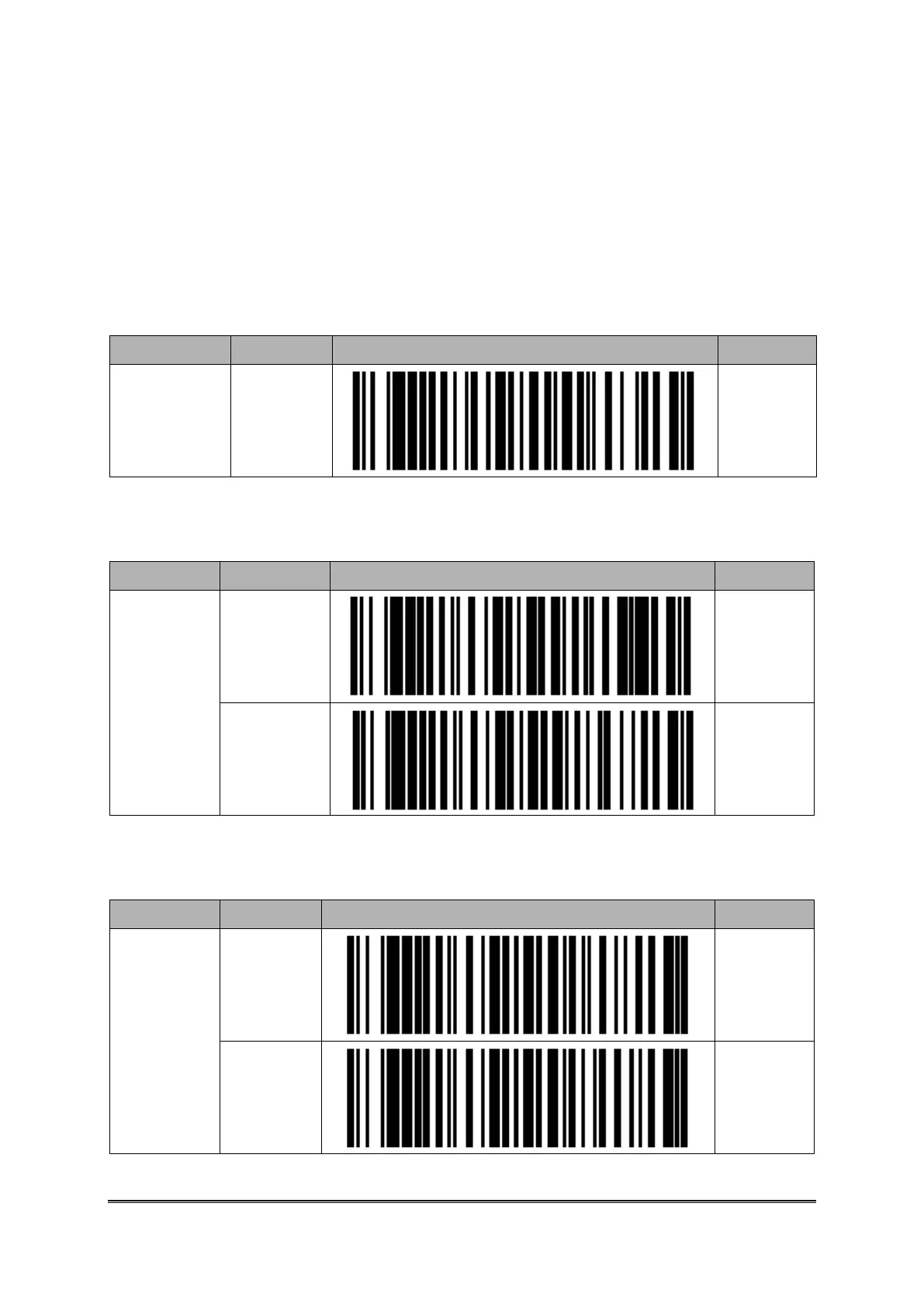
Setting Barcodes for Device Name of CYCLOPS-I
CYCLOPS-I device name, as Factory Default, is “BTS600” + “last 4-digit of physical address
of BT module”.
You can change the device name of CYCLOPS-I using the following setting barcodes.
You can enter maximum 31-character for device name, you can and only enter 0~9, A~Z, a~z.
Please use barcodes in <9.2.6 Setting Barcodes of Alpha-Numeric Entries> to enter device
name.
Setting Barcode of Bluetooth Authentication
Bluetooth
Authentica.
Setting
Setting Barcode of Bluetooth Encryption
Bluetooth
Encryption
Setting



 To Next Page