CYCLOPS-I BT Scanner Configuration Guide 45
Setting Barcodes of Suffix
Suffix setting must be 2-digit word, and the word can only be 0~9, A ~ F. For example, to set
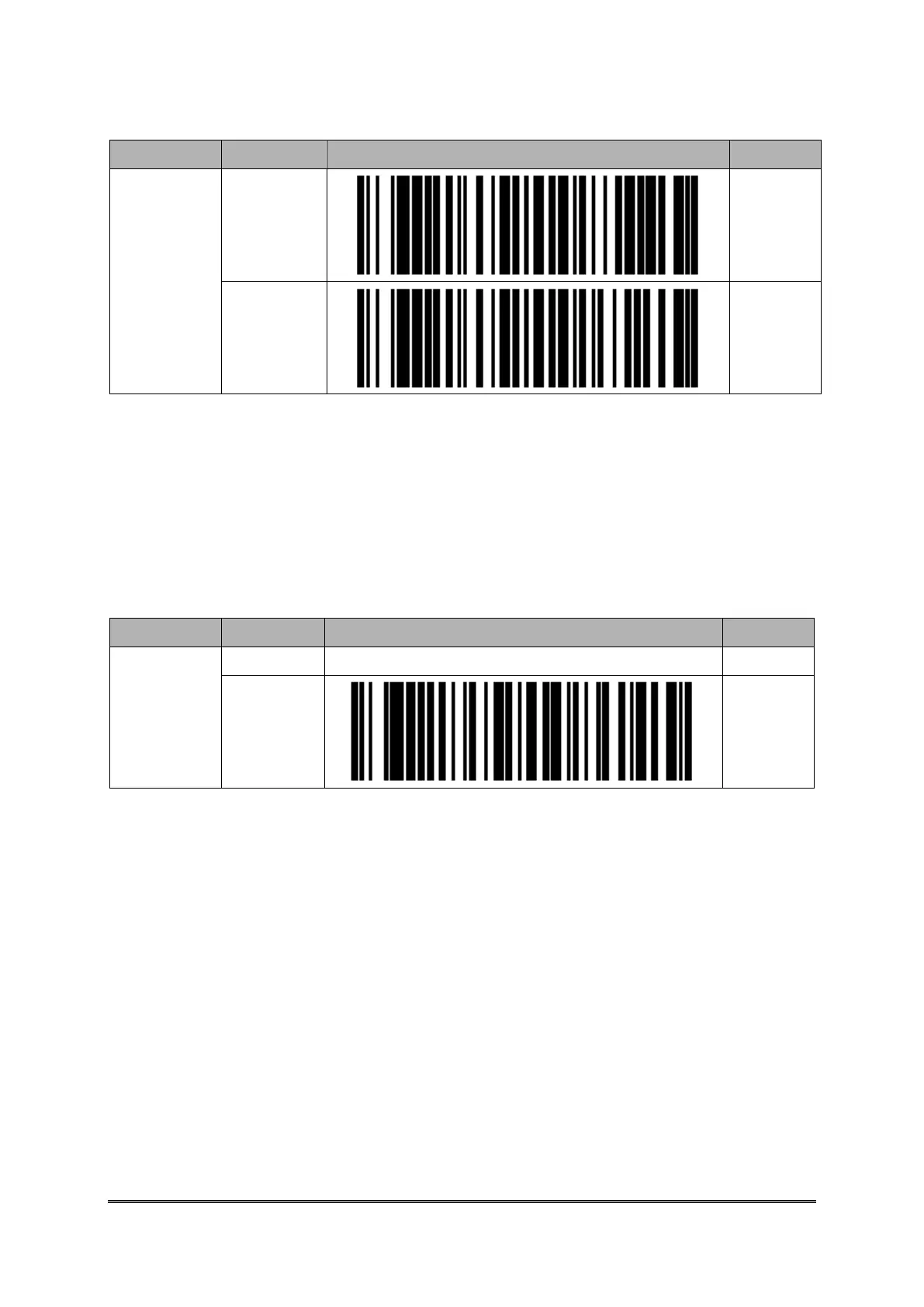
“,” as Suffix, you have to scan the barcode ID “B019A” first, then, “3”, “3”, and
“EOC”.
Please use barcodes listed in <9.2.6 Setting Barcodes of Alpha-Numeric Entries> to set up
the Suffix needed for scanned data.
Setting Barcodes for the Handshaking of SPP Mode
When CYCLOPS-I is in Batch Mode or Real-Time Mode, based on the application scenario,
CYCLOPS-I can be either Enabled or Disabled for the handshaking protocol, “ACK/NAC of
SPP communication”.
If CYCLOPS-I is in Hybrid Mode, the handshaking protocol, “ACK/NAC of SPP
communication”, has to be Enabled and can not be changed into Disabled.



 To Next Page