26
! Combination of Dual Display Settings
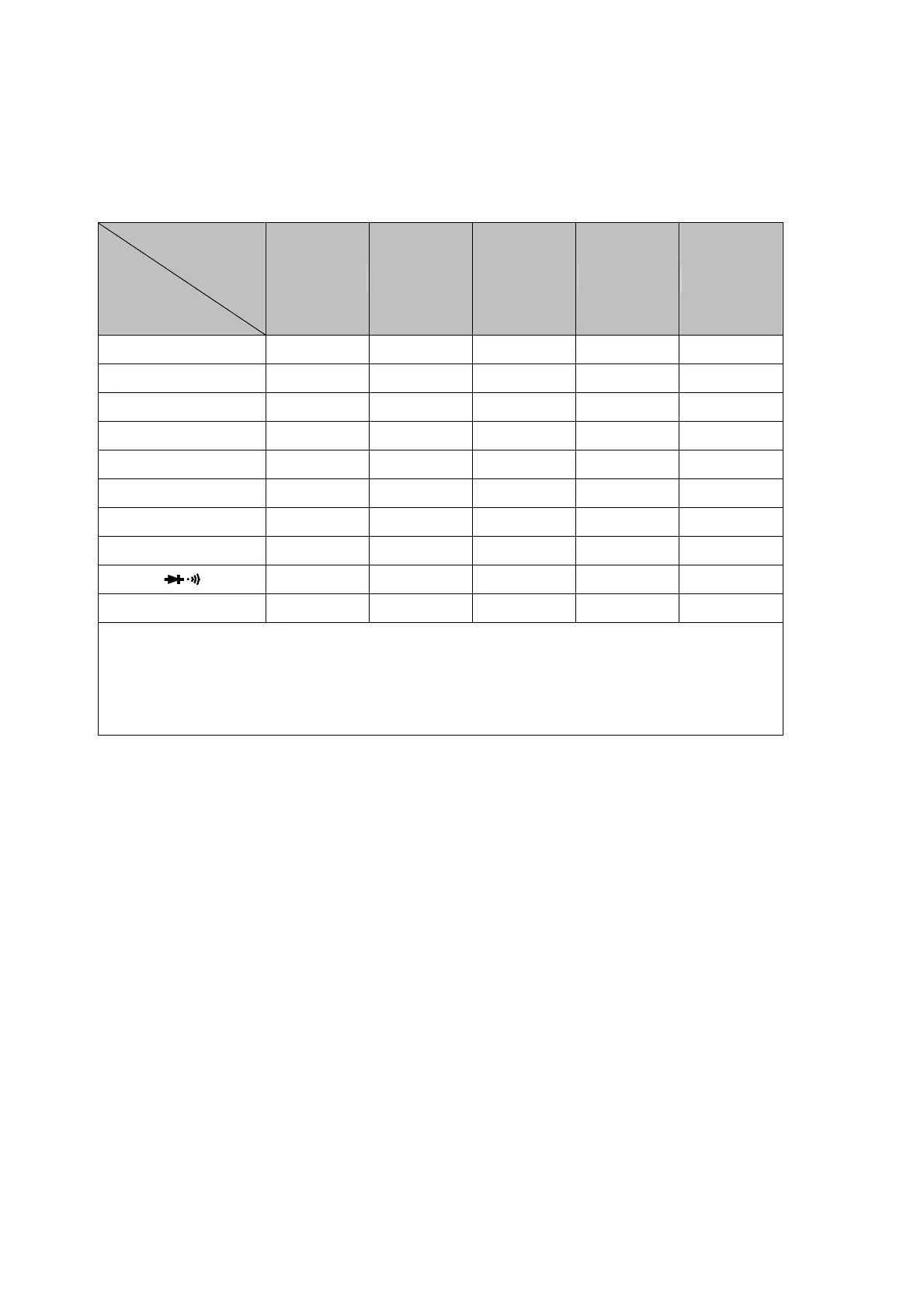
Table 3-6 provides the available combination of inputs for the primary display
and secondary display in the dual display mode.
Table 3-6. Descriptions for Combination of Dual Display
Secondary
Display
Primary
Display
Vdc Vac Adc Aac Hz
Vdc
•
••
•
•
••
• •
••
• •
••
• •
••
•
Vac
•
••
•
•
••
•
(1)
•
••
• •
••
• •
••
•
Adc
•
••
•
•
••
• •
••
• •
••
• •
••
•*
2
Aac
•
••
•
•
••
• •
••
• •
••
•
(1)
•
••
•*
2
Vac + Vdc
•
••
•
•
••
•
(1)
•
••
• •
••
• •
••
•
Aac + Adc
•
••
•
•
••
• •
••
• •
••
•
(1)
•
••
•
(2)
Hz
•
••
•
•
••
• •
••
•
(2)
•
••
•
(2)
•
••
•
(1)
Ω
(3)
•
••
•
•
••
• •
••
• •
••
• •
••
•
•
••
•
•
••
• •
••
• •
••
• •
••
•
dBm
•
••
•
•
••
• •
••
• •
••
• •
••
•
(1)
The ranges of the secondary display are set by the primary display.
(2)
The Frequency reading is corresponding to the current input signals; other readings
are corresponding to the voltage input signals.
(3)
It is recommended to measure the resistance up to 1M Ω
ΩΩ
Ω in dual display mode.
Note: In dual display mode, keystroke response time is approximately 0.6 ~ 1 second. User
may need to select and press down a key until the meter responding to the Keystroke.



 To Next Page