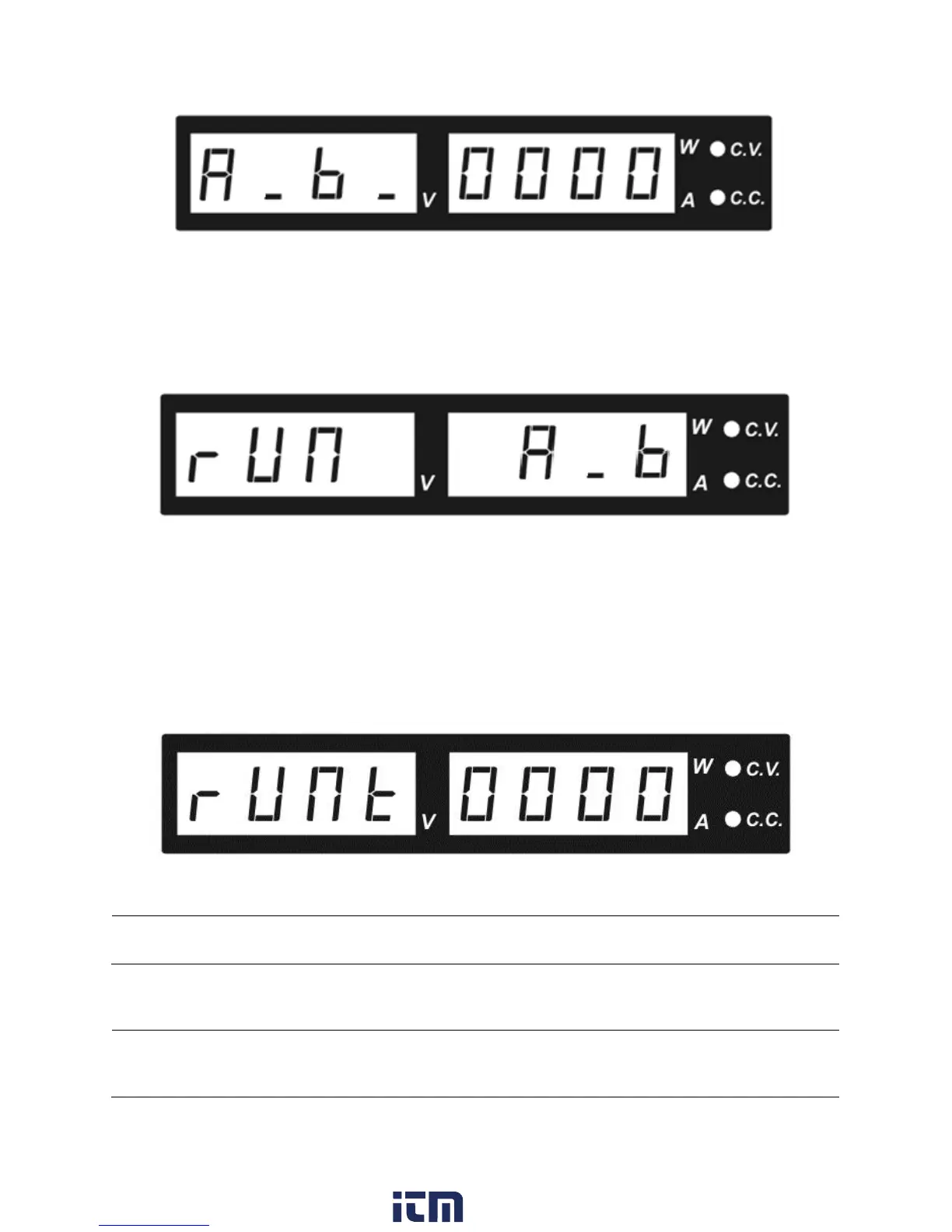
Figure 8 - Transition Time
Select First Step
This option allows the user to select a transition to start the sequence.
Options: rUN A_b rUN b_A rUN A_C rUN C_A rUN b_C rUN C_b
Figure 9 - Selecting First Step
Number of Cycles
Runt means number of cycles the power supply will run before stopping. Setting Runt to all
zeroes implies infinite.
Figure 10 - RUN T – Number of Cycles
Transient Mode: Examples
Note: The Transient Mode is independent from the output state. It is recommended to set the voltage and
current to zero before enabling this mode. The backlight of the PRESET values being used will toggle to
show the current step.
Note: If a transition is selected between two preset voltages, and one of those voltages is not set, the
sequence will not run properly.
w ww . . co m
information@itm.com1.800.561.8187











 To Next Page