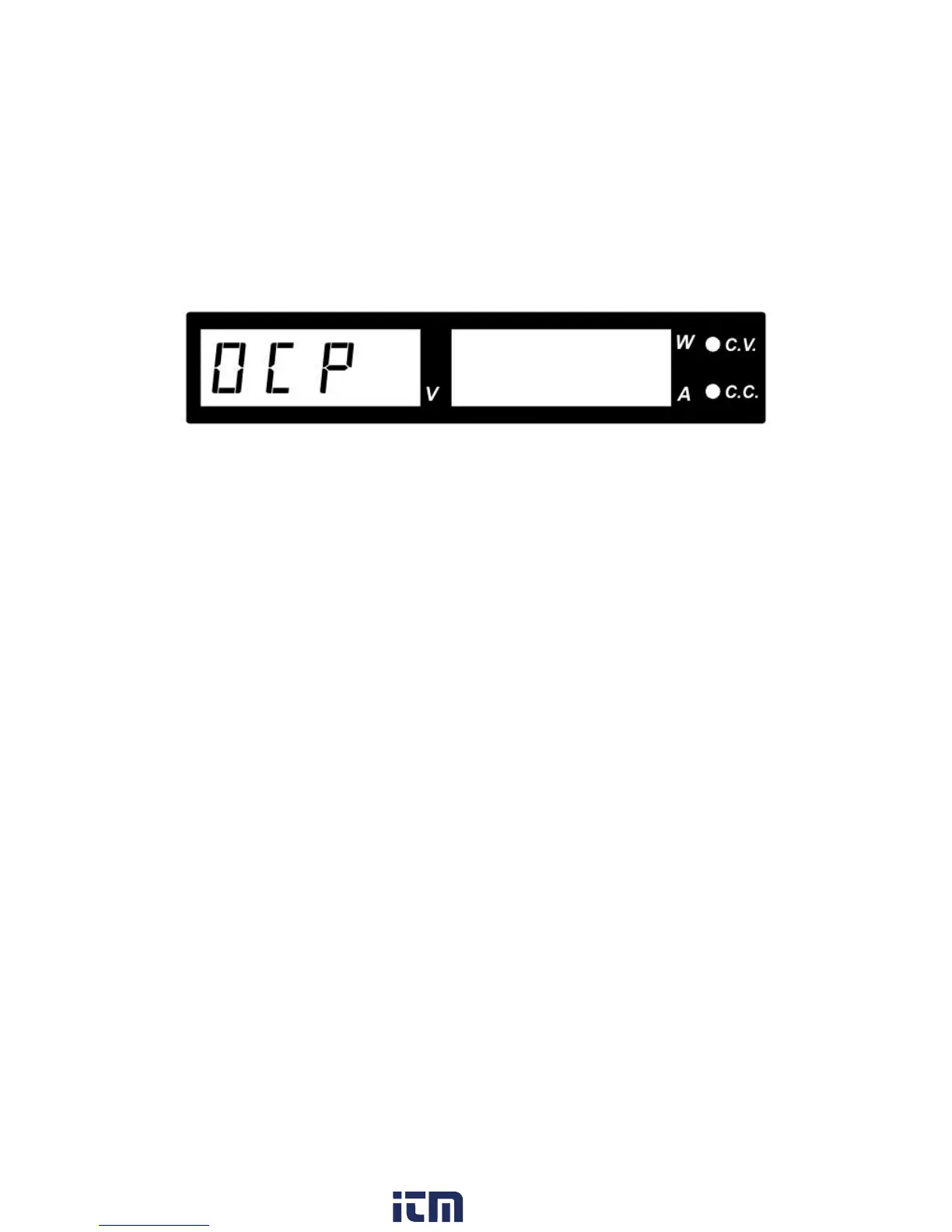
6.3 OCP: Over Current Protection
Normally the over-current protection is provided by the constant current mode.
If constant current mode fails and is not detected, it may cause serious damage to your load.
The OCP is to minimize the damage to your load if the power supply's constant current control
fails.
Figure 25 - OCP Warning
To reset the warning:
1. Switch off your power supply as soon as you see the OCP warning as shown below.
2. To reset this warning, disconnect the load and press the Output ON/OFF key.
3. Reconnect the load and the power supply should resume normal operation once power
is turned on again.
4. If this problem cannot be fixed, please contact and consult BK Precision.
w ww . . co m
information@itm.com1.800.561.8187











 To Next Page