_____________________________________________________________________
724-746-5500 | blackbox.com Page 56
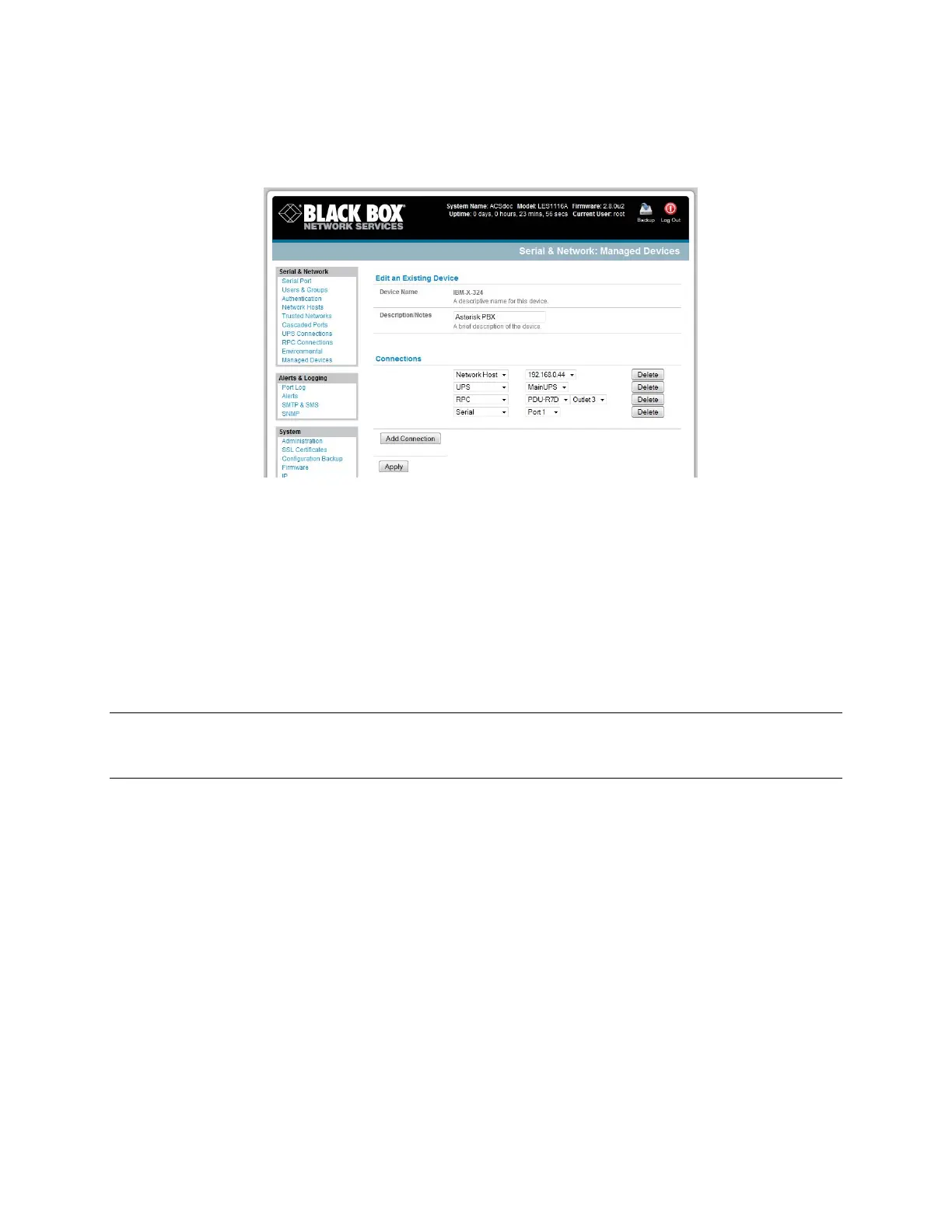
Select the connection type for the new connection (Serial, Network Host, UPS, or RPC) and then
select the specific connection from the presented list of configured unallocated
hosts/ports/outlets.
To add a new network-connected Managed Device:
The Administrator adds a new network-connected Managed Device using Add Host on the Serial
& Network: Network Host menu. This automatically creates a corresponding new Managed
Device (as covered in Section 4.4—Network Hosts).
When adding a new network-connected RPC or UPS power device, you set up a Network Host,
designate it as RPC or UPS, then go to RPC Connections (or UPS Connections) to configure the
relevant connection. A corresponding new Managed Device (with the same Name /Description
as the RPC/UPS Host) is not created until you complete this connection step (refer Chapter 8—
Power and Environment).
Note The outlet names on this newly created PDU will by default be ―Outlet 1‖ and ―Outlet 2.‖ When
you connect a particular Managed Device (that draws power from the outlet), then the outlet will
take the powered Managed Device‘s name.
To add a new serially connected Managed Device:
Configure the serial port using the Serial & Network: Serial Port menu (refer to Section 4.1—
Configure Serial Port).
Select Serial & Network: Managed Devices and click Add Device.
Enter a Device Name and Description for the Managed Device.











 To Next Page