57
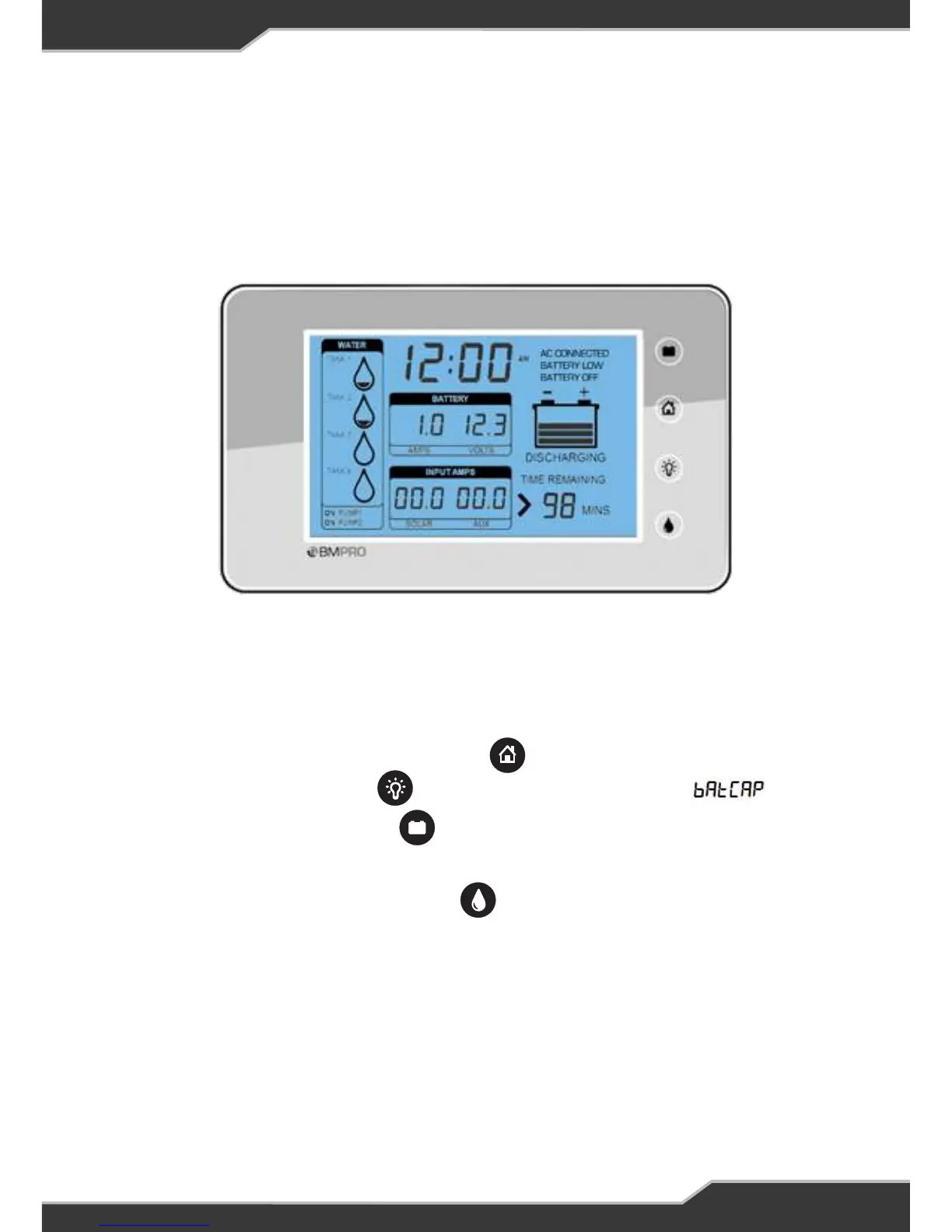
Set the Battery Capacity Using a Trek
Follow these steps if you are installing a battery/battery bank of more than 100AH.
2. Connect the BatteryPlus35 to the battery
3. Then connect the Trek to the BatteryPlus35 using the DATA Cable
4. Notice that the Trek will turn on
5. Next press and hold, the “HOME button” until the Setup is seen
6. Next press the “UP button” until the battery capacity is seen
7. Next press the “EDIT button” the capacity value will start to blink
8. Press the “UP button” to set your desired battery capacity
9. Once done, press the “BACK button” a few times to reach the Home screen
10. Finally disconnect the Trek and connect the RVView to the Data cable
11. Go to “CONNECT THE DATA CABLE”
1. First obatin a Trek Unit (Version 2E or above). Speak to your distributor or a
BMPRO team member.


 To Next Page