Interchange
Enter
R
Transfer
During a call
41
Several calls simultaneously
"
T
ransfer additional call
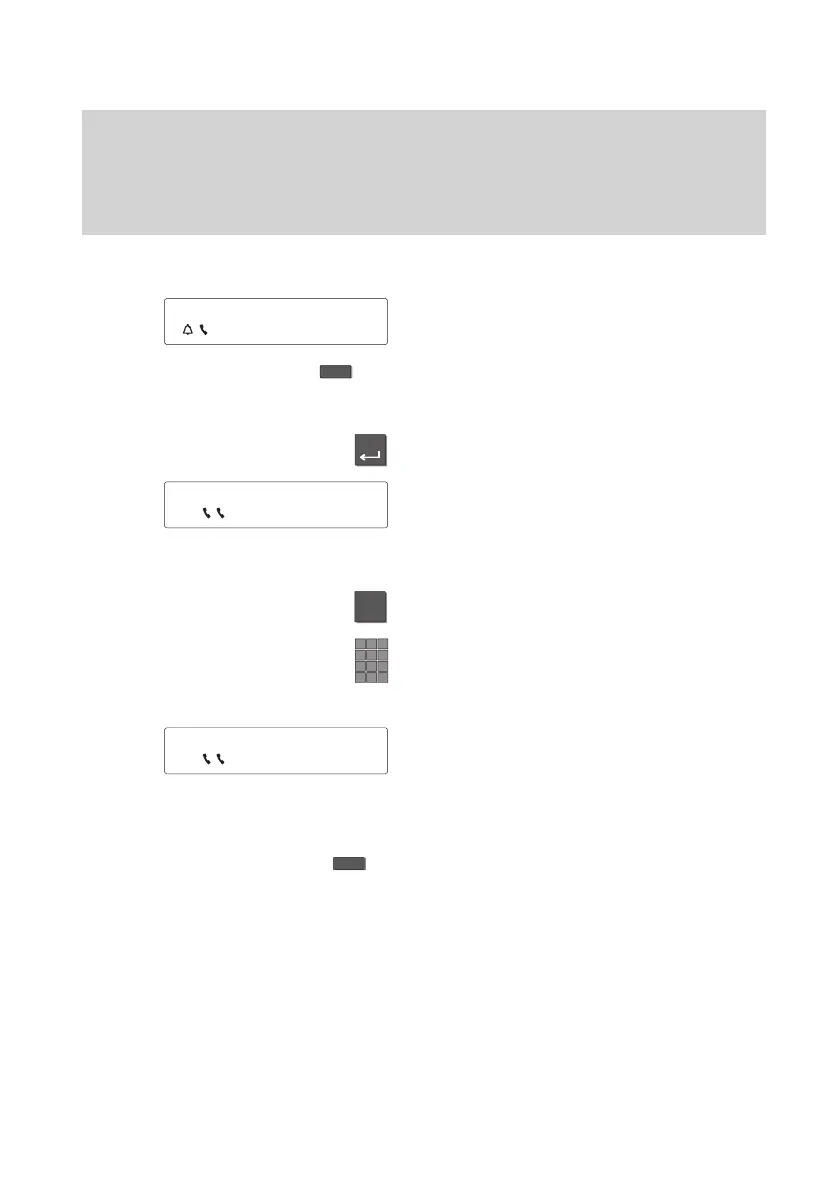
While you are making a call you receive an
additional call. Y
ou will hear an attention
tone.
Press the “Interchange” function key
. Y
ou
will see the call number and name of the
additional caller
.
Press the “Enter” key to answer the addi
-
tional call.
The flashing handset symbol shows that
the first caller is waiting and hears nothing
of your present conversation.
T
o transfer the additional call:
Prepare refer-back by pressing the R key.
Enter the number of the extension to which
you want to transfer the call.
Y
ou can now announce the call. Both
handset symbols are flashing. Y
our first
partner is waiting.
T
ransfer call:
Press the “Transfer” function key
. The call
has been transferred and you can continue
your first conversation.
5595 ±
5594 ±
5593 ±



 To Next Page