M...'Further
functions:
↑
'
Further settings:
'
Set microphone
–
Enter
Setting up the telephone for your own needs
67
Setting
acoustics and contrast
A
If your call partner informs you that the transmission quality is not optimal, you can
change the handsfree–mode settings.
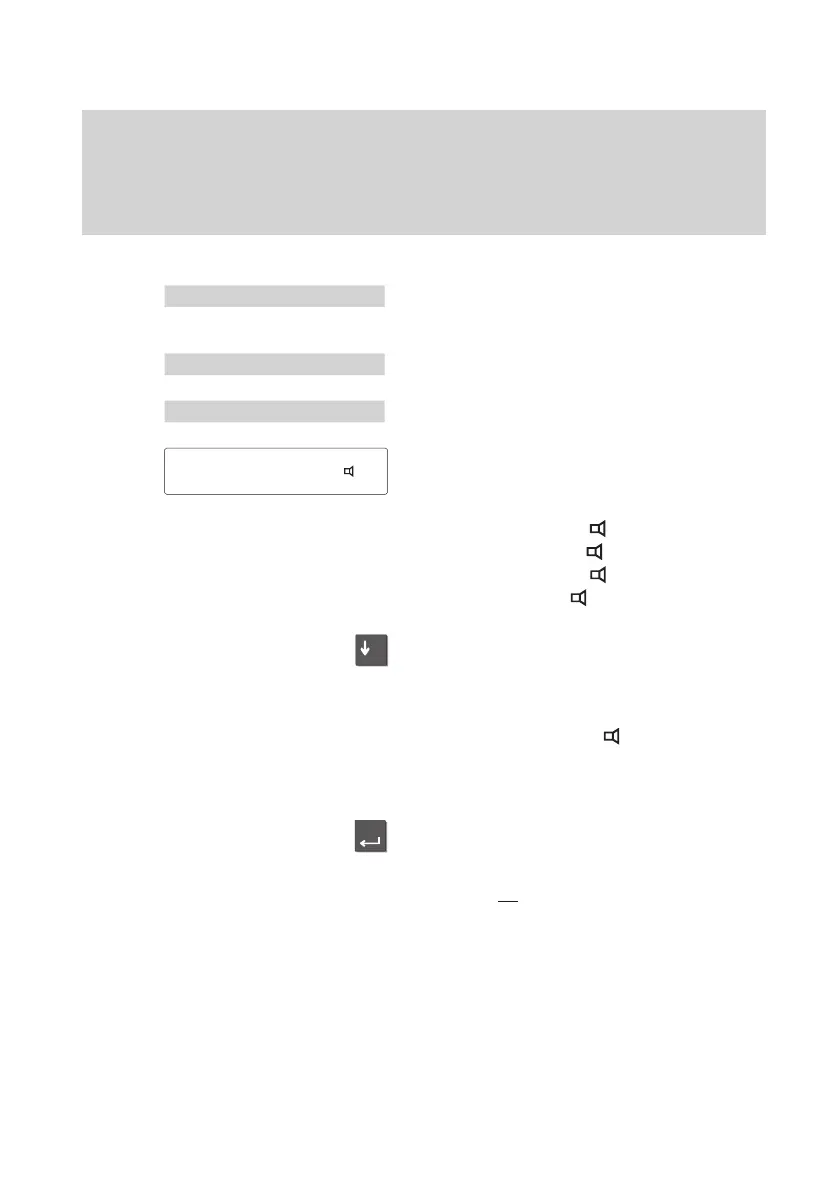
Setting handsfree mode (fixed setting)
Select “Further functions” in the main
menu.
Select “Further settings”.
Select „Set microphone“.
The current setting is displayed.
Select one of the following four settings for
handsfree mode:
– “Of
fice normal, Ext.
”
– “Of
fice normal, T
el.
”
– “Of
fice muf
fled, T
el.
”
– “Of
fice echo, T
el.
”
Scroll
to the desired setting to adapt hands
-
free mode to your surroundings.
Note:
The “Of
fice normal, Ext.
” setting is exclu-
sively for handsfree mode with an auxiliary
loudspeaker (
-).
Press the “Enter” key to confirm the set
-
ting.
The new setting is then saved as the fixed
setting for
all
calls.
Office
normal, Tel.



 To Next Page