M...'
Further functions:
↑
'
Further settings:
'Silence
Enter
–
Enter
Setting up the telephone for your own needs
66
Specifying
audio, contrast and do not disturb
"
Silencing
the telephone
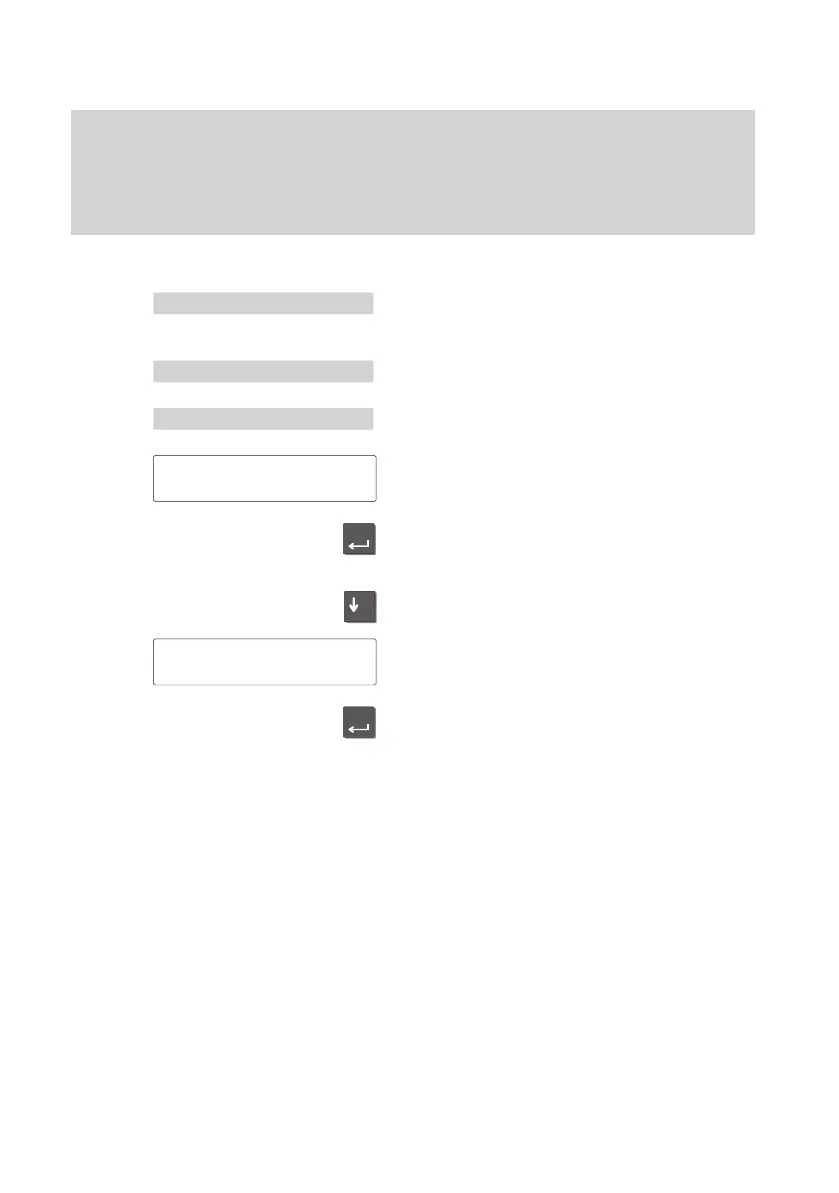
Select “Further functions“ in the main
menu.
Select “Further settings”.
Select “Silence”.
The current setting is displayed.
Use the “Enter” key to switch the ringing
tone of
f or back on.
Scroll further to switch the VIP ringing of
f or
back on.
The current setting is displayed.
Use the “Enter” key to switch the VIP rin
-
ging tone of
f or back on.
Ringing
tone
on ↓
VIP
ringing
on



 To Next Page