MIC IP ultra 7100i │ MIC IP starlight 7100i (Optional) Canting the Camera | en 41
Bosch Security Systems Installation Manual 2019-12 | 1.2 |
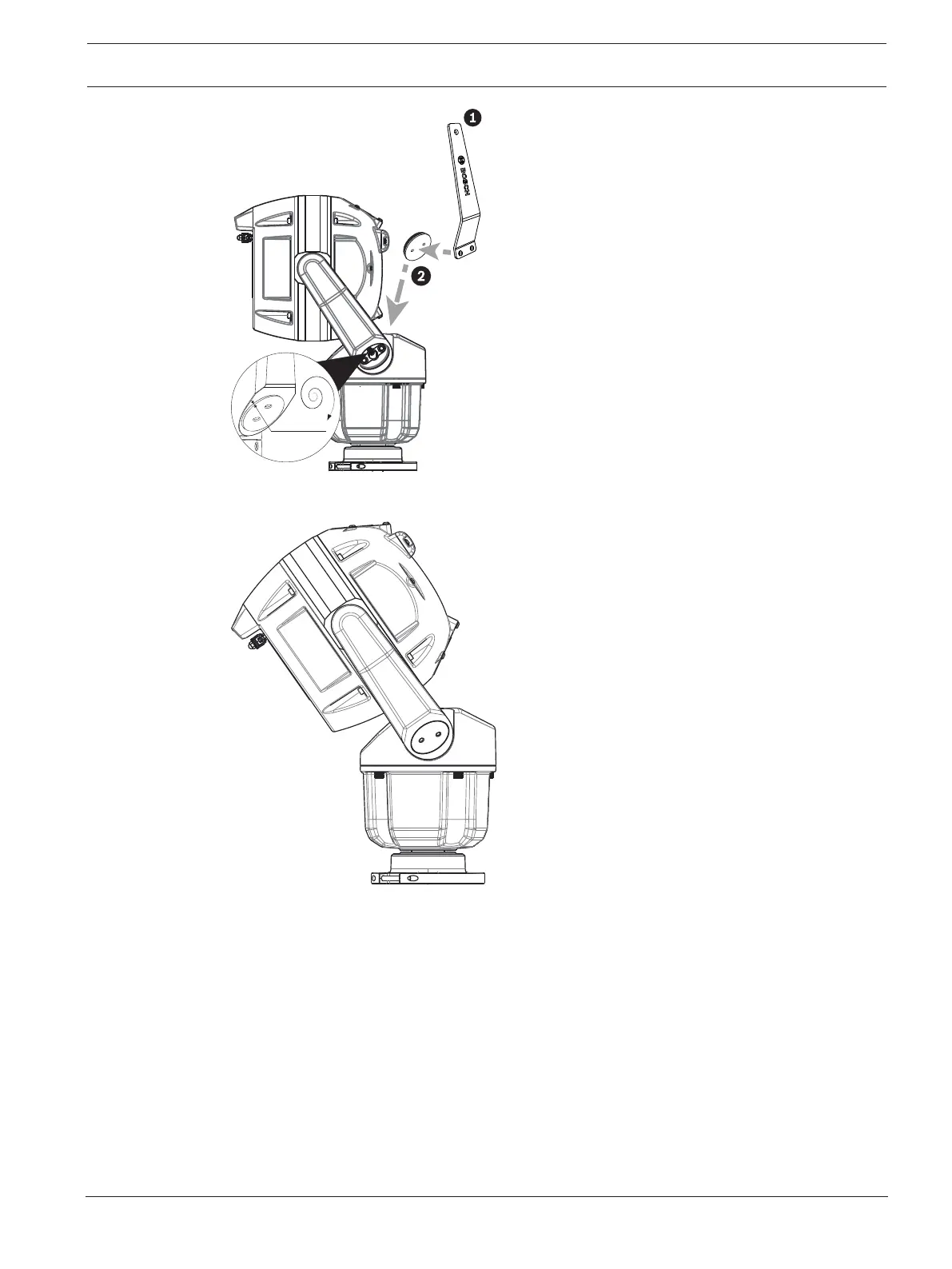
Figure12.5: Attach the yoke caps.
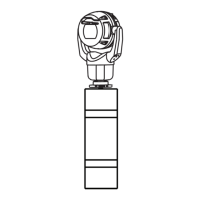
10. Canting is complete.
Figure12.6: Canting is complete.
11. Change the camera orientation to “Canted.” Complete the following steps:
– Access the page Configuration.
– Navigate to Camera > Installer Menu > Orientation.
– Select “Canted.”









 To Next Page