en | 85
en
4.5.2 Telephone
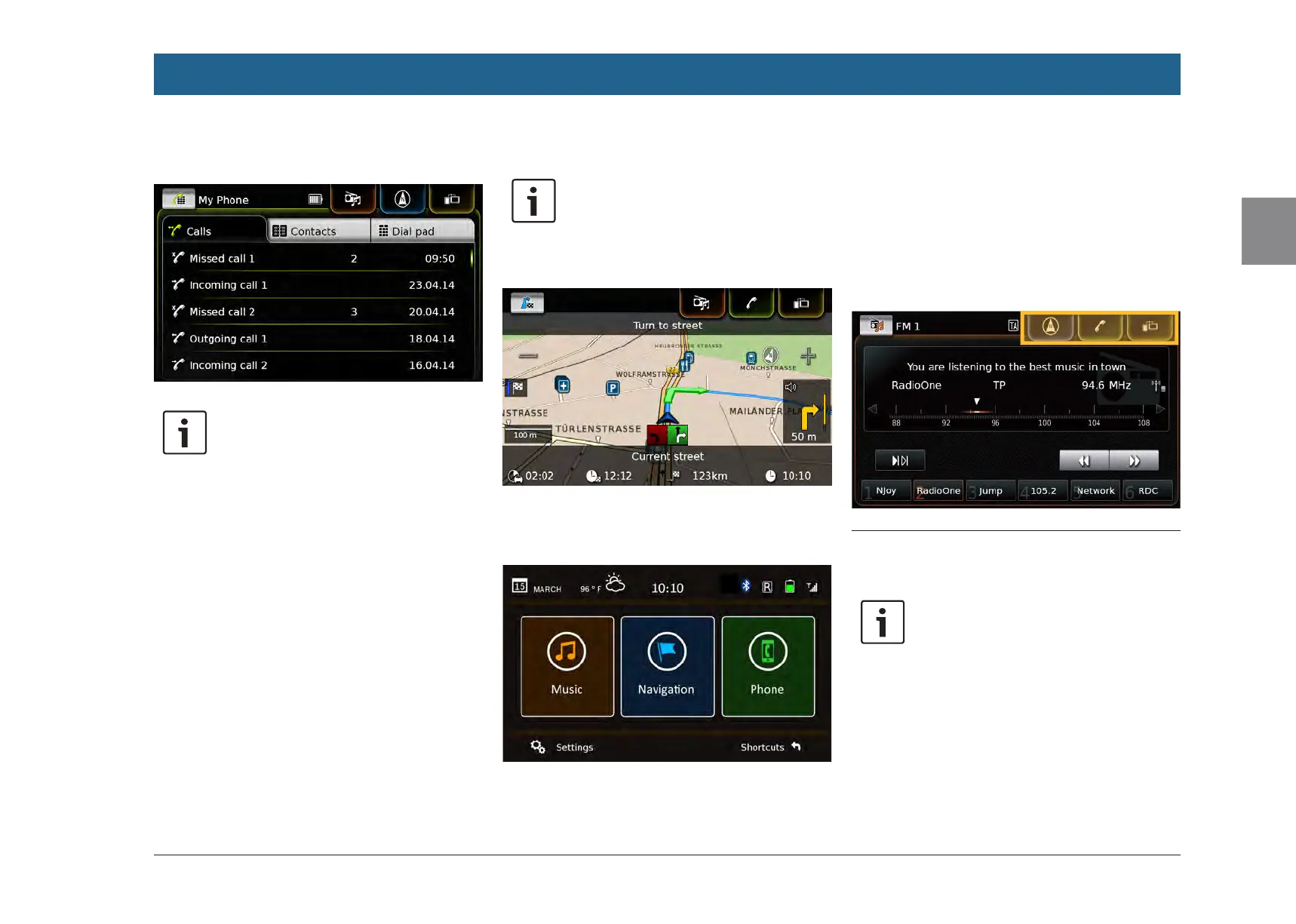
Phone menu, Calls list:
Note:
If provided by your mobile phone, the
Calls list will show the number or
contact name of the caller.
4.5.3 Navigation
Note:
Only if your device is equipped with a
navigation system.
Map view:
4.5.4 Smartphone integration
Display of the active application (example):
4.5.5 Switching between the dis-
plays of the main operating
modes
You can switch from the display of one main
operating mode directly to the display of
another main operating mode:
f Tap the corresponding button at the top edge
of the display.
4.6 Enabling the keypad lock while
driving
Note:
When the Lock keypad while driving
setting is enabled, certain features of
the device’s navigation and smart-
phone integration functions are disa-
bled to avoid driver distraction.
You can set whether the keypad should be disa-
bled for destination input while the vehicle is
moving. If the keypad lock is activated, you will
Operation


 To Next Page