en | 91
en
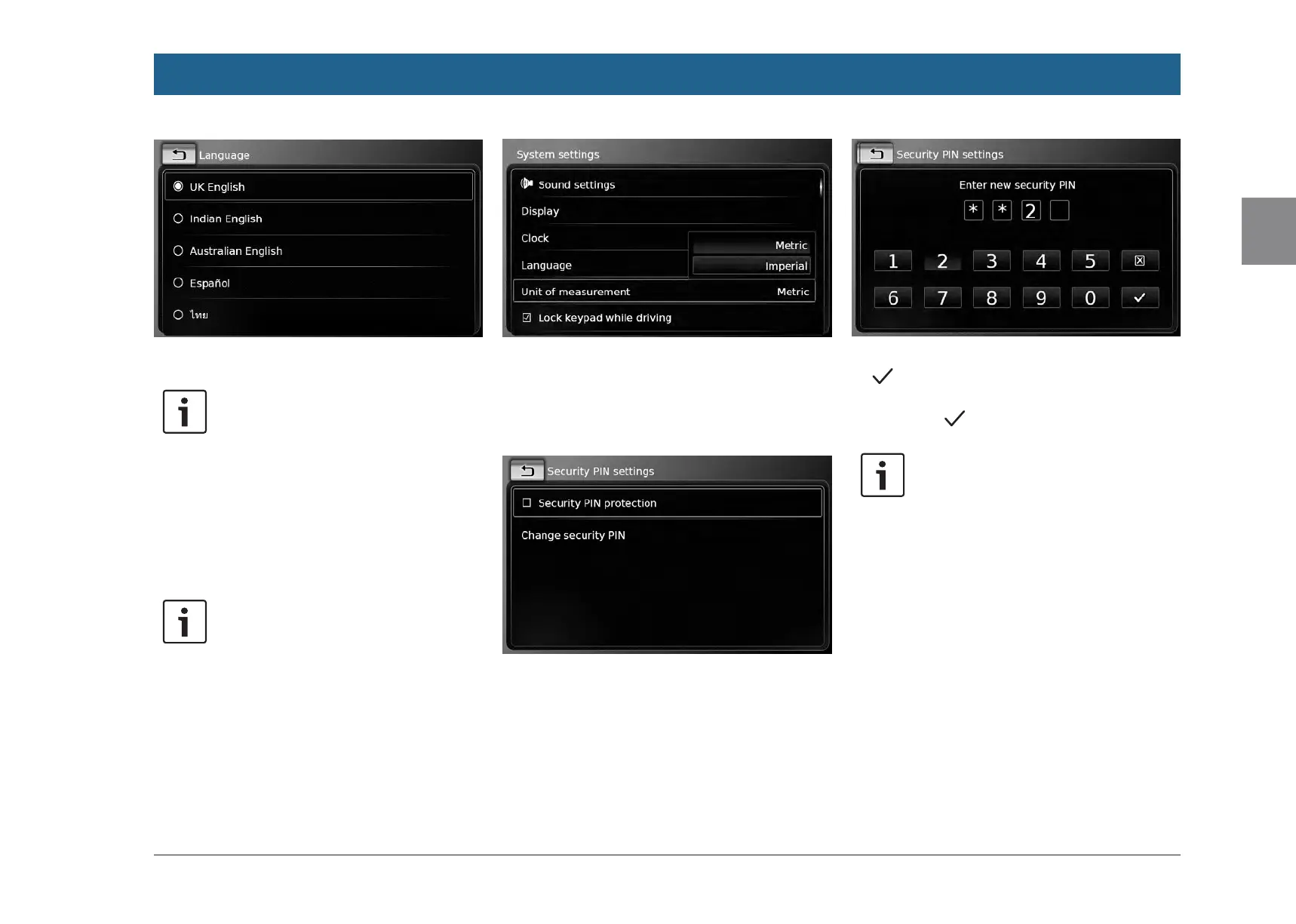
f Tap the desired language.
Note:
To scroll through the available lan-
guages, touch the list area and swipe
up or down.
4.10.3
Selecting the system of meas-
urement
The device can use metric or imperial units of
measurement.
Note:
The selected system of measurement is
used by the navigation system.
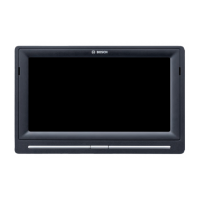
f In the system settings, tap Unit of measure-
ment.
f Tap the desired option: Metric or Imperial.
4.10.4
Security PIN protection – on/
off
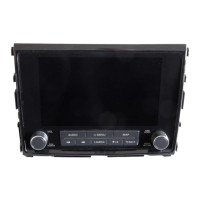
f In the system settings, tap Security PIN.
f Tap Security PIN protection.
Security PIN protection is enabled when the
check mark is displayed in the checkbox.
If you enable security PIN protection, you will be
prompted to enter a new security PIN for the
device.
f Enter a four-digit device security PIN and tap
.
f Enter the new security PIN again to confirm
it, and tap
.
Note:
If the security PIN you entered as con-
firmation differs, a notification is dis-
played, and you can enter the new
security PIN again, starting from the
very beginning.
Operation


 To Next Page