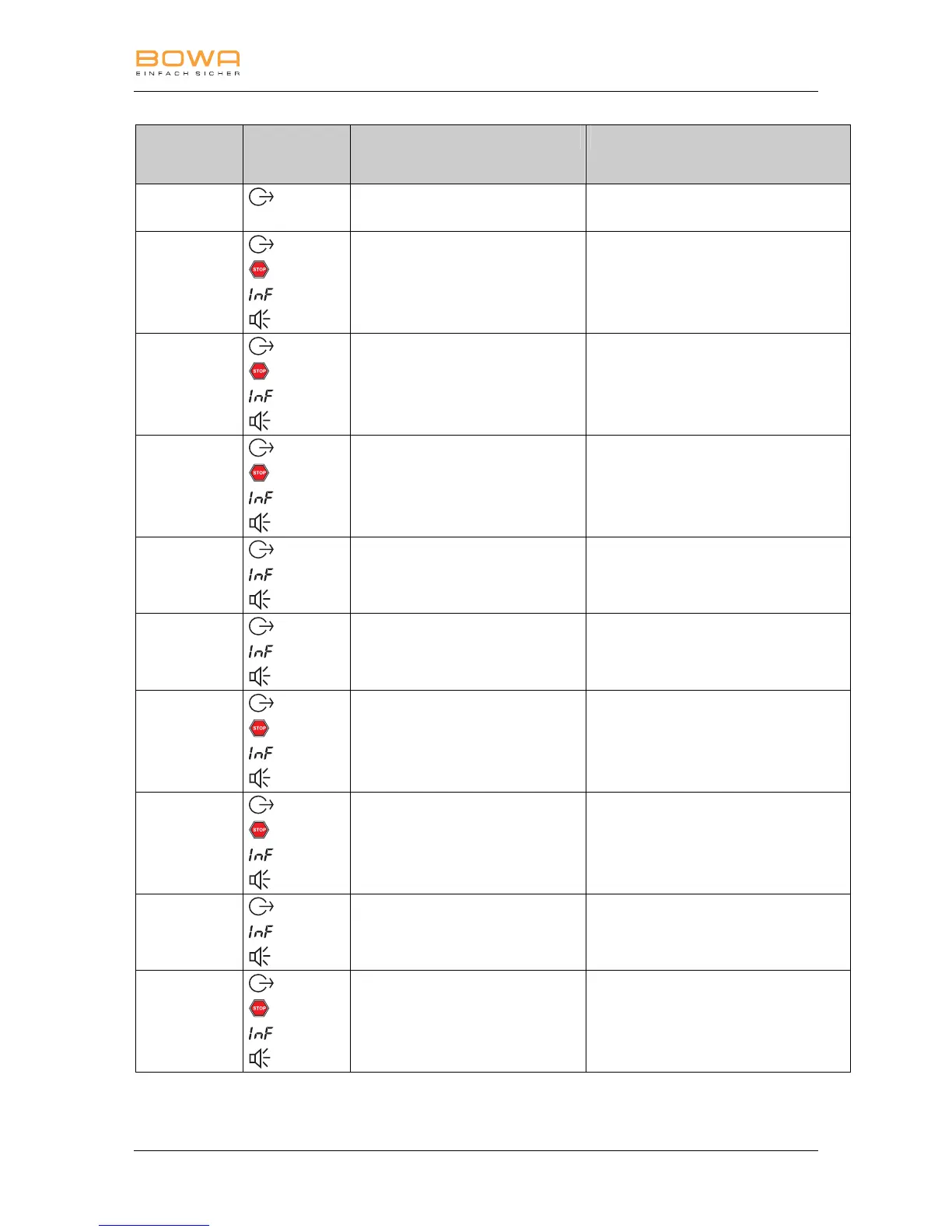
7 Detecting and correcting errors
900-350_IFU_V2.6_10296-S13-20100111-EN ARC 300 / ARC 350 Operating manual 65
Error no.
(INF)
Signa-
ls/System
events
Cause Corrective measures
1
Defective cable or output set too low
X Check/Replace the cable.
X Set the output higher.
2
Defective cable or output set too low
X Check/Replace the cable.
X Set the output higher.
11
Constant power is output at a constant
resistance over a longer period.
X Check the connection and the
accessories.
40
Additional device ARC PLUS not
connected / not switched on / offline
X Switch the additional device ARC
PLUS on.
X Check the connection to the interface.
43
Key on front plate pressed when
switching on the unit
X Switch on the device using the on/off
switch 33 and do not actuate any
other operating elements at the same
time.
44
Finger or foot switch activation is
pending when the device is switched
on
X Switch on the device using the on/off
switch 33 and do not actuate any
other operating elements at the same
time.
45
Both keys of the handpiece have been
actuated at the same time
X Press only one key of the handpiece
at a time.
46
Both pedals of the double-pedal foot
switch have been activated
simultaneously
X Activate only one pedal of the double-
pedal foot switch.
47
No power set for the activated output
X Set the power for the activated output.
49
Connection socket activated via finger
and foot switches
At the end of activation a different
activation signal is pending for the
same socket
X Activate the output via the finger or
foot switch one after the other.



 To Next Page