7 Detecting and correcting errors
64 ARC 300 / ARC 350 Operating manual 900-350_IFU_V2.6_10296-S13-20100111-EN
7. Detecting and correcting errors
Two types of errors can occur:
• system errors
• errors in the EASY monitoring
Pos: 41 /679-BOWA/ARC 300/35 0/8 Fehler/8.1 Sy stem-Fehler-Anzeigen @ 4\ mod_1261040656694_6. doc @ 35147 @ 232
7.1. System- errors
When a system error occurs, the error indicator 18 lights up red. “INF”
appears on the display “Monopolar Cut” 2 and a one to three digit error
code on the display “Monopolar Coag” 9.
7.1.1. Error list
Optical and acoustic signals indicating errors
The error messages are accompanied by optical and acoustic signals.
Furthermore, the generator cancels activation if certain errors occur and
the system is reset.
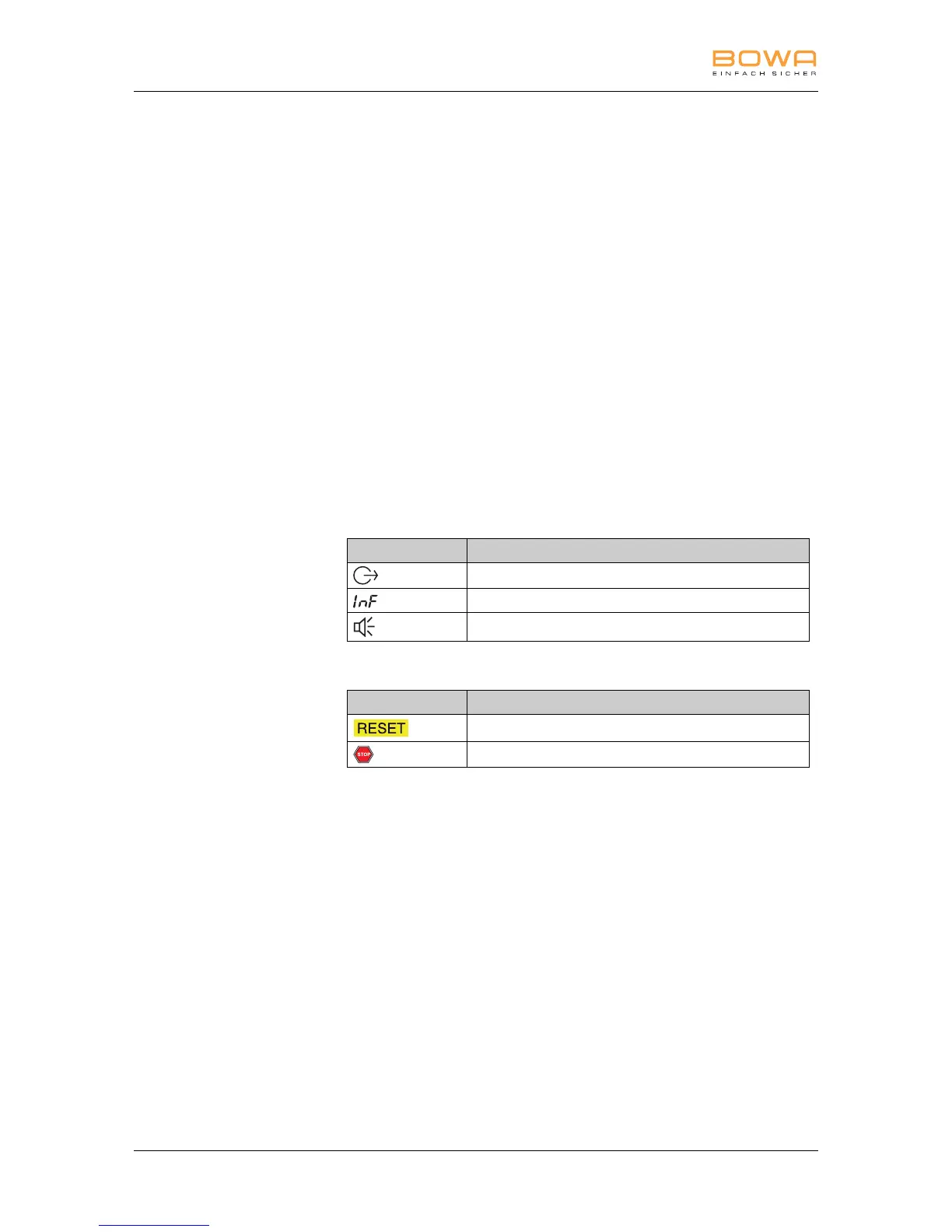
Optical and acoustic signals:
Signals Designation
“Output error” indicator lights up red
Display and storage of the message number
Acoustic warning signal sounds
System events:
System events Designation
System reset
Generator cancels activation



 To Next Page