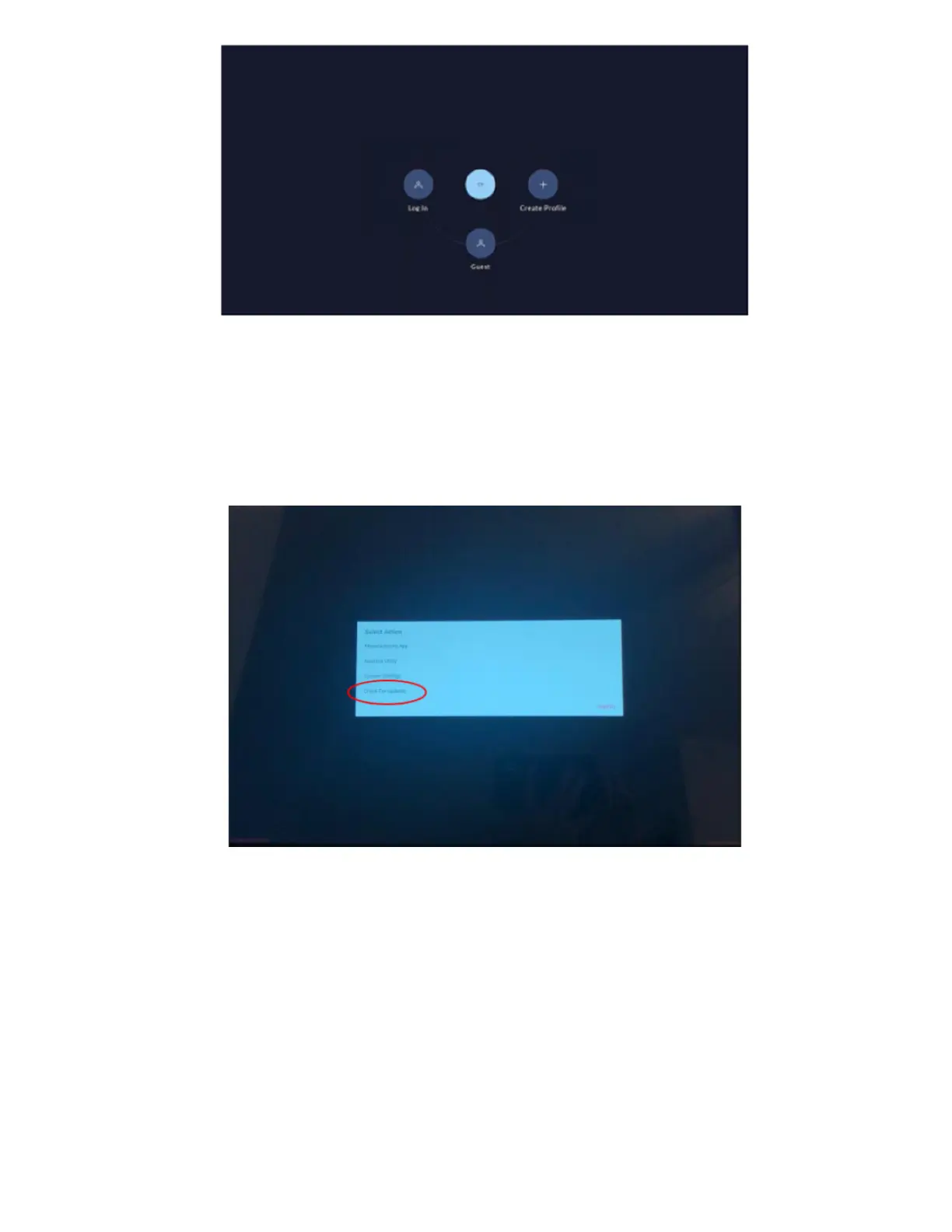
The Log In screen appears after logging out or if you missed the opportunity to access the menu from the previous screen. Tap the upper
right corner 10 times within 3 seconds to access the menu to force an update.
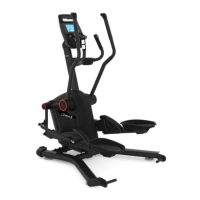
2. In the menu that appears, select “Check for updates" (reference 1.3 and 1.4). Allow the updates to download and
install. Your machine will restart once all updates are installed. Allow the updates to finish installing once your machin
has rebooted.
(Reference 1.3)
PLACEHOLDER IMAGE UNTIL BETTER RESOLUTION IS AVAILABLE.
Select CHECK FOR UPDATES from the bottom of the menu once it appears.
(Reference 1.4)













 To Next Page