Power Source
AC Power Adapter
10
BMP
®
51 User’s Manual
AC Power Adapter
The printer can be powered through an AC/DC power adapter (optional). When the adapter is
plugged in, it is also charging the BMP-UBP Lithium Ion battery (if installed).
Use only the 18 VDC, 3.3A, Brady AC/DC adapters, shown below, for supplying power
to the BMP
®
51.
Brady AC Adapters
Attaching the Adapter
The printer can be powered through a designated AC power adapter. When the adapter is
plugged in, it will also charge the BMP-UBP Lithium Ion Battery Pack if one is inserted in the
battery compartment. (It will NOT charge AA rechargeable batteries.)
Catalog Number Region
M50-AC North America,
Australia
M50-AC-INTL Europe
M50-AC-AR Argentina
M50-AC-BR Brazil
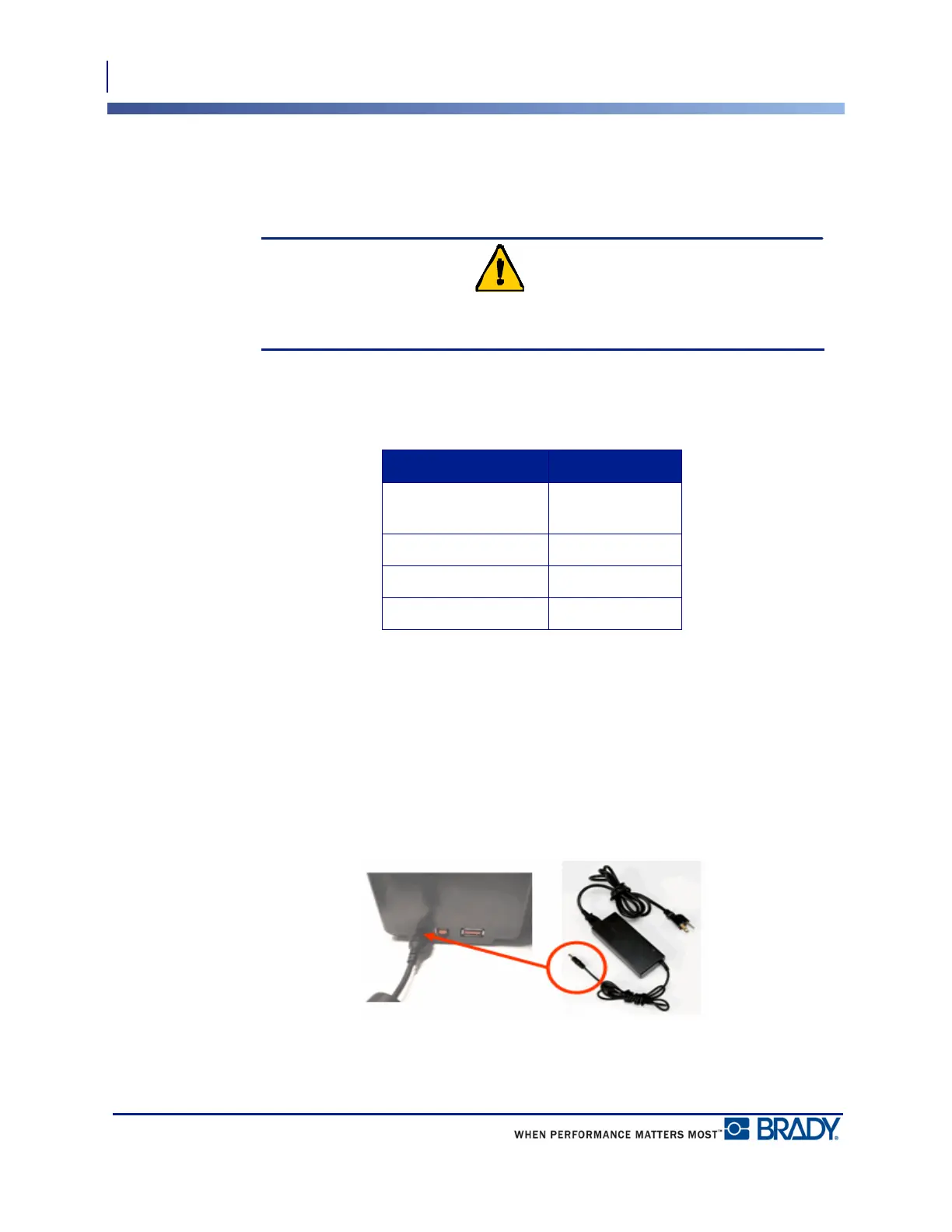
1. Insert the round end of the adapter cable
into the plug-in port on the left side of the
printer.
2. Plug the other end of the cord into an
electrical outlet.



 To Next Page