13
Connecting
Connecting to a PC
BMP
®
51 User’s Manual
Pause/Cut Preference
After the printer driver is installed, access the printer and set the Pause/Cut preference.
1. In Windows, click Start.
2. Choose Settings>Printers and Faxes.
3. In the list of available printers, right click BMP51 and choose Printing Preferences.
The Layout tab of Printing Preferences displays.
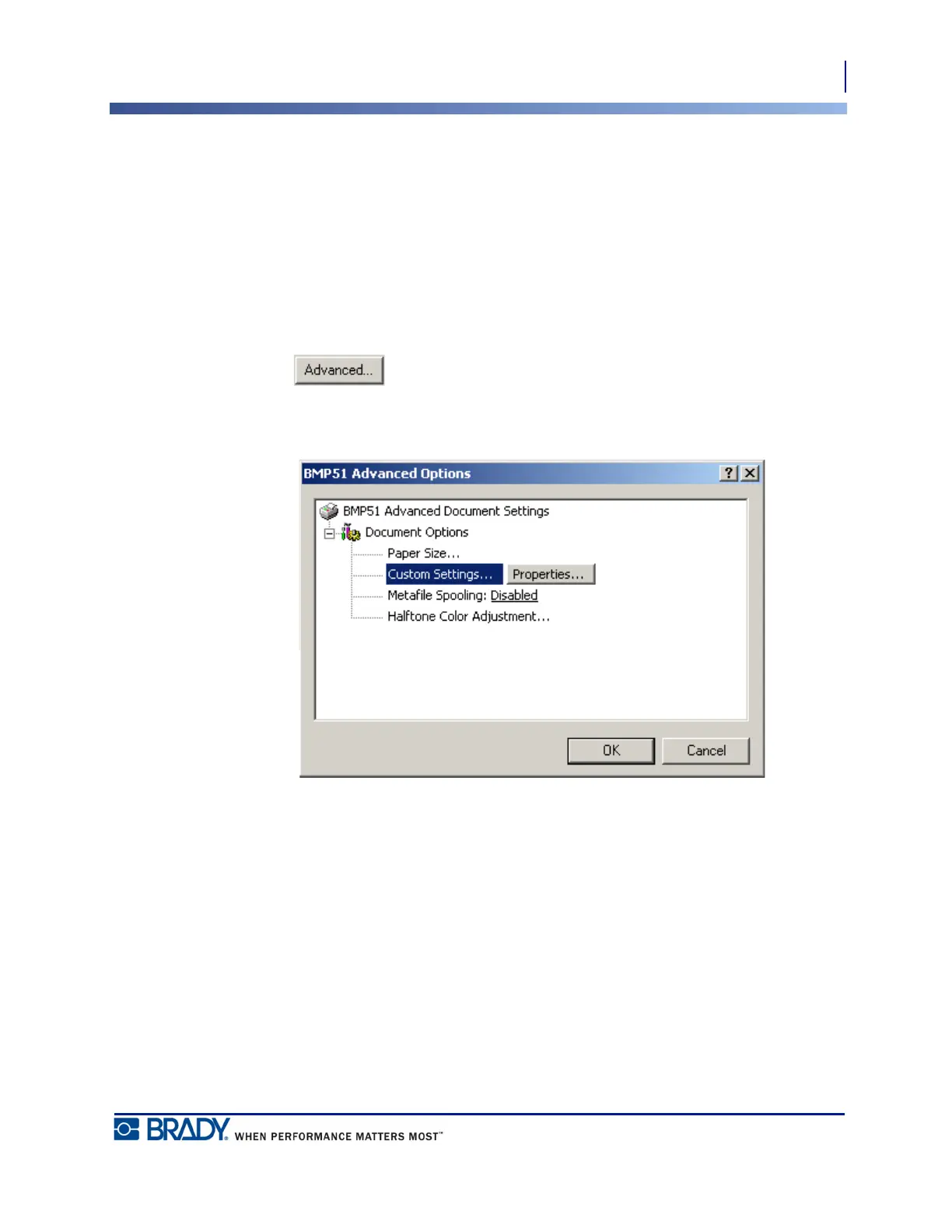
4. Click button.
5. On the Advanced Options screen, click Properties button for Custom Settings.



 To Next Page