87
Label Types
Accessing a Label Type
BMP
®
51 User’s Manual
Label Types
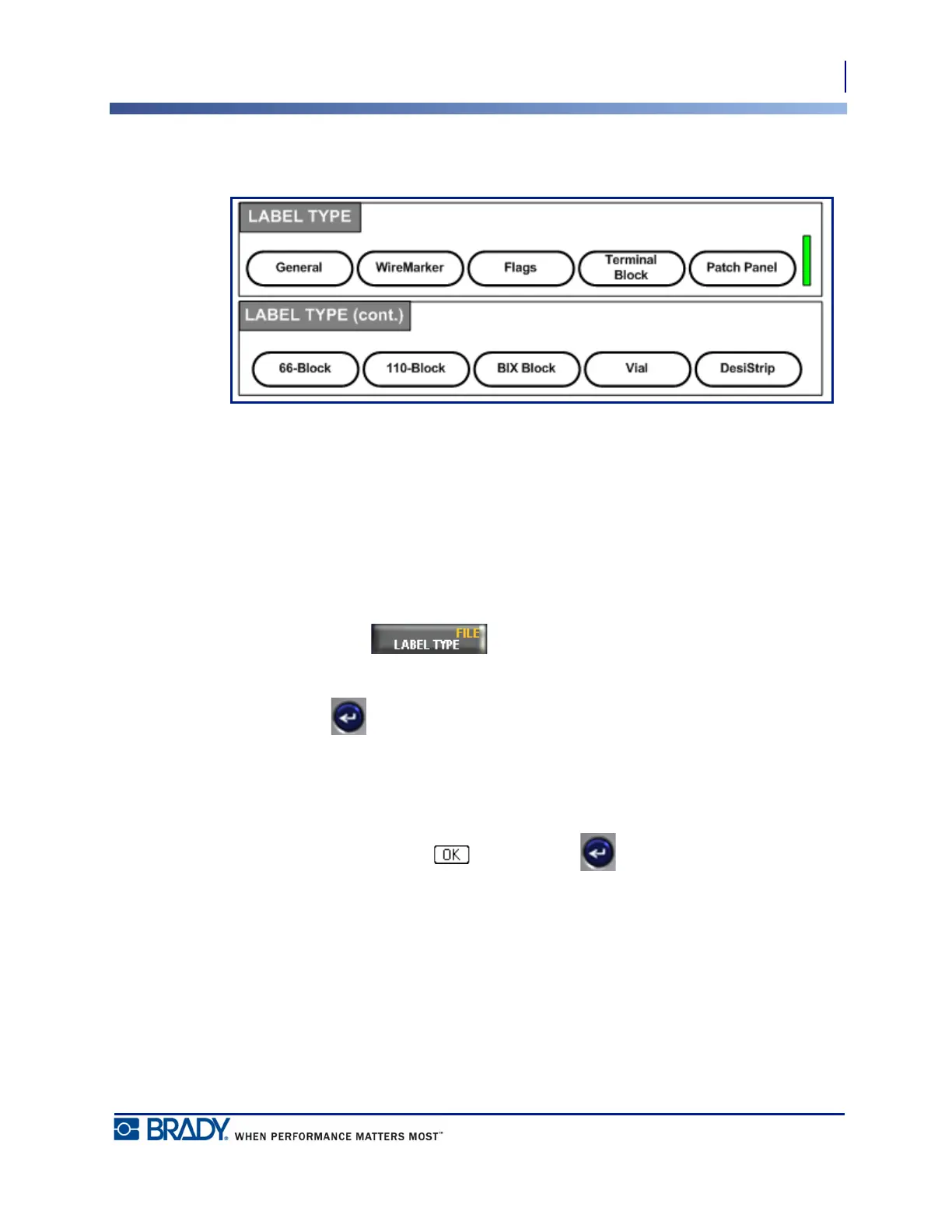
Figure 30 • Label Type menu options
The general editing mode of the BMP51 printer contains standard functions and formats used
for most generic labels. Label types, however, provide templates that guide and control the
layout for specific label formats.
Accessing a Label Type
To work with a label type:
1. Press Label Type .
2. Choose the desired Label Type.
3. Press Enter .
For most label types, a dialog box displays to collect information for automatically formatting
the specific label type.
4. Enter data requested in the dialog box.
5. When finished, navigate to and press Enter .



 To Next Page