51
Labels and Areas
Fixed Length
BMP
®
51 User’s Manual
Fixed Length
If using continuous media, the label length will be as long as necessary to accommodate the
font size and attributes applied to the label. However, you can set the length of the media to a
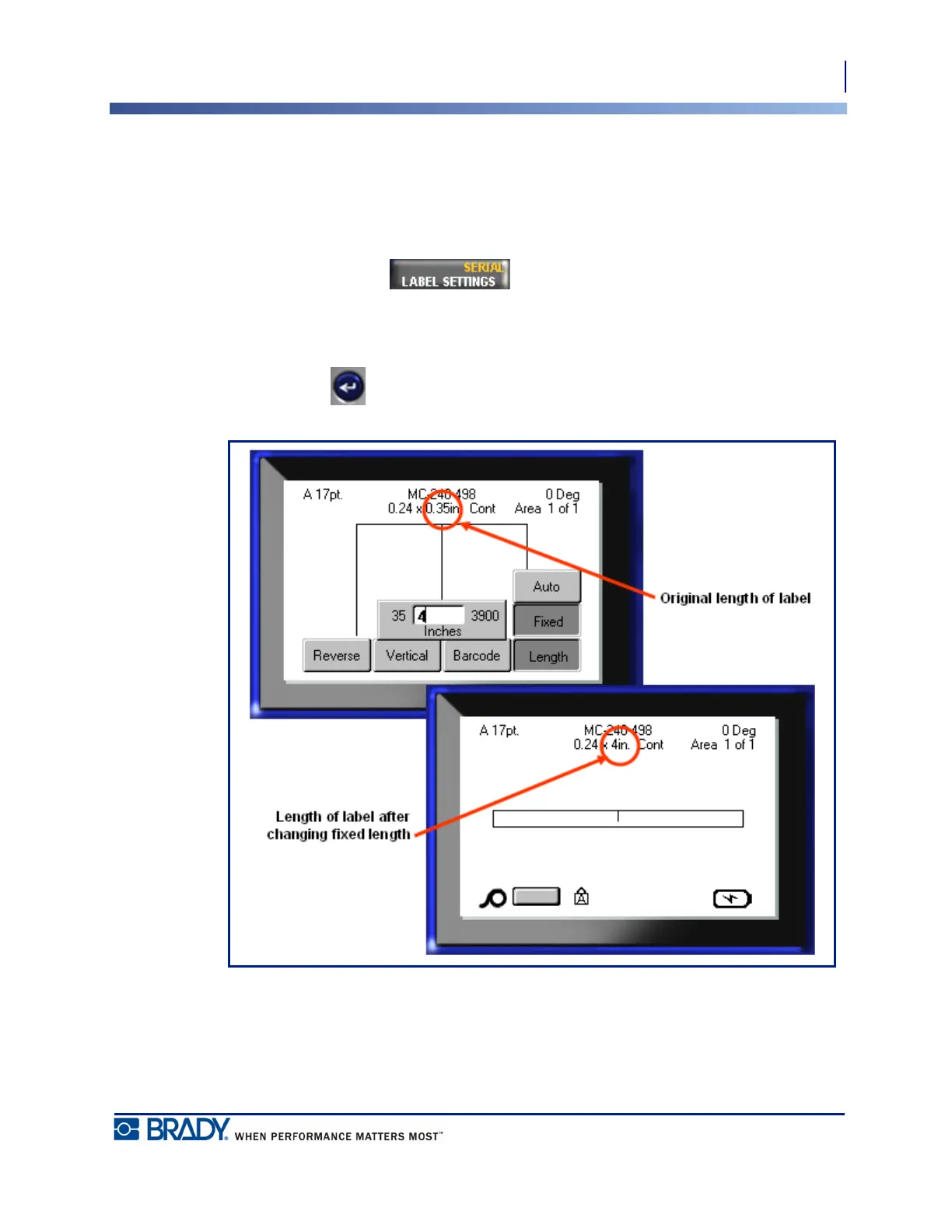
fixed length. To set a fixed length for continuous media:
1. Press Label Settings .
2. Navigate to Length>Fixed.
3. Enter the desired fixed length in the pop-up field.
4. Press Enter .
Figure 18 • Adding a fixed length



 To Next Page