Dialog Boxes
Drop Down Field Lists
26
BMP
®
51 User’s Manual
Drop Down Field Lists
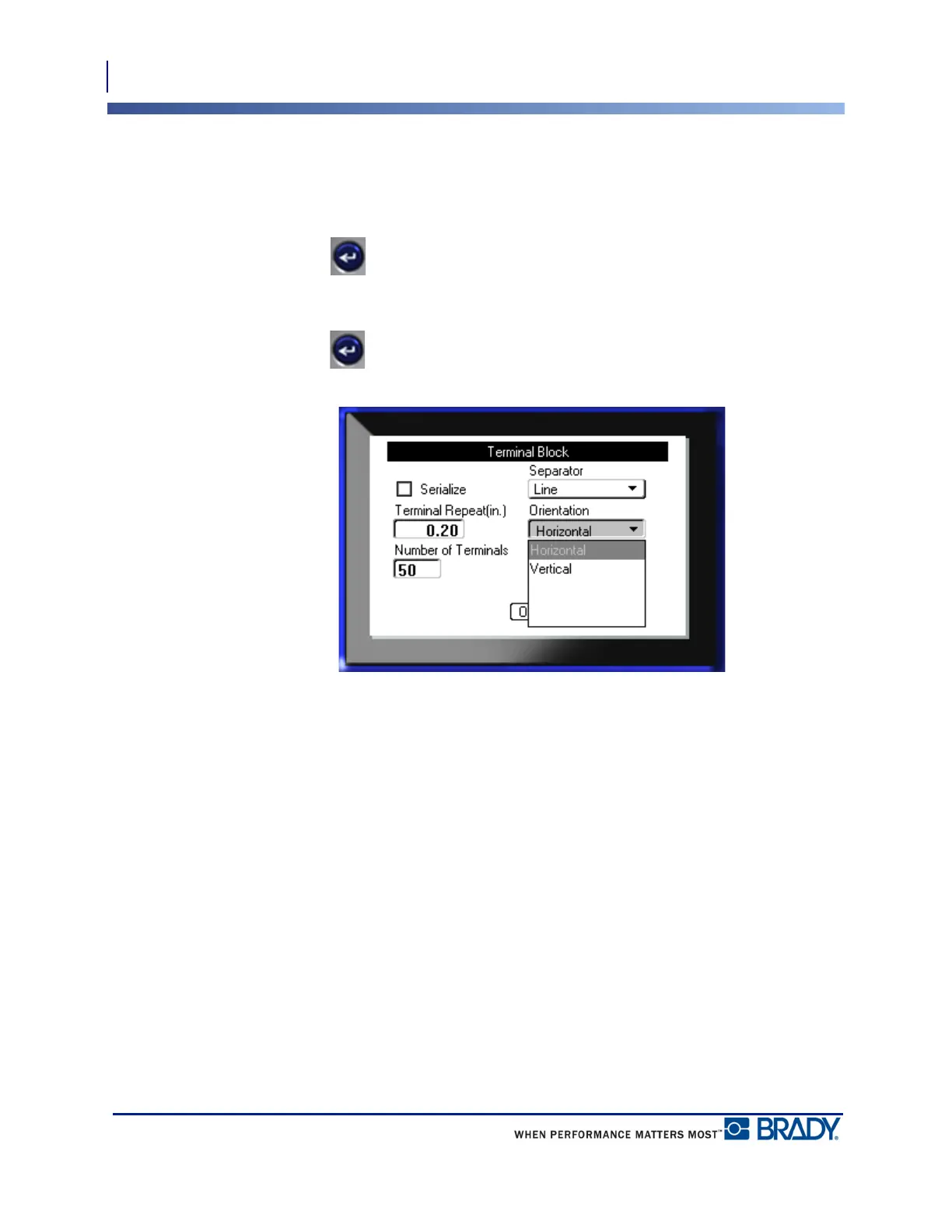
If a field has a drop down list associated with it, a small arrow displays on the right side of the
field. To select an option from the drop down list:
1. Press Enter to open the drop down list.
2. Use up/down navigation keys to highlight the desired option.
3. Press Enter to select the option.
Figure 3 • Drop down fields



 To Next Page