83
Printing
Print Preview
BMP
®
51 User’s Manual
Scrolling in Print Preview
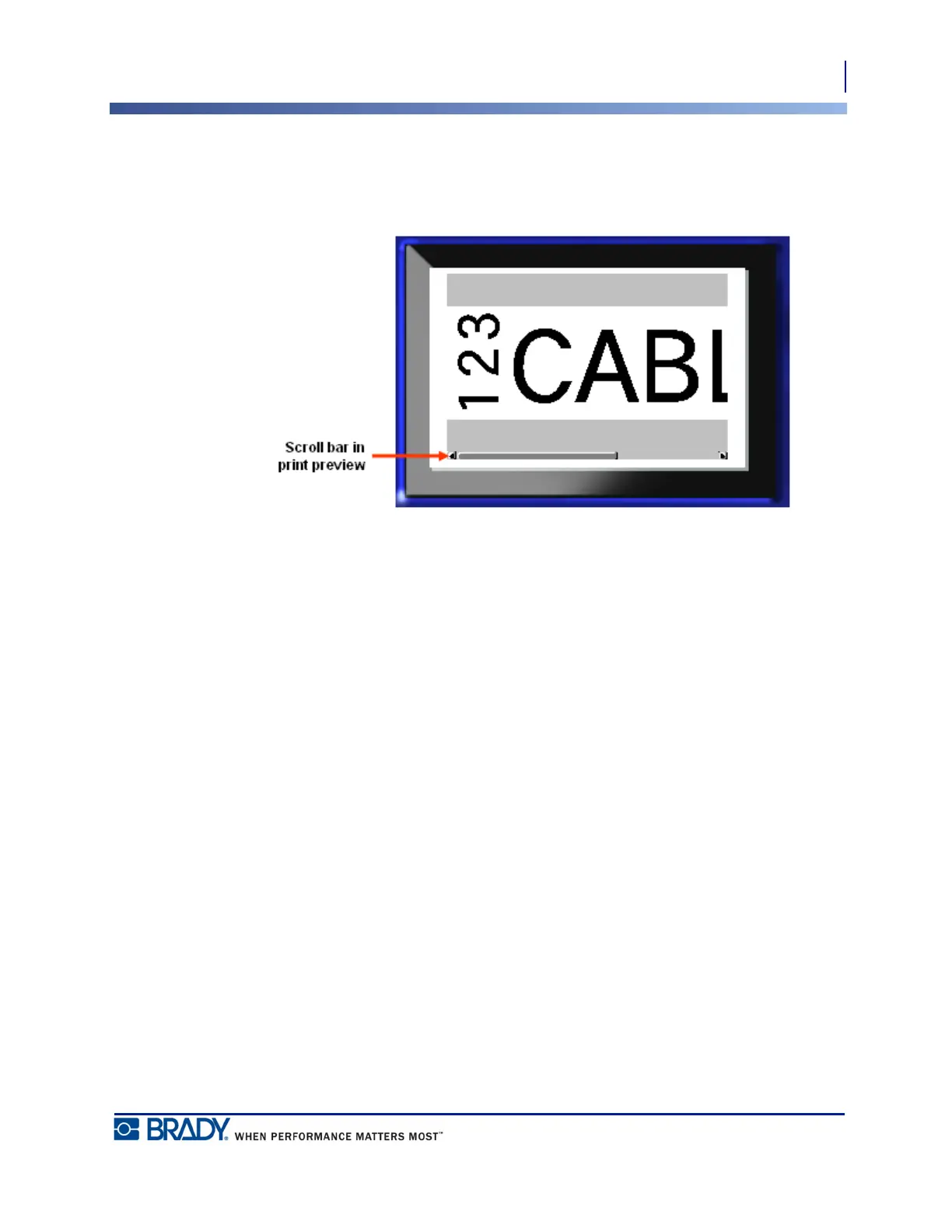
If a label file is particularly long it may not be completely visible on one screen in print
preview. The Print Preview screen displays a scroll bar indicating there is more data to view.
To scroll through a preview of a long label:
1. Press Left/Right navigation keys, as applicable.
Scrolling in Multi-Area Preview
When using serialization, multiple area are created. To scroll through the different labels in
print preview:
1. Press Up/Down navigation keys, as applicable.



 To Next Page