29
Dialog Boxes
Cancel a Menu or Dialog Box
BMP
®
51 User’s Manual
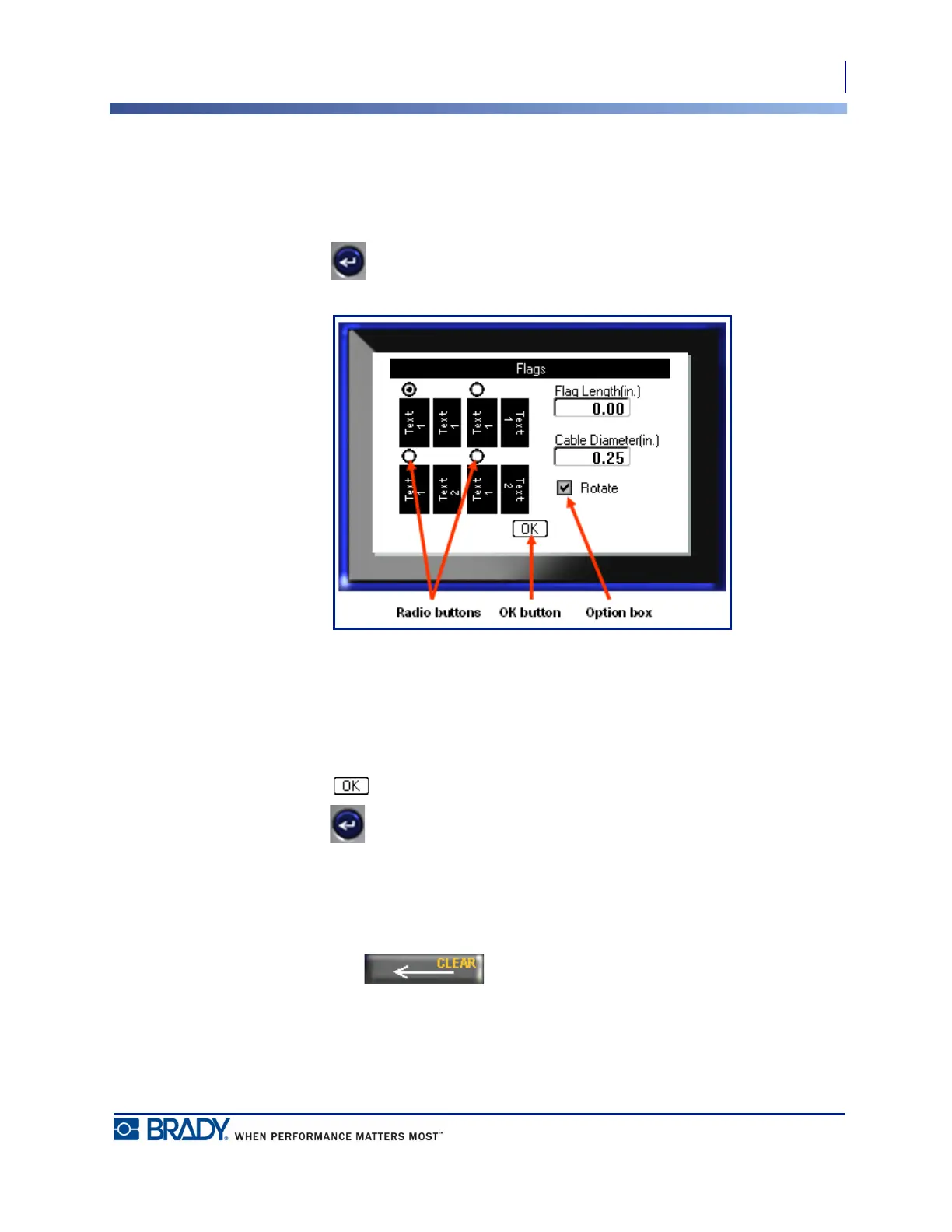
Radio Buttons and Option Boxes
To check or uncheck a radio button or option box:
1. Navigate to the desired option.
2. Press Enter .
Figure 6 • Radio buttons, Option boxes and OK button
Accept Dialog Box Edits
To accept all edits in a dialog box:
1. Navigate to at the bottom of the dialog box.
2. Press Enter .
Cancel a Menu or Dialog Box
To cancel a menu or dialog box, without accepting changes:
1. Press Backspace .



 To Next Page