71
File Management
Save
BMP
®
51 User’s Manual
File Management
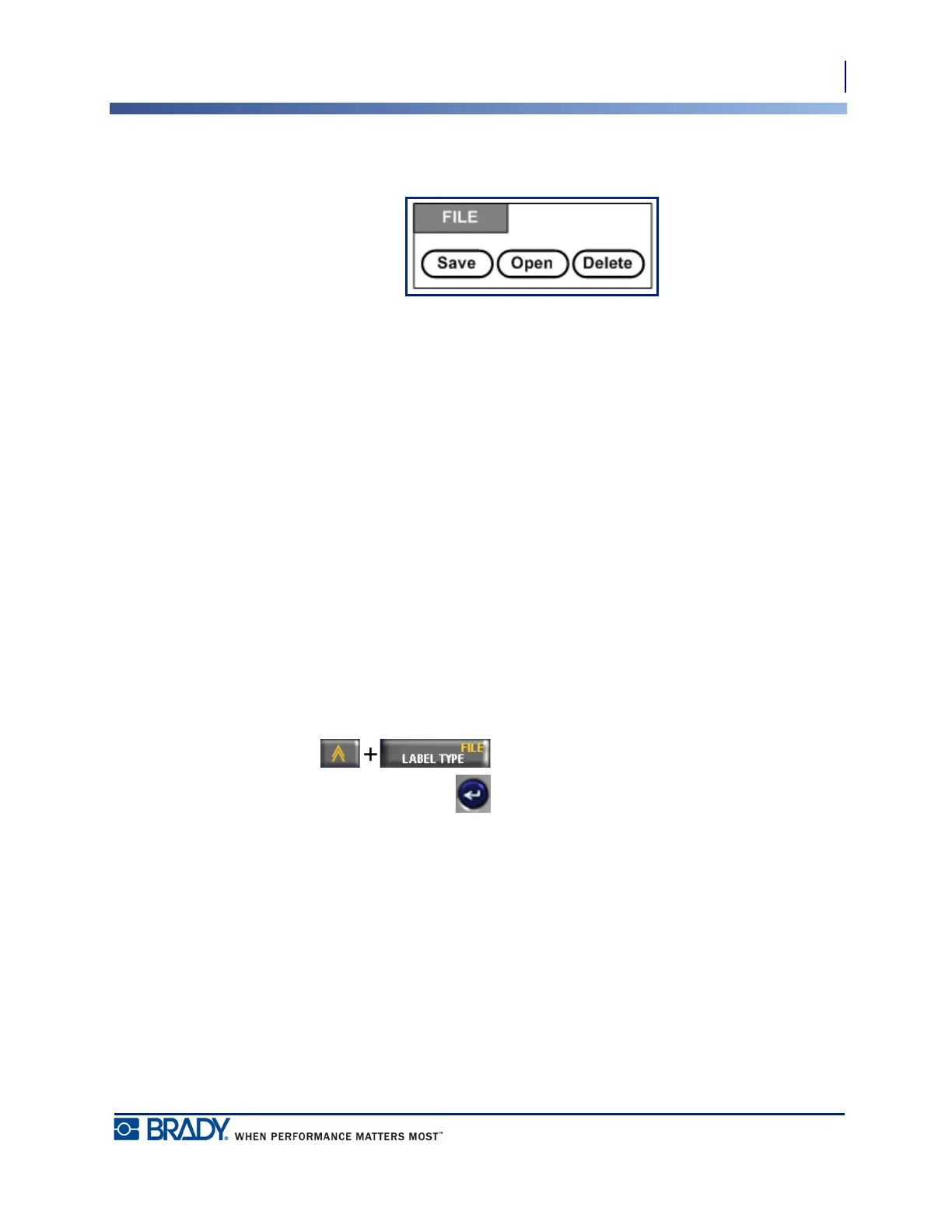
Figure 26 • File menu options
A label can be saved as a file, to be opened and reused at a later date.
File Naming Standards
To create a file on the BMP
®
51 printer, the file must be given a name. Names can be up to 20
characters long and can consist of letters, numbers, and spaces.
When creating files, remember this rule: You cannot have two files with the same name. If you
do, the most recent file with the name will overwrite the previous file with that name. A one-
character difference in the name creates a different file and will not overwrite a previous file.
Save
You can save a file internally on the BMP
®
51 printer or on some external device (such as a
thumb drive). The saved file retains the label data, data attributes, and alignment parameters.
This file is available for reuse whenever needed.
To save labels as a file:
1. Press File .
2. Choose Save, then press Enter .
To save internally (on the BMP
®
51 printer), proceed to Step 4.



 To Next Page