Connecting
Wireless Driver Installation
14
BMP
®
51 User’s Manual
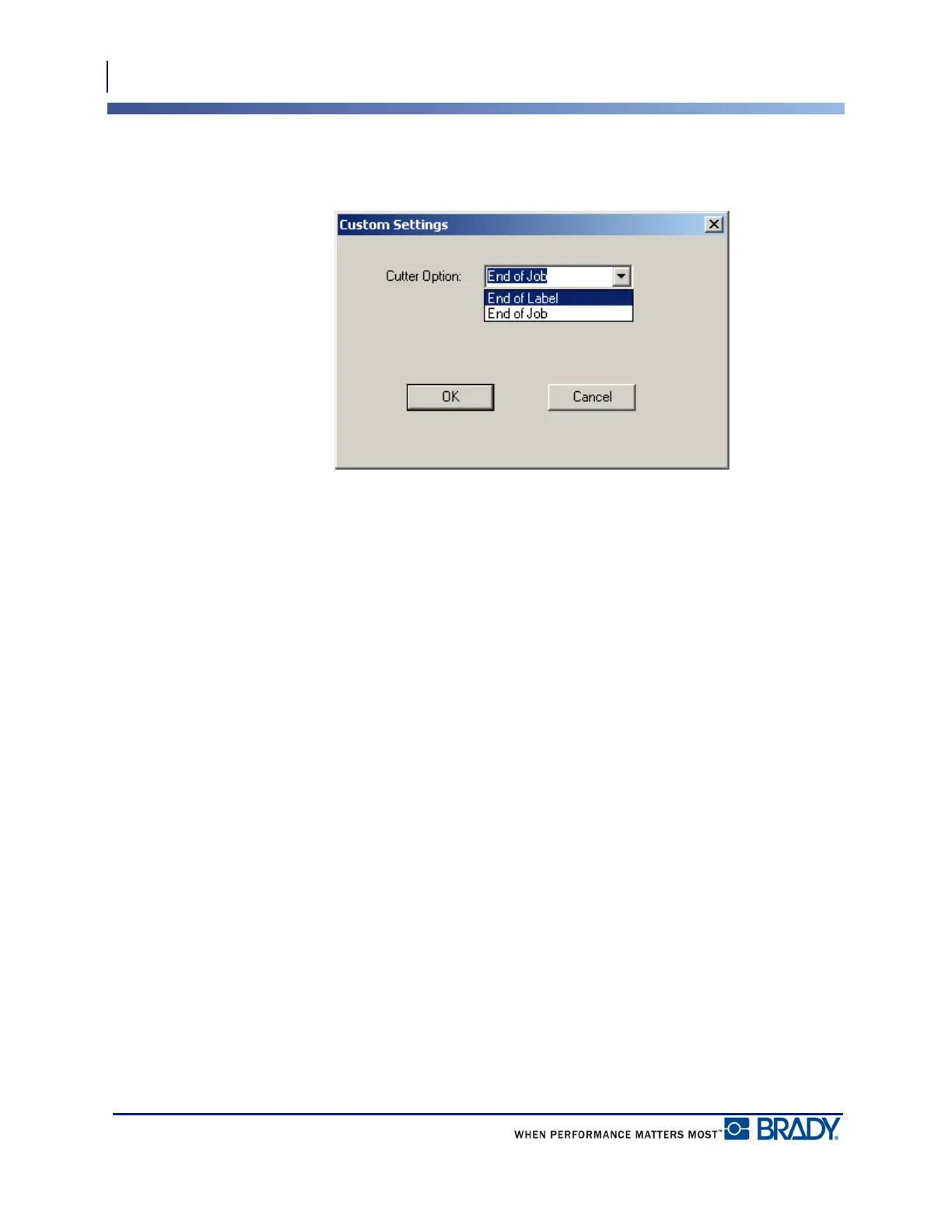
6. On the Custom Settings screen, click the down arrow in Cutter Option field and select if
you want to pause the printer for cutting at the end of each label or at the end of the job.
7. Click OK to accept the changes. (You may have to click OK a number of times as you
back out of the Printing Preferences screens.)
Wireless Driver Installation
The Brady Network Card, USB, and Wireless drivers, along with the driver installation
instructions, can be found on the Brady Printer Drivers CD.
1. Insert the Brady Printer Drivers CD into the CD drive of your computer.
2. Follow the prompts on the screen for installation of a particular driver.



 To Next Page