99
Vial
Accessing a Label Type
BMP
®
51 User’s Manual
Vial
The Vial label type can only be used with continuous media. (If continuous media is not
installed, the Vial menu will not display.) The Vial label type prints the legend numbers at the
bottom of the label, depending on rotation. To create a label using the Vial label type:
1. Press Label Type .
2. Choose Vial>/vial size.
3. Press Enter .
4. Enter the data.
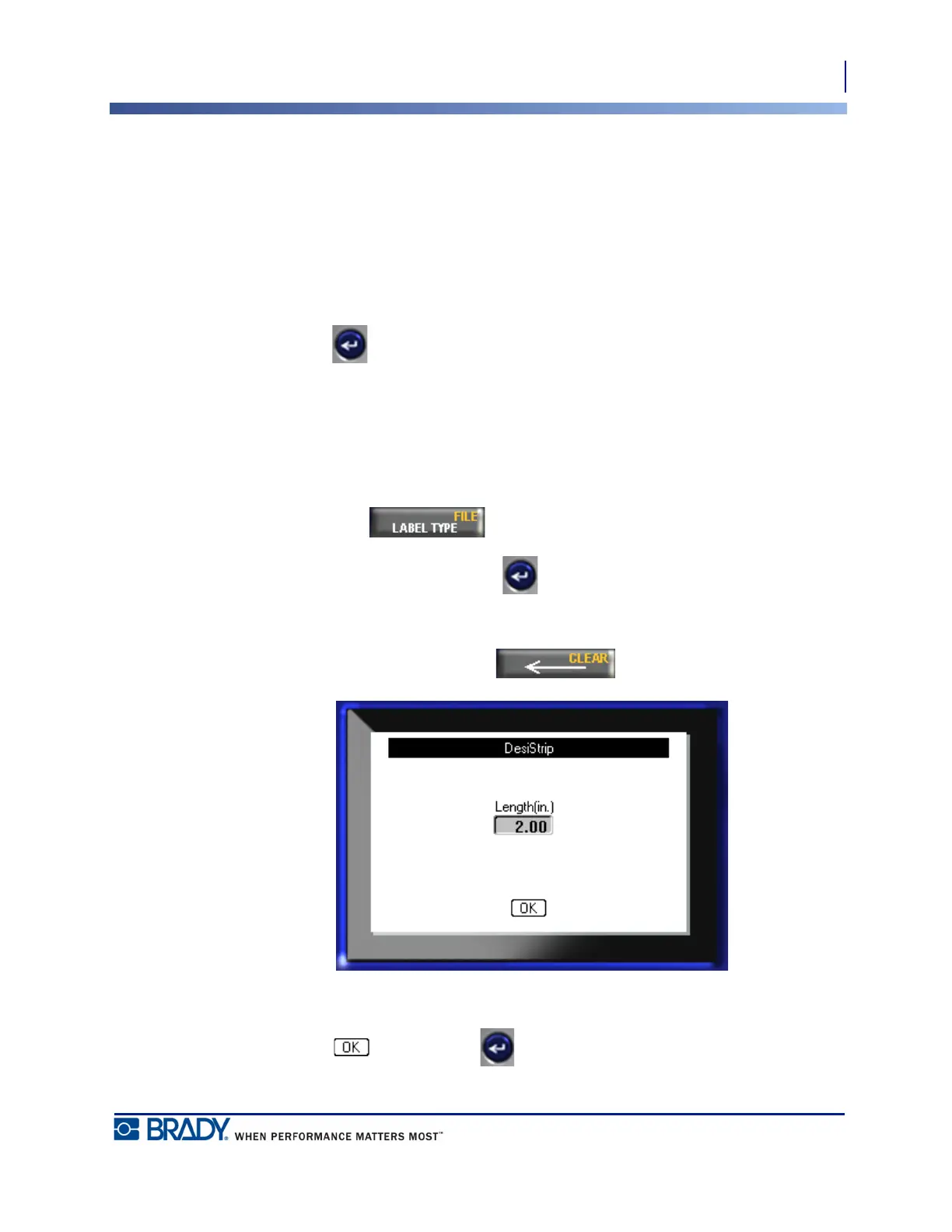
DesiStrip
To create a DesiStrip:
1. Press Label Type .
2. Navigate to DesiStrip and press Enter .
The default length is 1.5 in. To enter a different length:
3. In the Length field, press Backspace to clear the default length.
4. Enter the new length of the individual strip.
5. Navigate to and press Enter .



 To Next Page