21
Keypad
Navigation and Editing Keys
BMP
®
51 User’s Manual
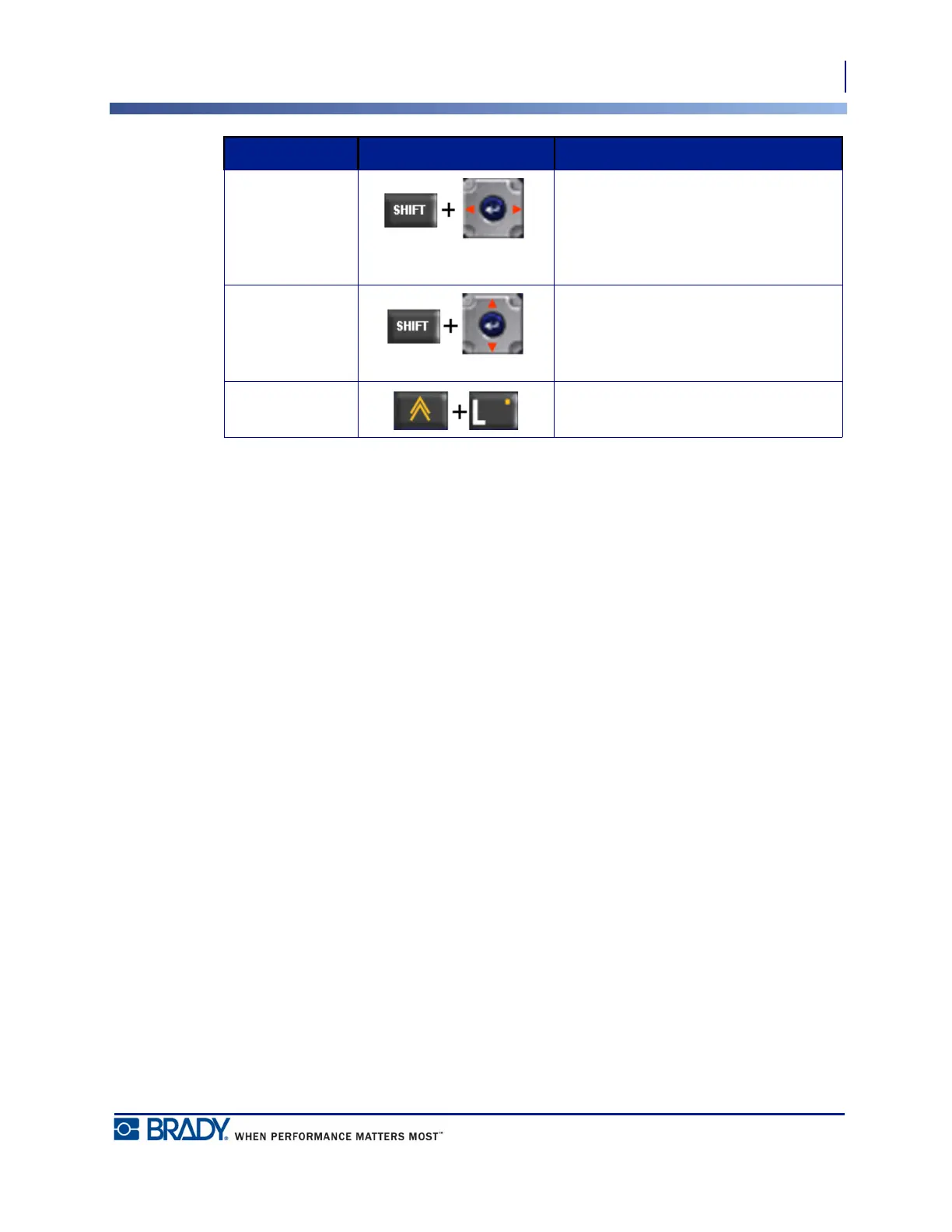
Highlight Text Highlights (selects) text on the editing
screen, left or right a character at a
time, enabling you to add font attributes
(bold, italics, underline) to text already
entered.
Font Size
Increment
On the editing screen, increases or
decreases the font size, a point at a
time. Hold the [SHIFT] key while
pressing the up or down navigation key.
Decimal Point Adds a decimal point or period.
Function Key Description



 To Next Page