77
File Management
Open a File
BMP
®
51 User’s Manual
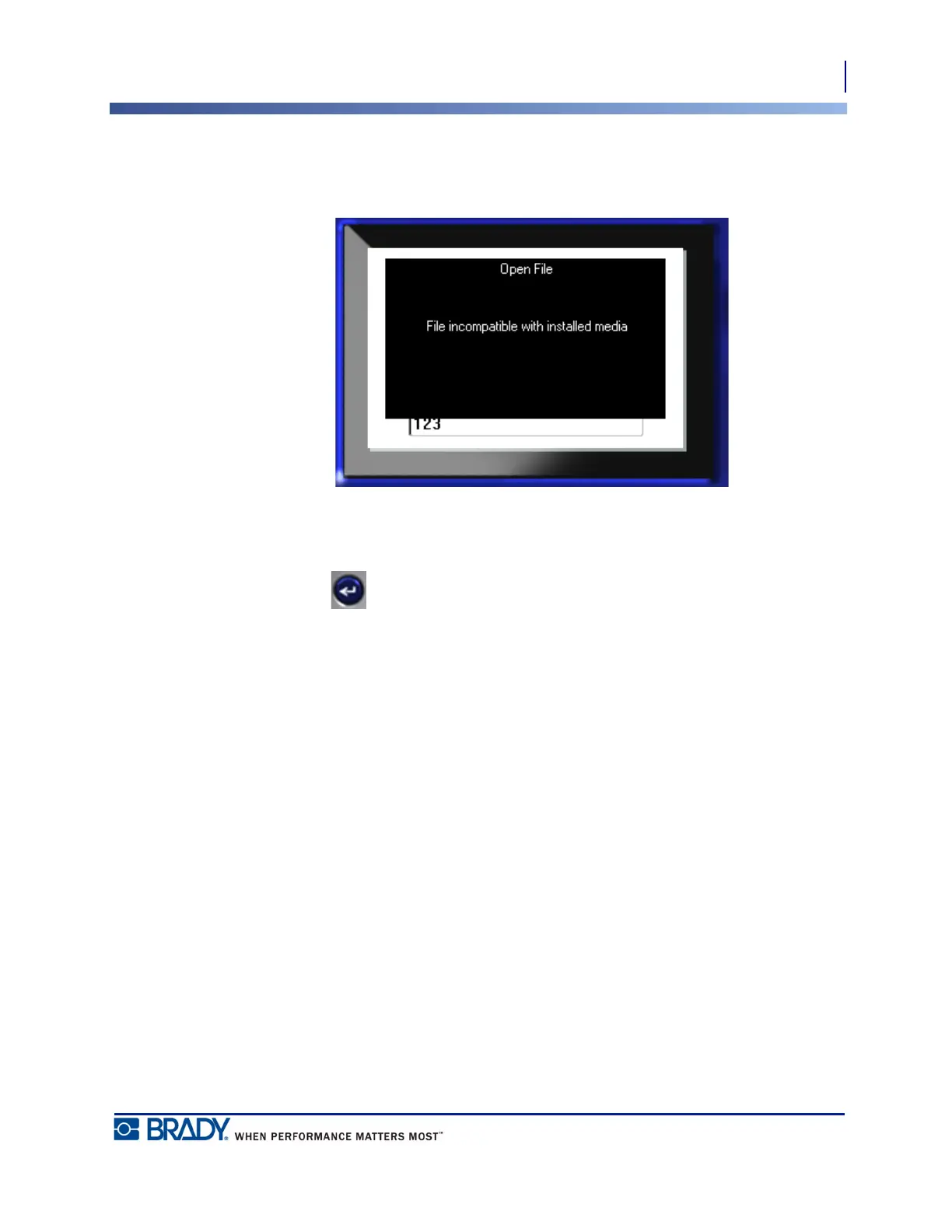
When opening a file, if the stored data does not fit on the installed media, an error message
displays.
You must use label media that can accommodate the data in the file being opened. You cannot
place data saved with die-cut media on continuous media, and vice versa.
7. Press Enter to remove the error message and install the correct media to
accommodate the data.



 To Next Page