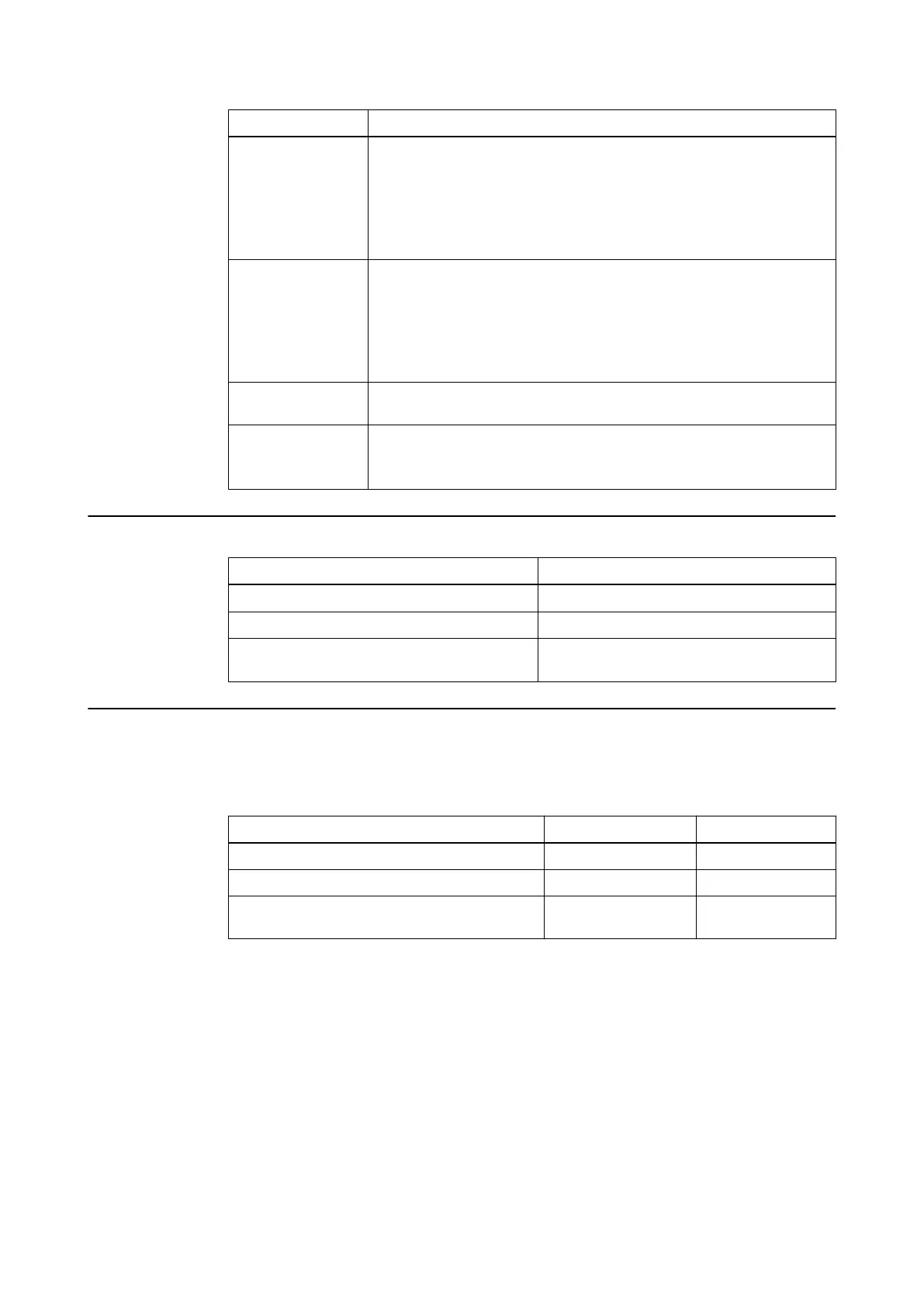
Step Instructions and Conditions
Functional test
(Optical Tracking)
• Power on the Curve system.
• Check that indicator LEDs (on the Monitor Cart and camera) do not
show detected errors. For detailed information on LEDs see the Sys-
tem User Guide.
• Start a software application.
• Accurately track a Brainlab instrument.
Functional test
(EM Tracking)
• Power on the Curve system.
• Check that indicator LEDs (on the Monitor Cart and EM Tracking
Unit) do not show detected errors. For detailed information on LEDs
see the System User Guide.
• Start a software application.
• Accurately track a Brainlab EM instrument.
Report and evaluate
results
Generate a report and determine whether the device is safe and effective.
Check and prepare
for normal use
After testing, check that the Curve system is restored to the conditions
necessary for normal use before being returned into service.
Remove all devices that have been connected, e.g., measurement lines.
Critical Values
Test Step Normal Condition
Protective earth resistance
≤
0.3
Ω
Equipment leakage current
≤
500
µA
Applied Part Leakage Current (type BF) (EM
Tracking only)
≤
5 mA alternative measurement
Reference Dimension
Use the table starting on page 50 to enter the single measured values at each required
measurement point.
Enter the maximum measured values in the table below:
Test Step Normal Condition Passed?
Protective earth resistance
Equipment leakage current
Applied Part Leakage Current (type BF) (EM
Tracking only)
Serial number of measuring device: ________________________
Calibration valid through (date): ________________________
Test performed (date):_________________by: __________________________________
ELECTRICAL SAFETY
Technical User Guide Rev. 1.1 Curve Dual Navigation Station Ver. 1.2 49



 To Next Page