BilgMon488 Instruction Manual vAD 14(38)
BRANNSTROM SWEDEN AB
www.brannstrom.se
10 OPERATING INSTRUCTIONS
10.1 STARTUP SEQUENCE
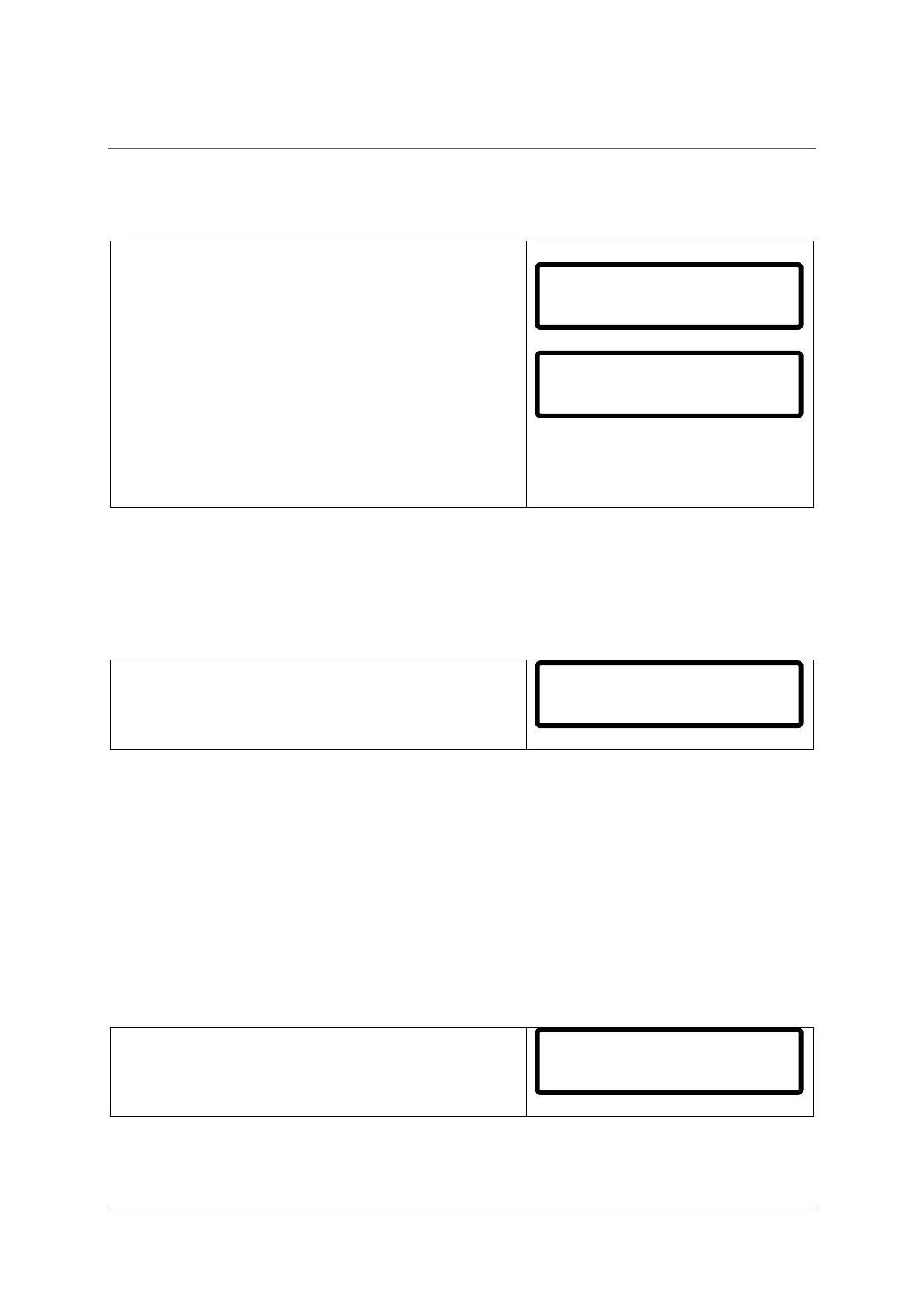
When BilgMon488 is powered up the LCD display will show an initialization sequence.
Sequence:
1. Internal time reference (Real Time Clock, RTC) is
checked.
2. Information about unit setup is shown.
Explanation of example shown in 2.:
BilgMon 488 - Product name.
00A9 - Software version of master unit.
1dec - PPM value display precision.
CO - Current Output facility enabled.
15max - Maximum PPM level for alarm2 and automatic
stopping device settings.
10.2 MAIN MENU AND INDICATION LEDS
10.2.1 Main menu
After the initialization sequence is done the unit is ready for operation and the main menu will be
shown:
The main menu shows date and time followed by PPM
measurement and fresh water flushing valve selection.
Date and time is set at factory to UTC time (Coordinated Universal Time) and is displayed on the
format:
YYMMDD hh:mm:ss (YY – year, MM – month, DD – day, hh – hour, mm – minutes, ss – seconds)
PPM measurement shows the latest measurement of oil content in parts per million as reported by
the sensor unit.
Fresh water flushing valve selection shows the current selection (control output) to the optional fresh
water flushing valve:
SPL – sample from separator selected
WTR – fresh water flushing input selected
If the internal clock battery backup voltage is too low the
display will display a warning (see right) every 2 seconds.
See 30 Real Time Clock (RTC) for further information.
BilgMon 488 00A9
1dec CO 15max
140612 09:10:48
PPM=12.3 SPL


 To Next Page