BilgMon488 Instruction Manual vAD 31(38)
BRANNSTROM SWEDEN AB
www.brannstrom.se
alternating with
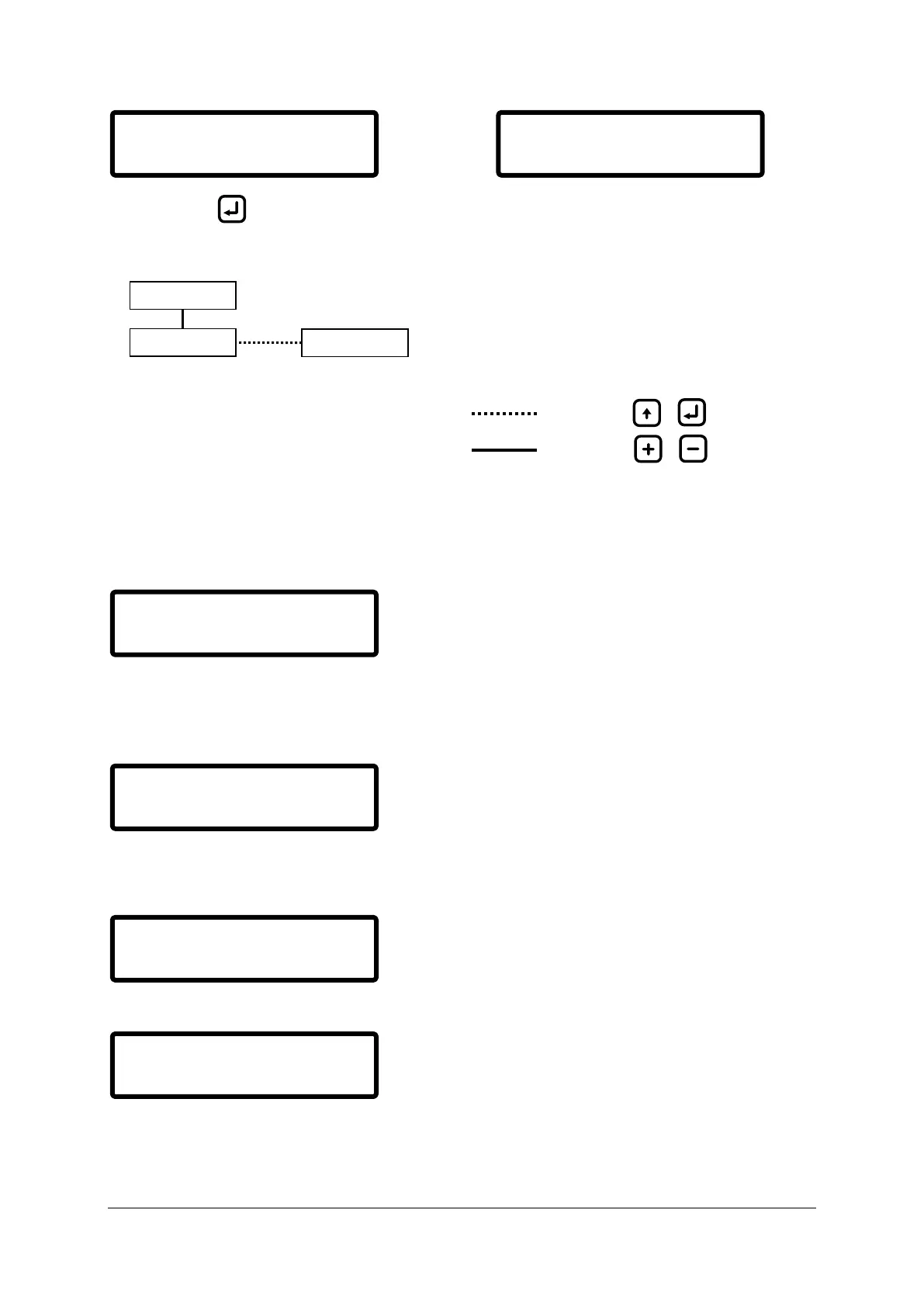
When pressing the user enters the RTC recovery menu (see Illustration 11: RTC recovery menu
layout).
Illustration 11: RTC recovery menu layout
16.3.1 Set UTC time
If the battery voltage is to low (< 2.5 V) the following warning will be shown:
Follow the battery replacement procedure (16.2 Battery replacement).
When the battery is replaced and the voltage has increased to above 2.5V (might take a couple of
minutes if the backup capacitor is exhausted) the following menu will appear:
Enter correct UTC time and date using same method as described in 10.11.4 Set clock.
After setting UTC the following will be displayed,
Followed by,
Followed by,
Set internal time reference.
See 16.3.1 Set UTC time
Step, search and download the log.
See 10.9 Log
Batterylow:0.5V
Replace battery!
Set UTC time:
140703 13:00:23
Checking RTC:
RTC running OK!


 To Next Page