BilgMon488 Instruction Manual vAD 25(38)
BRANNSTROM SWEDEN AB
www.brannstrom.se
Note: Before inspecting the log, make sure the clock is set to the wished time frame (local time or
UTC).
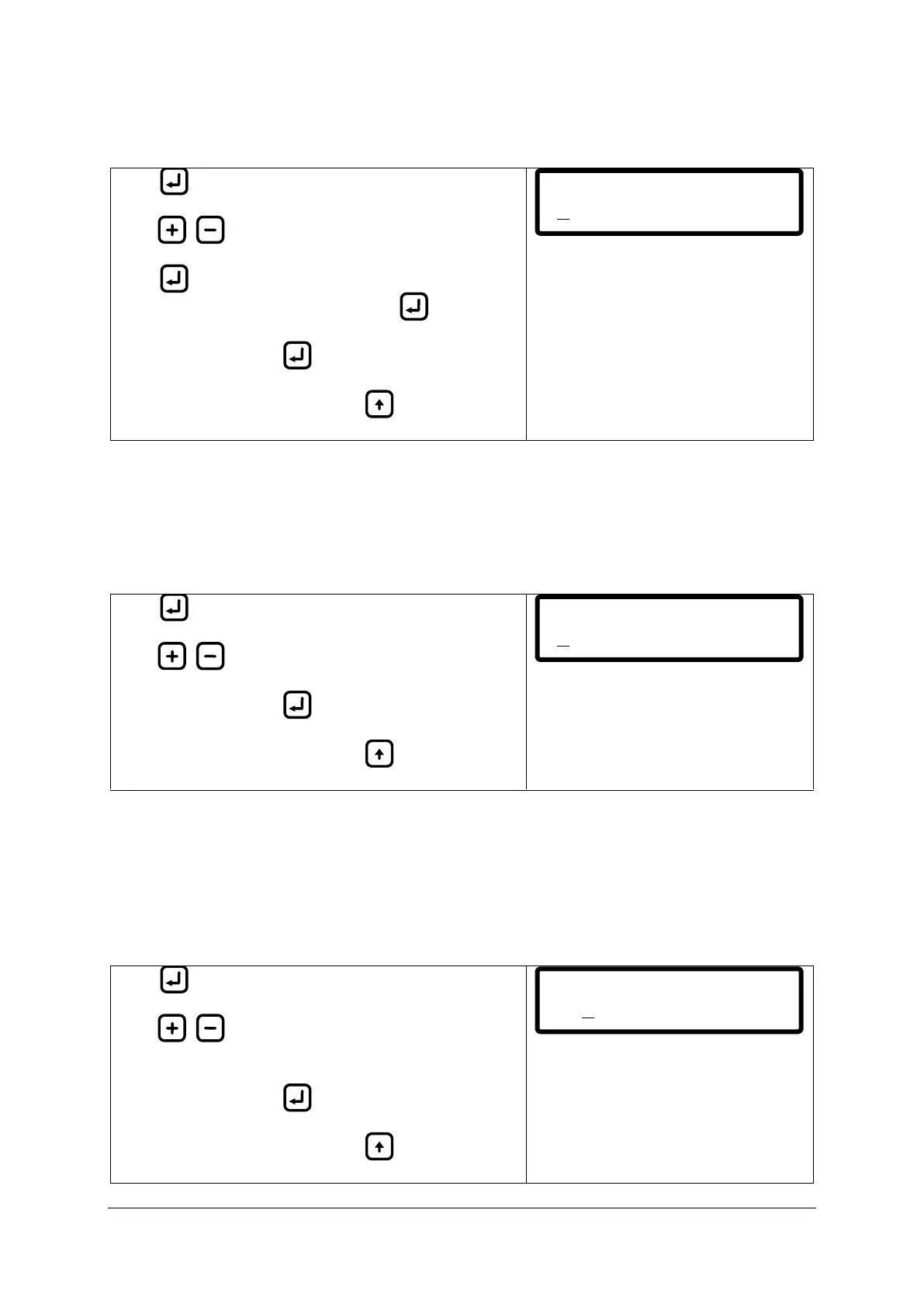
Press to display the cursor (under leftmost digit).
Press / to increase/decrease digit.
Press to move cursor right one digit (cursor moves
cyclically from left to right, one step per ).
Save setting by holding until cursor disappears.
Abort input at any time by pressing (cursor
disappears, previous values are filled in).
10.11.5 Curro mode (Current output mode)
The current output of BilgMon488 can be altered between two modes, 0-20 mA and 4-20 mA. These
intervals correspond to 0-30 ppm oil content as displayed in the main menu.
The current output terminal can be used for external printing/logging of the momentary oil content
measurement.
Press to display the cursor.
Press / to alter mode.
Save setting by holding until cursor disappears.
Abort input at any time by pressing (cursor
disappears, previous values are filled in).
10.11.6 Curro 20mA cal. (Calibration of current output)
If current output corresponds badly to the displayed oil content the current output can be calibrated
in this manu (one point calibration).
When entering this menu the BilgMon488 will try to output 20 mA (corresponding to 30 ppm).
Measure the output with ampere meter. If reading is not correct adjust the output according to
below instruction.
Press to display the cursor.
Press / to increase/decrease the current output
signal (adjust to 20 mA output).
Save setting by holding until cursor disappears.
Abort input at any time by pressing (cursor
disappears, previous values are filled in).
Set clock:
140327 11:34:05


 To Next Page