• • •
135
2. BATTERY
Avoid heat when checking or charging the
battery.
[Otherwise]
The battery may explode and cause burns or
other injury.
DANGER
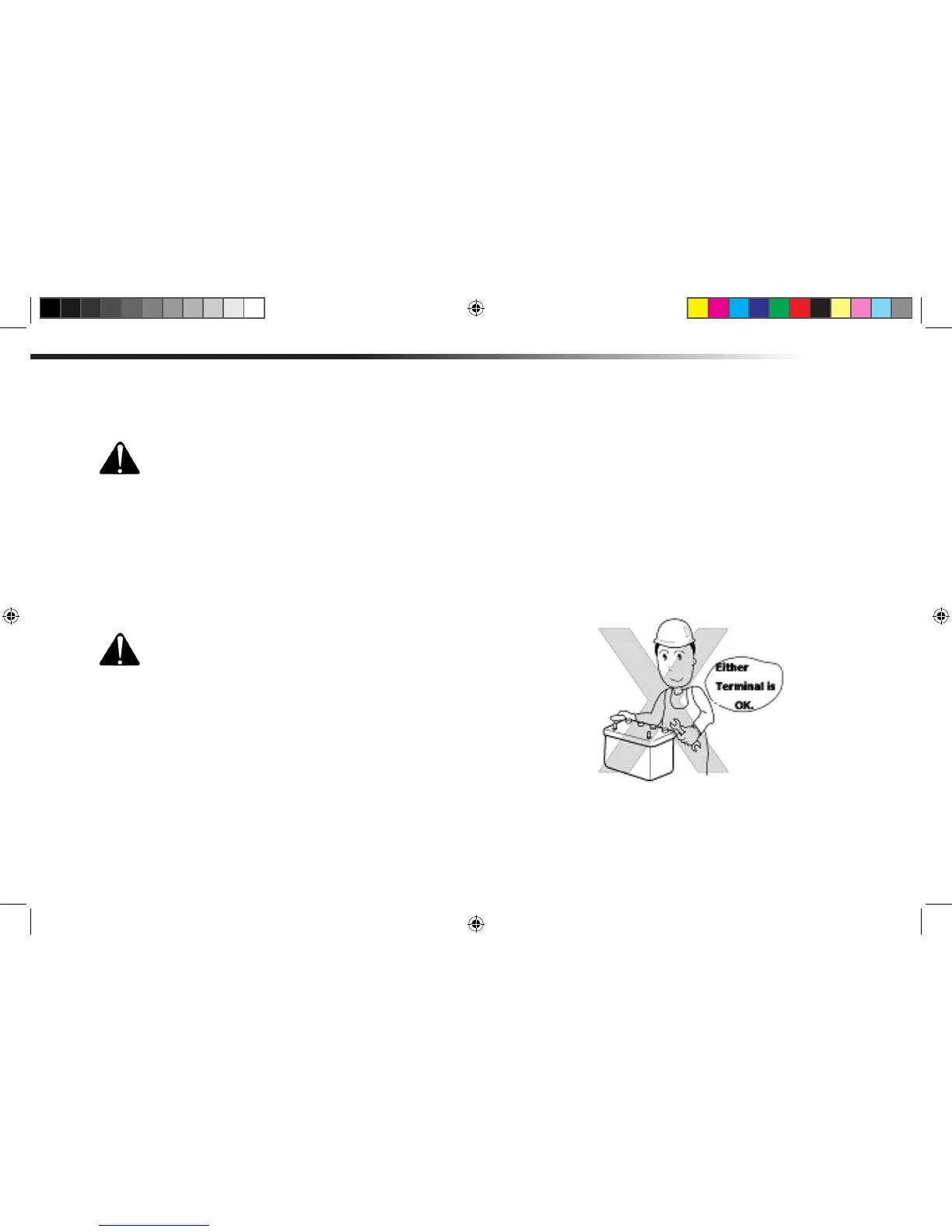
When connecting the battery cable, connect
the (+) terminal rst. When disconnecting the
cable, disconnect the (-) terminal rst.
[Otherwise]
There is a risk of getting burnt due to shorting
of the battery.
CAUTION
[Precaution]
• When replacing the battery, make sure to install the
battery of the same capacity as designated.
• To preserve the environment and to recycle resources,
do not discard the old battery but hand it over to the bat-
tery dealer for proper disposal.
PERIODIC MAINTENANCE & ADJUSTMENT



 To Next Page