2-4 100-214-239 Rev. A
Introduction to the Digital Sonifier
Operation of the Digital Sonifier can also be controlled through a remote computer terminal or User I/O
device. You always have the ability to halt operation, whether control is direct or remote.
Each key on the front panel of the unit, except for the numeric keys , Print and Test, has an LED indicator near
it. When the key is active, the LED is turned on. Some of the keys on the Digital Sonifier keypad have equivalent
commands (preceded by !) that can be entered through the remote terminal’s keyboard.
• Section 2.2.1, Digital Sonifier Keypad Description, beginning on page 2-4, describes each key on the
Digital Sonifier keypad and identifies its equivalent remote terminal command (preceded by an ! excla-
mation point) if applicable.
• Section 2.2.2, Remote Terminal Commands, beginning on page 2-7, provides a detailed description of
all remote terminal commands. Section 2.2.3, Back Panel Connections, on page 2-8, describes the back
panel of the unit.
2.2.1 Digital Sonifier Keypad Description
LCD Display
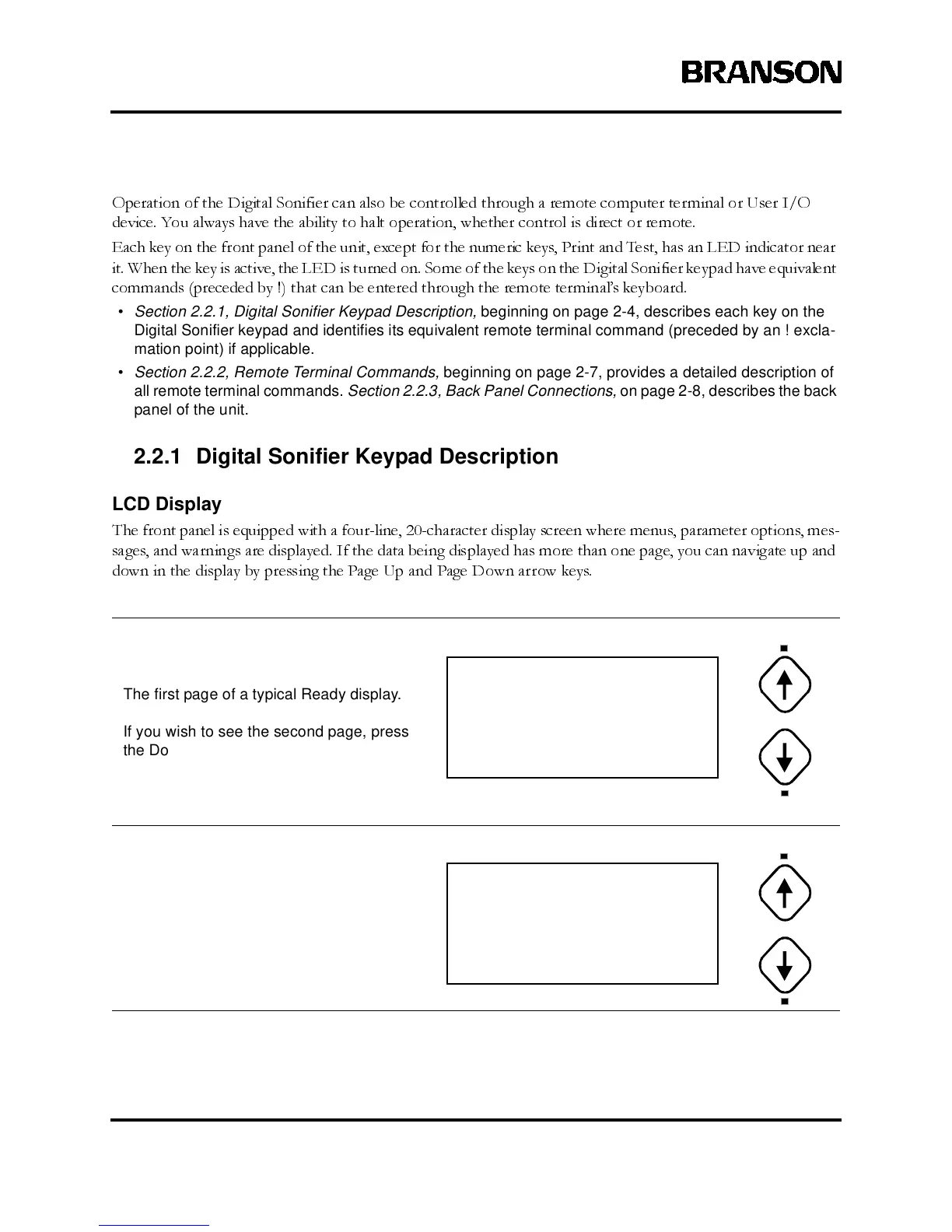
The front panel is equipped with a four-line, 20-character display screen where menus, parameter options, mes-
sages, and warnings are displayed. If the data being displayed has more than one page, you can navigate up and
down in the display by pressing the Page Up and Page Down arrow keys.
The first page of a typical Ready display.
If you wish to see the second page, press
the Down Arrow button.
The second page of a Ready display.
If you wish to see the first page, press the
Up Arrow button.
PRESET ID#16
TIME= 0:12:52 hr/m/s
MAX. TEMP= 104.3
°F
AMPLITUDE= 43 %
PULSE ON= 2.1 SEC
PULSE OFF= 1.6 SEC
PULSE TEMP= ___._ F
PROBE TEMP= 67.6
°C



 To Next Page