100-214-239 Rev. A 7-7
Troubleshooting Charts
Digital Sonifier
Ultrasonic power is
absent or inconsistent
• Foreign material is between
horn surface and replaceable
tip. If horn is hot to the touch,
problem may exist with cor-
roded tip-to-horn interface
• Remove, examine, and
clean tip; reinstall tip
• Replace tip if corrosion
is excessive
•IfusedwithaTreatment
Chamber, horn tip is not
immersed adequately
• Verify the Treatment
Chamber setup, adjust as
needed
• Tip is loose or worn out
• Horn is loose or has failed
• Tighten or replace
defective tip or horn
• Horn stud is loose or has
failed
• Loose or broken studs
must be replaced
• Replace defective horn
• Converter cable connection
is loose or has failed
• Tighten connector to
Converter
• Return unit for repair if
cable has failed
• Converter has failed
• Replace defective Con-
verter, return for repair.
• Microtip is loose or missing
• Clean horn and install
microtip
• Power supply or controls
have failed
• Return for repair
Digital Sonifier operates
continuously but does not
operate in Pulsed mode
• Digital controls have failed • Return for repair
No Temperature reading,
or inaccurate Tempera-
ture value displayed
• Temperature Probe is not
connected
• Plug Probe into unit
• Temperature Probe has
failed
• Replace Temperature
Probe
• Digital Controls have failed • Return unit for repair
Slight electric shock when
touching a metal part of
the system or lab equip-
ment contacting the sys-
tem
• System is not properly
grounded
• Correctelectricalground
to system
• Cordset has failed or had
Ground lead removed
• replace cordset
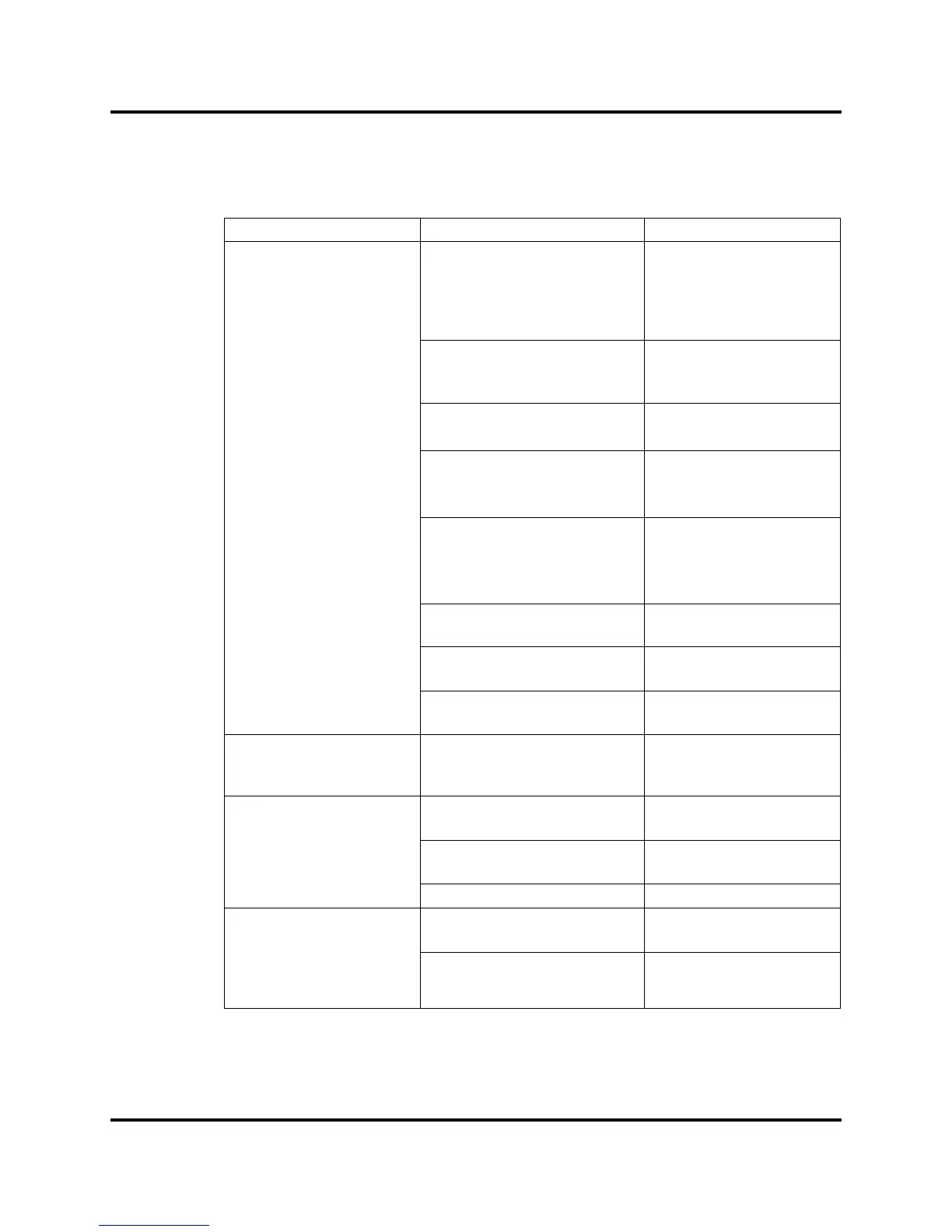
Table 1: System Trouble Analysis Chart
Symptom Probable Cause Corrective Action



 To Next Page