67XXU USB/Serial Scale Service Manual 11
3. Run the display cable down the inside of the column using the hole on the top
side of the column and pull the cable through the bottom hole.
Figure 2.6 Route Display Cable
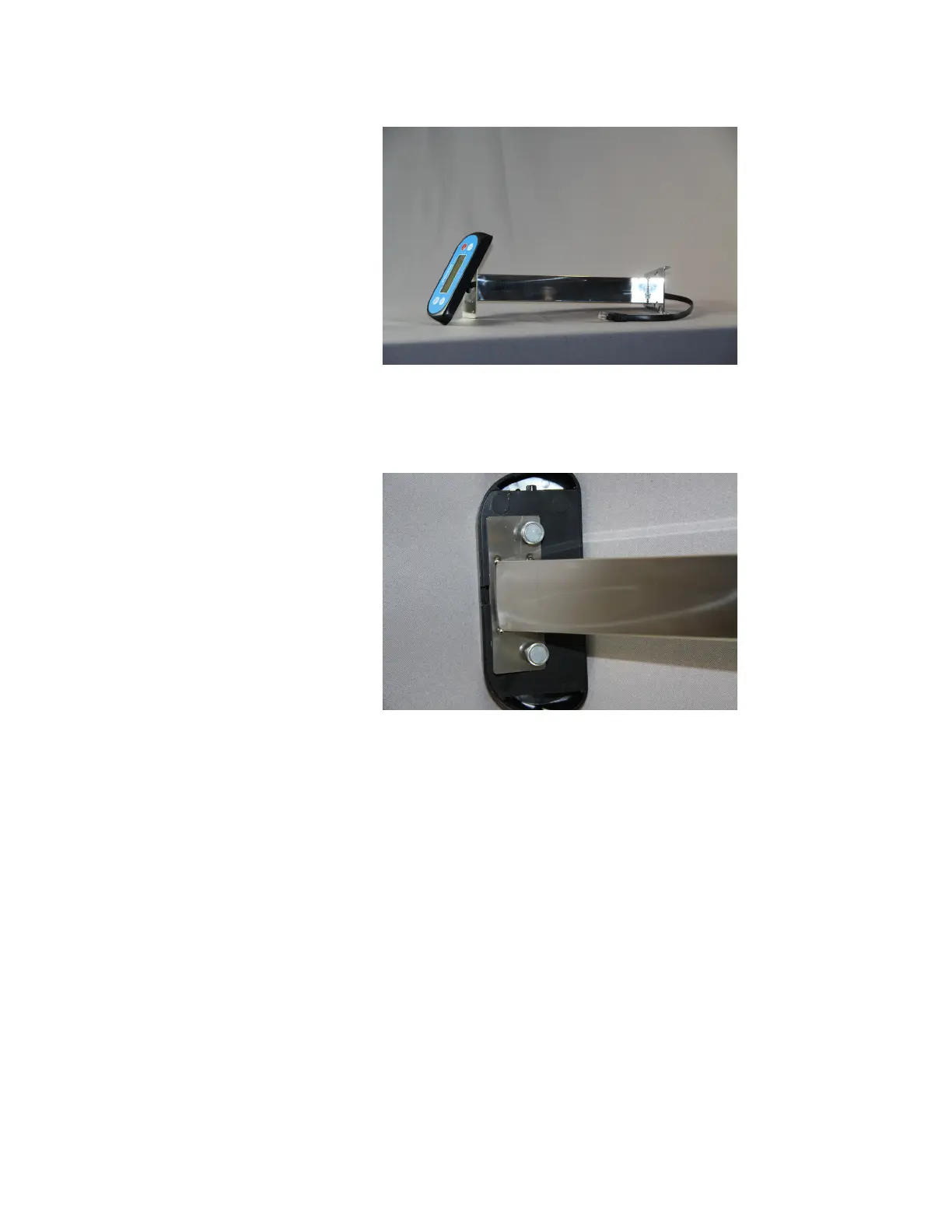
4. Attach the display to the column by using the screws removed from the remote
display in step 2.
Figure 2.7 Remote Display Attached to Column














 To Next Page