10 67XXU USB/Serial Scale Service Manual
The RS-232 port connector is a 9-pin female.
Figure 2.3 RS-232 Connector (Com 2)
2.2 Column and Remote Display Mounting
A column mounting kit (P/N 816965005963) is used to mount the remote display to the
scale base on a column. Refer to the instructions below for column and remote display
installation.
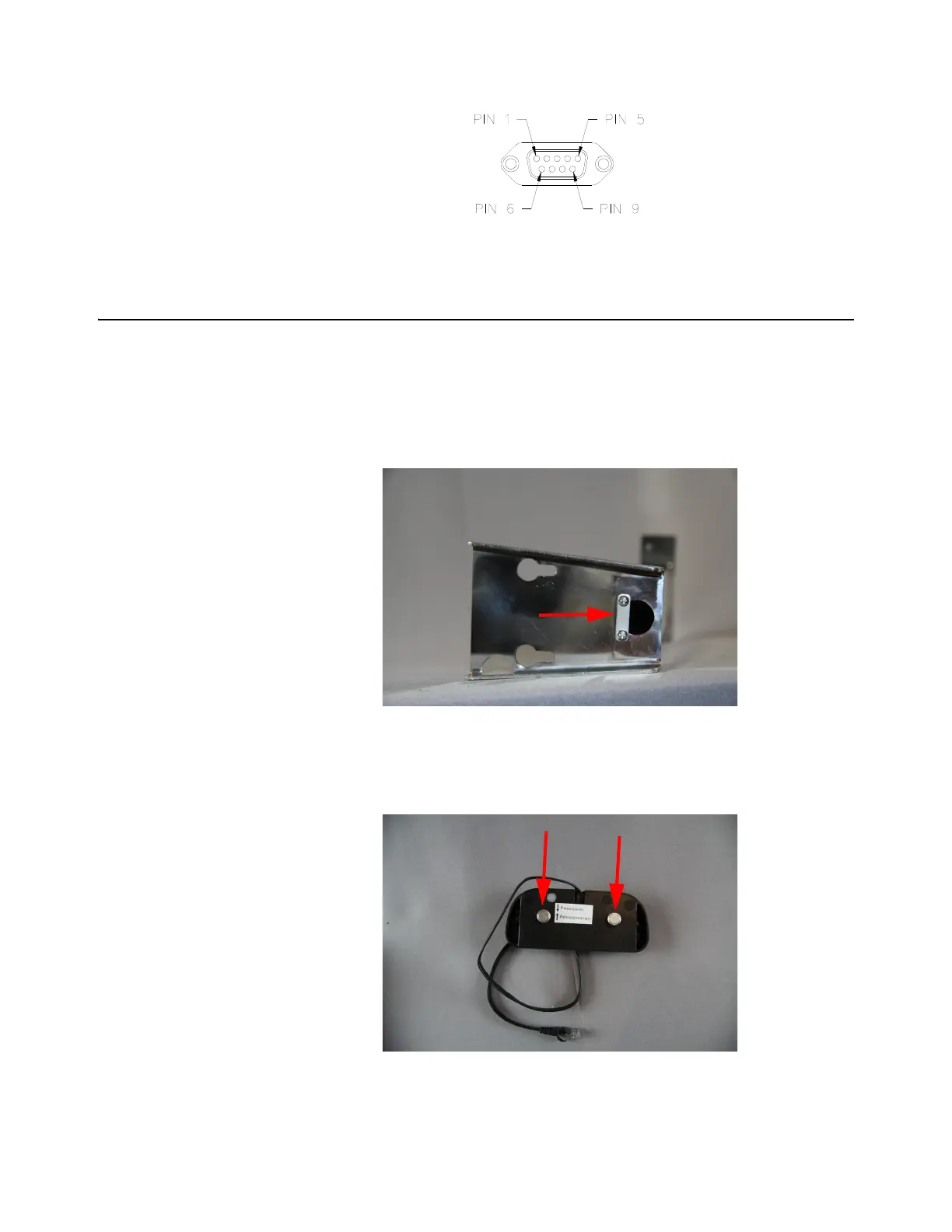
1. Remove the cable hold down strap from the bottom of the column by
unscrewing the two screws which hold the cable strap in place. Set aside for
use in a later step.
Figure 2.4 Cable Hold Down Strap
2. Remove the screws from the back of the remote display. Set aside for use in a
later step.
Figure 2.5 Display Screws














 To Next Page