67XXU USB/Serial Scale Service Manual 35
5 Setup Mode
The setup menu consists of five different sub-menus. Within each sub-menu are
different menu options.
The config/cal switch must be set in the ON position in order to make changes to
specific parameters.
5.1 Entering the Setup Menu
1. Power on the indicator by pressing and holding the [ON/OFF] key.
2. Press the [HOLD] + [ON/OFF] key for 3 seconds. The indicator shows confg to
indicate that you are in Setup Menu mode.
5.2 Navigating the Setup Menu
1. Once Confg is displayed, use the [UNIT] key to move to forward through the
menu choices or the [HOLD] key to move backward in the setup menu.
2. Use the [TARE] key to access the desired menu. (e.g. User)
3. Use the [UNIT] key to view the available sub-menus (parameter: e.g. beep).
4. Use the [TARE] key to select the sub-menu.
5. Use the [UNIT] key to view the choices within the sub-menu. (e.g. key)
6. Press the [TARE] key to select the desired choice within the sub-menu. Once
selected the parameter will be displayed.
7. Press [ZERO] to return back up and return to the setup menu.
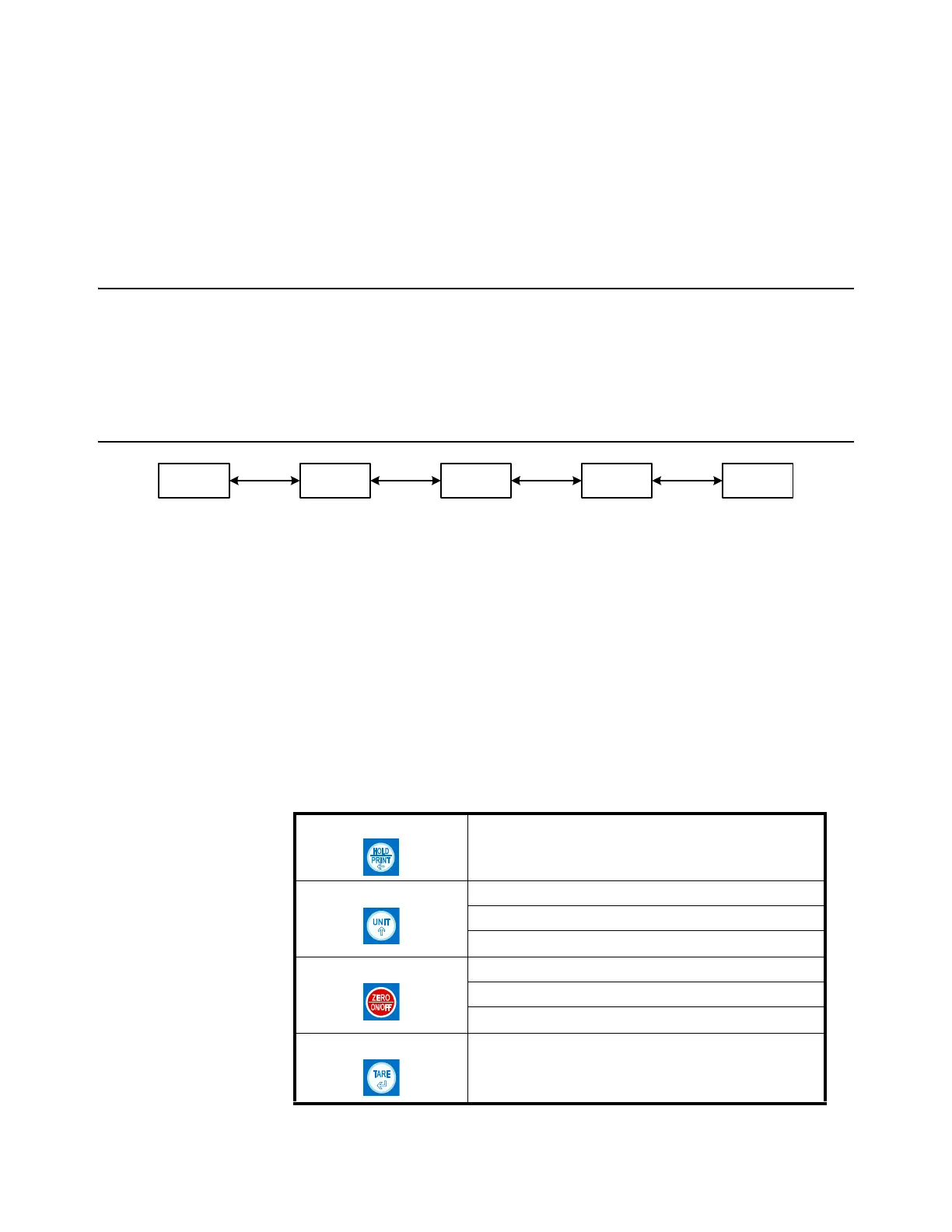
Table 5.1 Key Navigation
[HOLD/PRINT] Access the Setup Menu.
[UNIT] Scroll through available menus.
Choose a sub-menu
Make a change within the sub-menu
[ZERO/ON/OFF] Scroll through available menus.
Choose a sub-menu
Make a change within the sub-menu
[TARE] Choose a sub-menu














 To Next Page