67XXU USB/Serial Scale Service Manual 27
4.3.7 Output Data (print to a computer or printer)
When scale is stable press the [PRINT] key.
4.3.8 Display Gross or Net Weight
l If the tare weight is not zero, the Net weight will be displayed.
l If the tare weight is zero, Gross weight will be displayed.
4.3.9 Change Weight Unit
Press the [UNIT] key to select kg, lb, oz, lb:oz, g. Note: under some conditions oz,
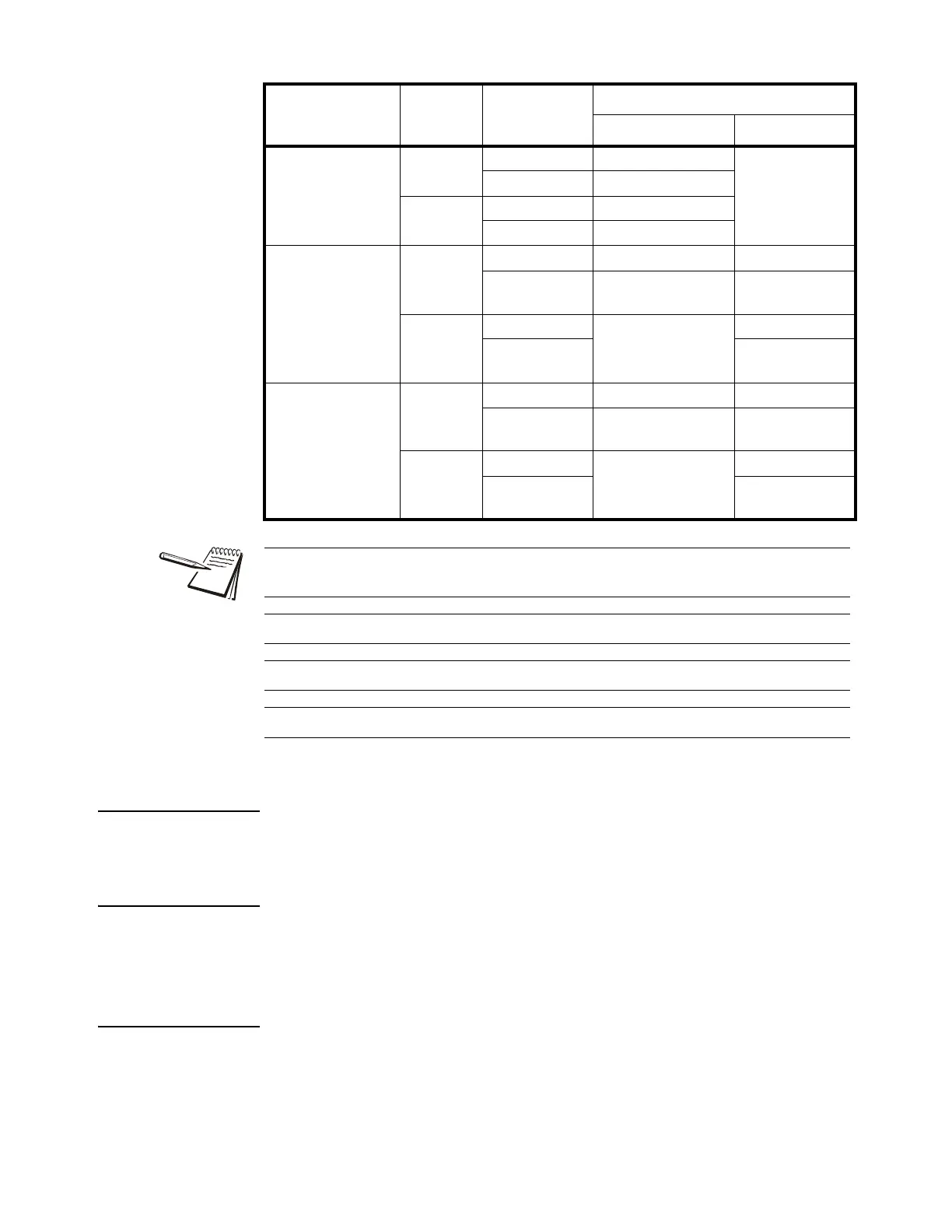
lb:oz, g are not available. Please refer the following tables.
Canada ≤0 no No action Zero
yes Clear the tared weight
>0 no Tare
yes No action
Europe
≤0 no No action Zero
yes Clear the tared weight Zero and clear the
tared weight
>0 no Tare Zero
yes Zero and clear the
tared weight
None
(same with Europe)
≤0 no No action Zero
yes Clear the tared weight Zero and clear the
tared weight
>0 no Tare Zero
yes Zero and clear the
tared weight
Standard
Weight on
platform
Data in TARE
memory unit
key function
Tare key Zero key
Zero can only be active when the scale is stable and weight is in SAZSM setting
range.
Tare can only be active when the scale is stable.
Clearing the Tare weight or Zeroing the scale will put the indicator into Gross mode.
Adding a Tare weight will put the indicator into Net mode.














 To Next Page