67XXU USB/Serial Scale Service Manual 13
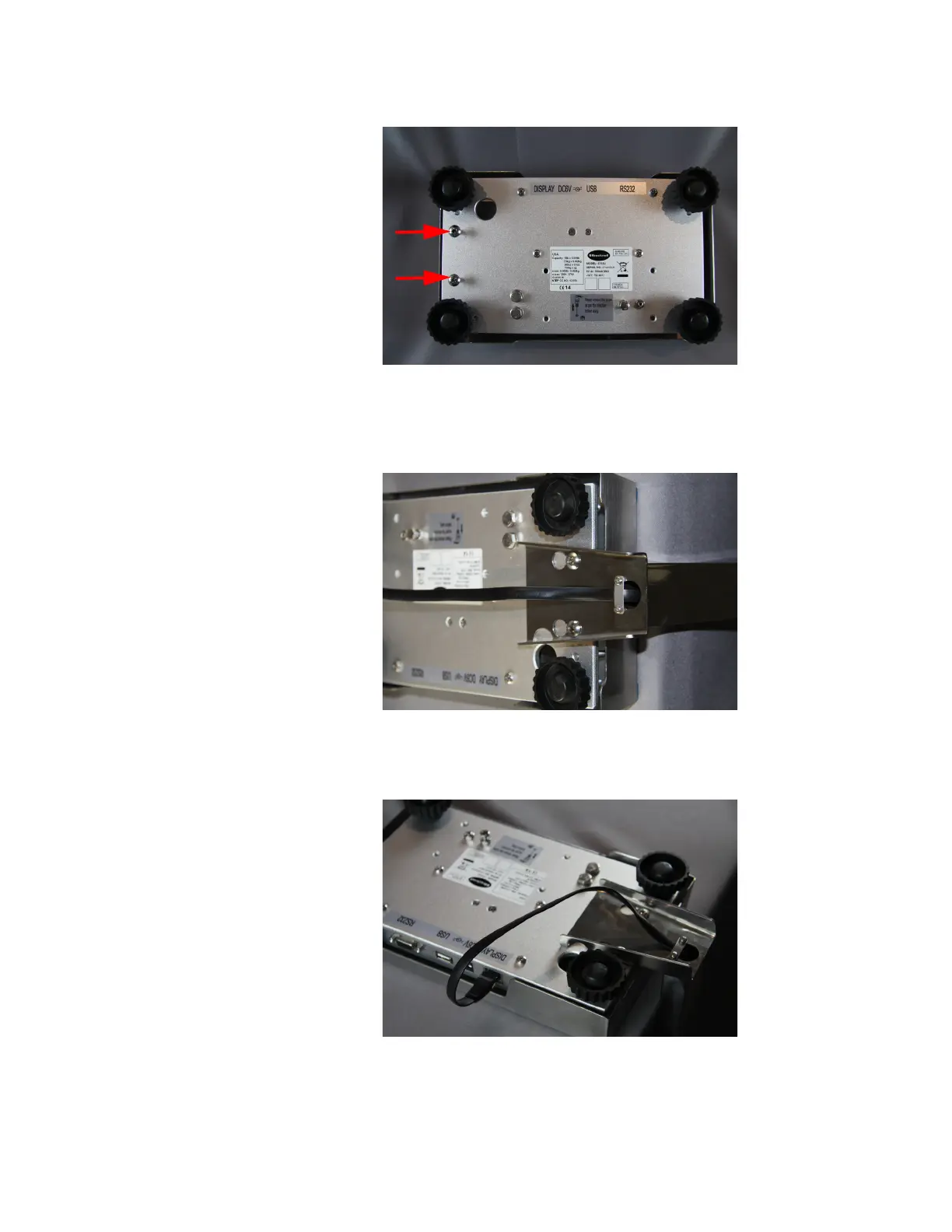
7. Install the two screws included with the kit into the screw holes leaving them
somewhat loose.
Figure 2.10 Column Screws
8. Place the column bottom over the screws and push the column forward.
Secure the column by tightening the screws.
Figure 2.11
9. Plug the remote display cable into the DISPLAY port.
Figure 2.12 Display Port














 To Next Page