- 24 -
Filter Multicast Multicasting: Select to allow multiple transmissions to specific
recipients at the same time. The router will allow IP multicast packets to be forwarded to
the appropriate computers.
Filter Internet NAT Redirection: Select to prevent a local computer from using a URL
or Internet address to access the local server.
Filter IDENT (Port 113): Select to keep port 113 from being scanned by devices outside
of the local network.
Web Filter: Select Proxy, Java, ActiveX, and Cookies to filter those web protocols. The user
can select as many options as desired to be filtered.
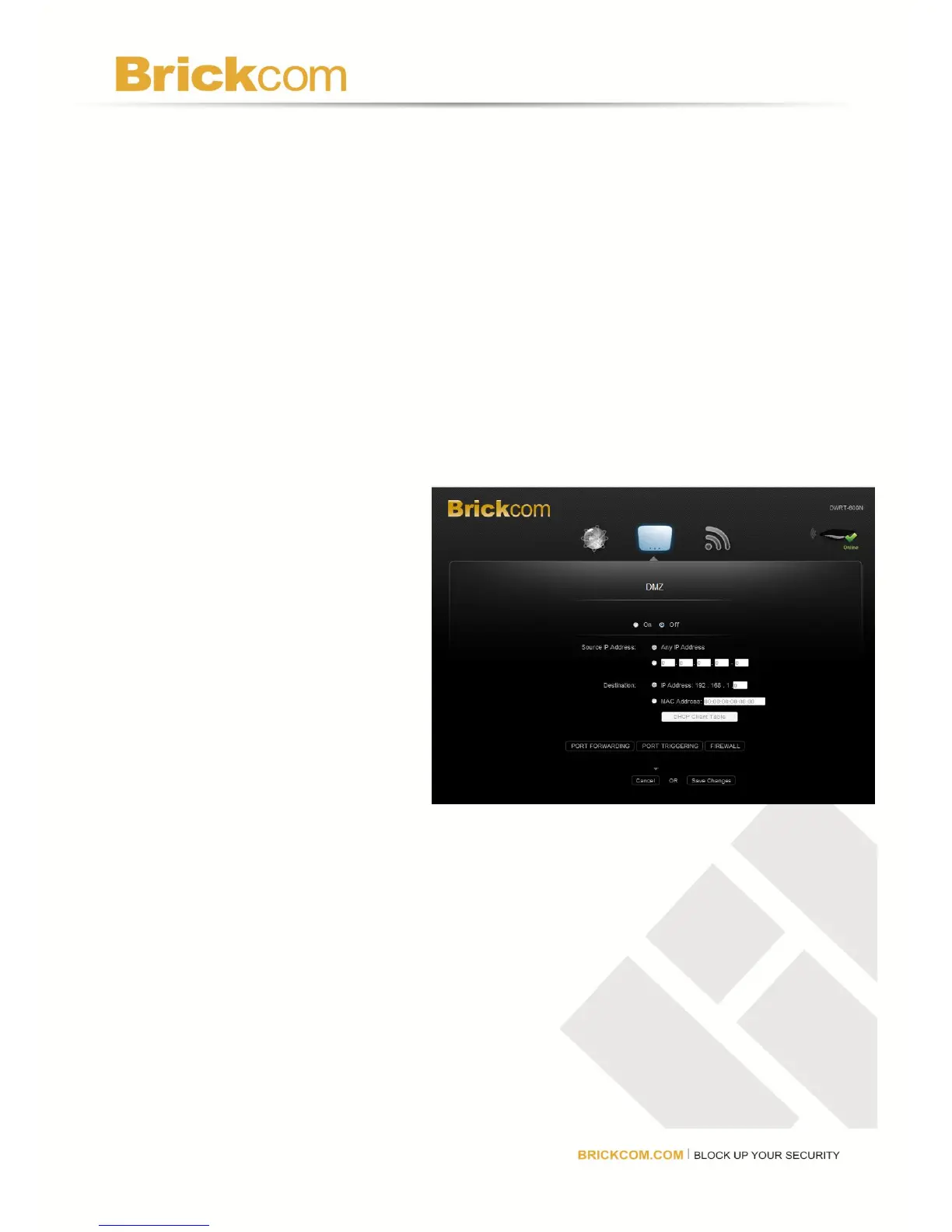
DMZ
DMZ allows one network computer to be exposed to the Internet for activities such as Internet
gaming and videoconferencing.
DMZ hosting forwards all the ports
at the same time to one computer.
Port Forwarding is more secure
because the user selects specific
ports to open, while DMZ hosting
opens all the ports of one computer,
exposing the computer to the
Internet. Disable the DHCP client
function of the computer whose
port is being forwarded and assign
it a new static IP address assigned
because its IP address may
change when using the DHCP
function. Click Save Changes to keep any changes made to the router settings or click
Cancel to cancel changes.
On/Off: Select On to allow computers on the Internet to access a local computer.
Source IP Address: Select Any IP Address or manually enter a specific source IP address
of the computer to allow it to access from the Internet.
Destination: Select IP Address or MAC Address and enter the IP address of MAC address
of the local computer to expose it.
DHCP Client Table: Select DHCP Client Table to view computers and other devices that
have been assigned IP addresses by the router. To copy the MAC address of a computer to
the DMZ screen, click Select.



 To Next Page