- 29 -
WPS (Wi-Fi Protected Setup)
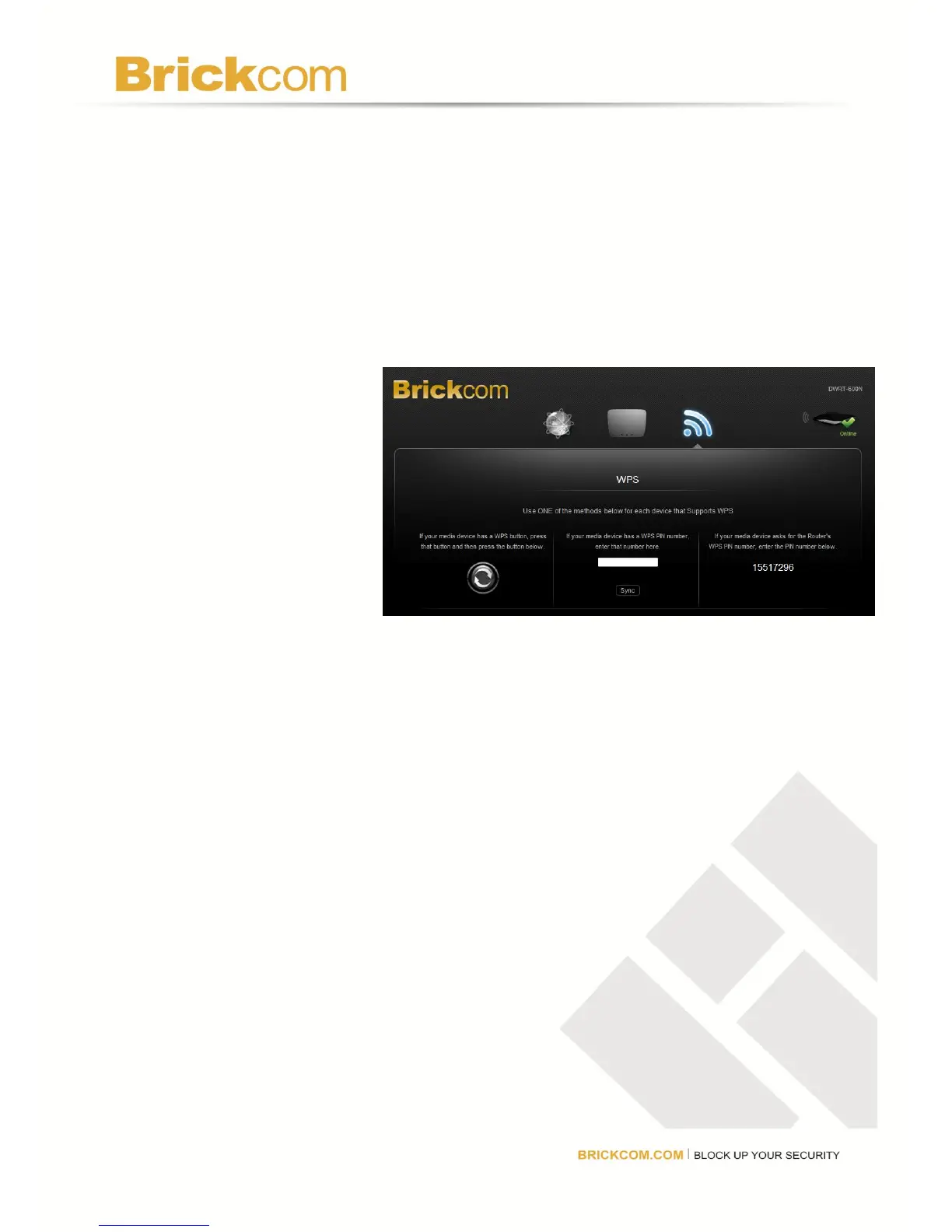
Using WPS, there are three ways to connect devices which support WPS to the router. Use
the method that applies to the device being configured.
Push Button Method
Use this method if the device being configured has a WPS button.
1. Press the WPS button
on the device being
configured.
2. Click the WPS button
on the GUI. A
Success message will
be displayed after the
connection is
successfully made.
3. Click Back to return to
the main menu.
Device Pin Method
Use this method if device being configured has a WPS Setup PIN number.
1. Enter the PIN number from the device being configured in the field on this screen.
2. Click the Sync button. A Success message will be displayed after the connection is
successfully made.
3. Click Back to return to the main menu.
Router Pin Method
Use this method if the client device asks for the router’s PIN number.
Enter the PIN number listed on this screen and on the product label. The wireless device will
connect to the router using that PIN.



 To Next Page