- 18 -
Router Menu
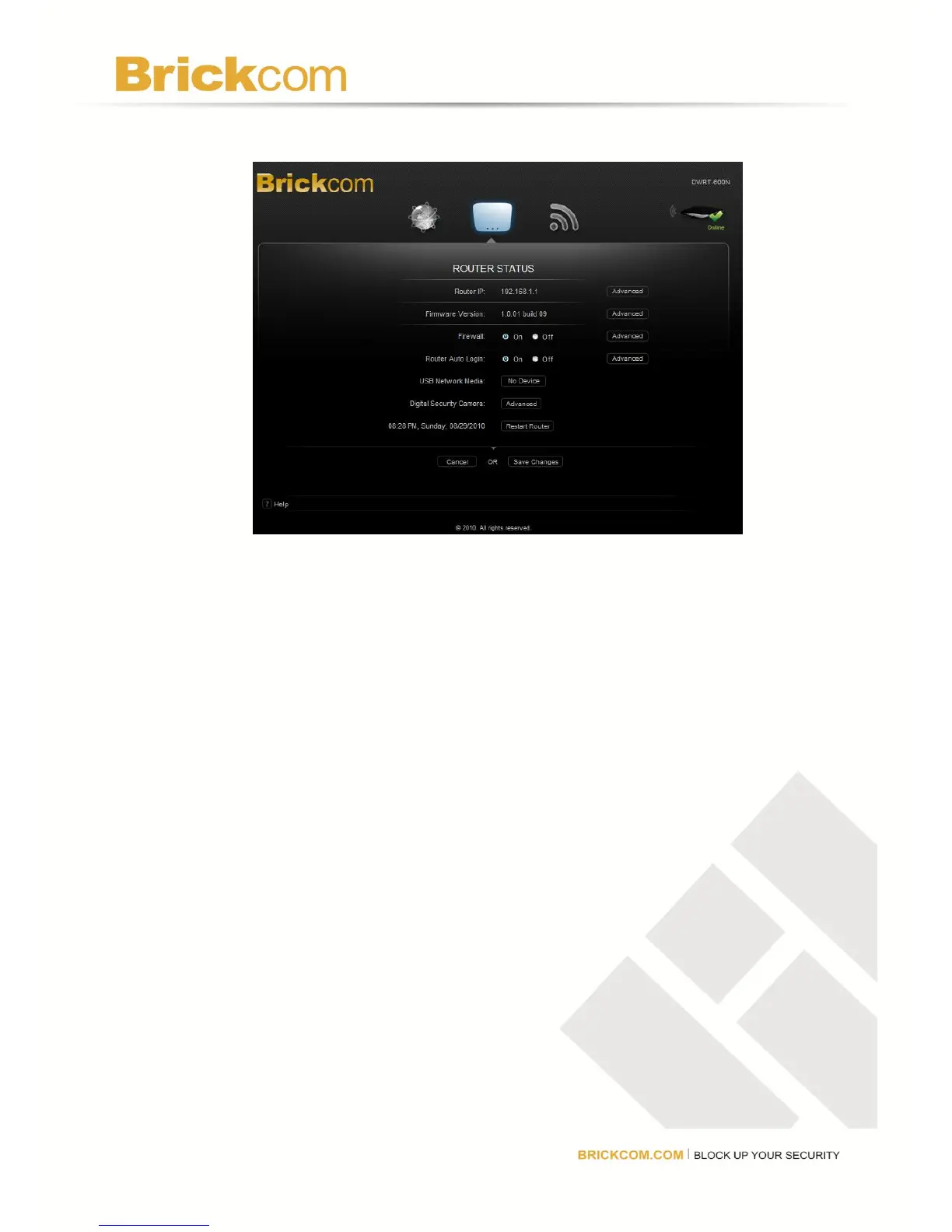
The Router menu will display the router’s current settings. The user can customize the
router settings such as changing the LAN settings, updating the firmware, and accessing a
connected USB device.
Router IP
The router’s IP address, as seen from the local network, is displayed here. To makes changes,
click Advanced. A new menu will be displayed showing the advanced options available for
the Router IP. Click Save Changes to keep any changes made to the router settings or click
Cancel to cancel changes.
Advanced Options
Router IP: This is the router’s IP address as it appears on the local network.
Subnet Mask: This is the router’s Subnet Mask.
URL Address: This is the URL of the GUI.
DHCP Server: If there is already a DHCP server on the network or to disable the router’s DHCP
server, select Off (it is On by default). The remaining DHCP features will be unavailable.
DHCP Reservation: Select to assign a fixed local IP address to a MAC address. A new window
will open.



 To Next Page