- 2 -
Device Description
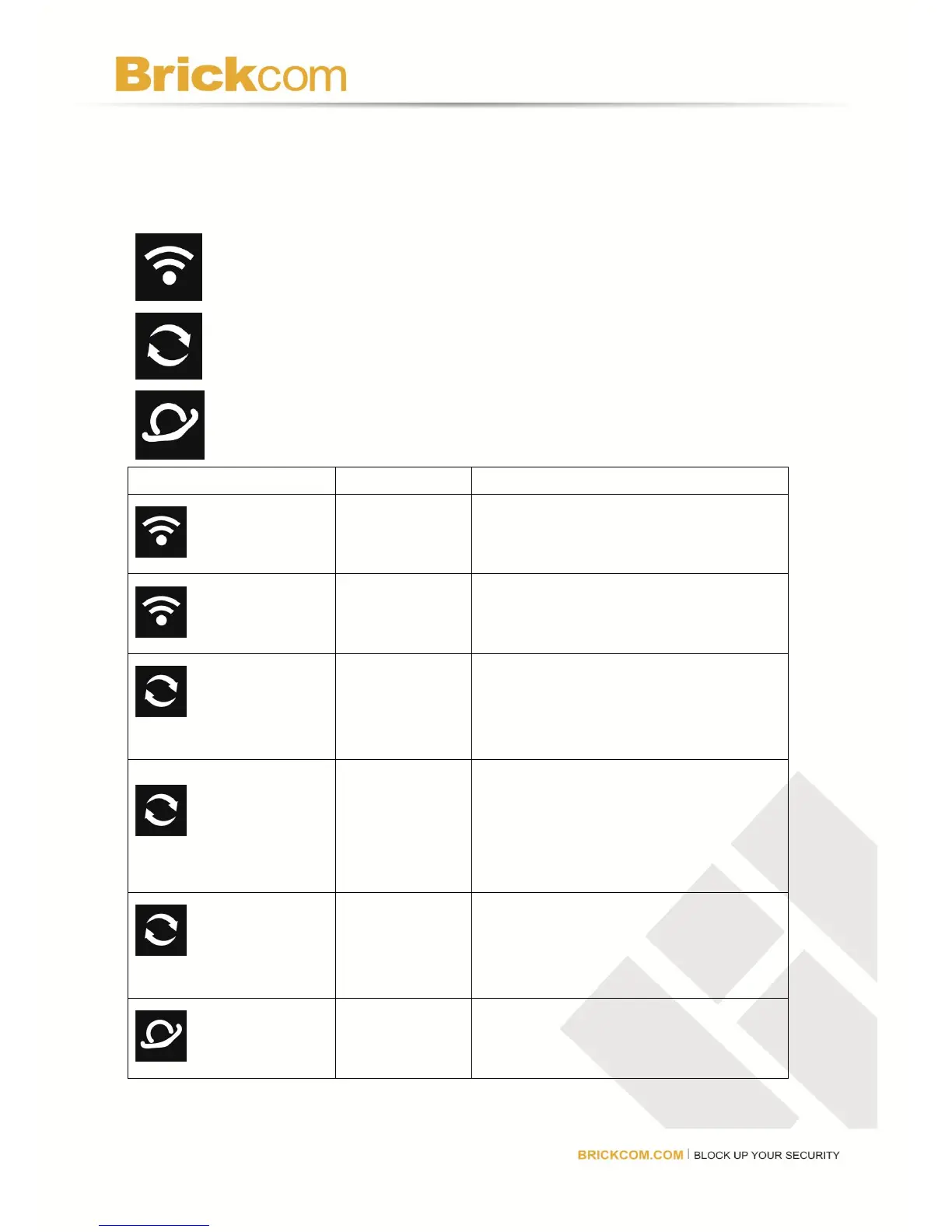
Front LEDs
Power, Wireless
Camera, WPS (Wi-Fi Protected Setup)
WAN
Router is powered on and wireless is
enabled.
Router is sending or receiving data
over the network.
Camera, WPS
(Wi-Fi Protected Setup)
Router is connected with a network
camera(s)
Camera, WPS
(Wi-Fi Protected Setup)
Router is setting up the WPS
connection. The router supports one
WPS session at a time so wait until the
LED stops flashing before connecting
another WPS device.
Camera, WPS
(Wi-Fi Protected Setup)
An error occurred during the WPS
setup process. Make sure the
device(s) supports WPS and try again.
There is a working Internet connection



 To Next Page