- 13 -
To access the Router GUI:
1. On a computer that is connected to the router, open an Internet browser window (such
as Internet Explorer, Firefox, or Safari).
2. Enter http://Brickcom (or 192.168.1.1) in the browser window. Press Enter and the
GUI will open.
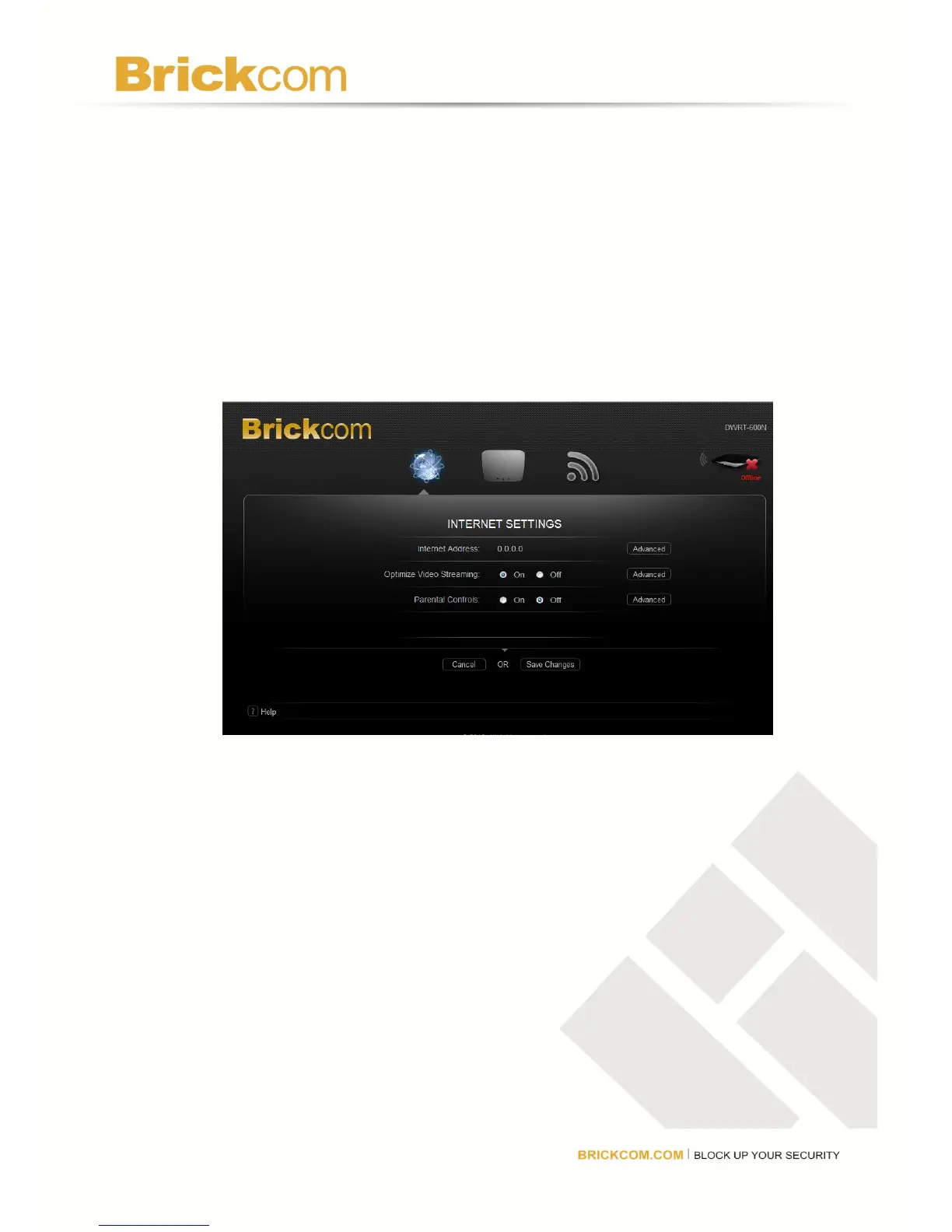
3. Click INTERNET, ROUTER, or WIRELESS to open its menu.
Internet Menu
The Internet menu can be used to customize the Internet settings.
Internet Address
The router’s IP address, as seen from the Internet, will be displayed here. To makes changes,
click Advanced. A new menu will be displayed showing the advanced options available for the
Internet Address. Click Save Changes to keep any changes made to the router settings or
click Cancel to cancel the changes.
Advanced Options
Configuration



 To Next Page