6-4
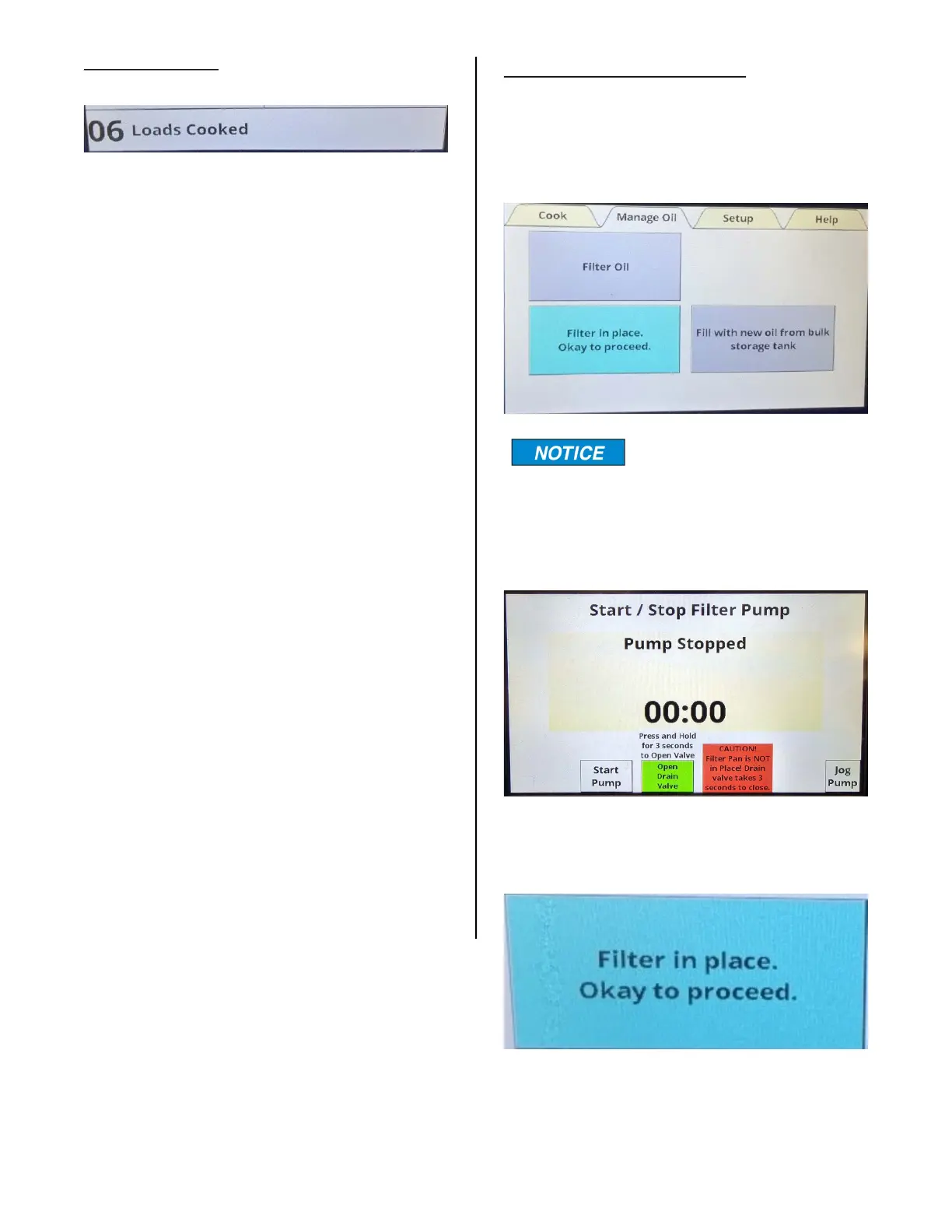
Loads Cooked:
This indicates how many cook cycles have
been completed since the last time the
counter was reset, or the oil was filtered if
the Auto Filter feature is turned on. The
maximum cook cycles between filter cycles
is 10.
After filtering, this number can be reset to 0
by tapping the box twice.
This tab has three rectangular areas with
the following designations; Filter Oil, Filter
in place. Okay to proceed, and Fill with
new oil from bulk storage tank.
When the Manage Oil tab
is selected and the filter
pan is not in place, the only screen you
can see is the manual filter screen with
the Oil Pan Not in Place warning flashing
red and yellow.
If the filter pan is in place, the Filter in Place,
Okay to proceed field will be highlighted.
MANAGE OIL TAB
broaster.com Manual #21469 621 rev 11/23



 To Next Page