6-6
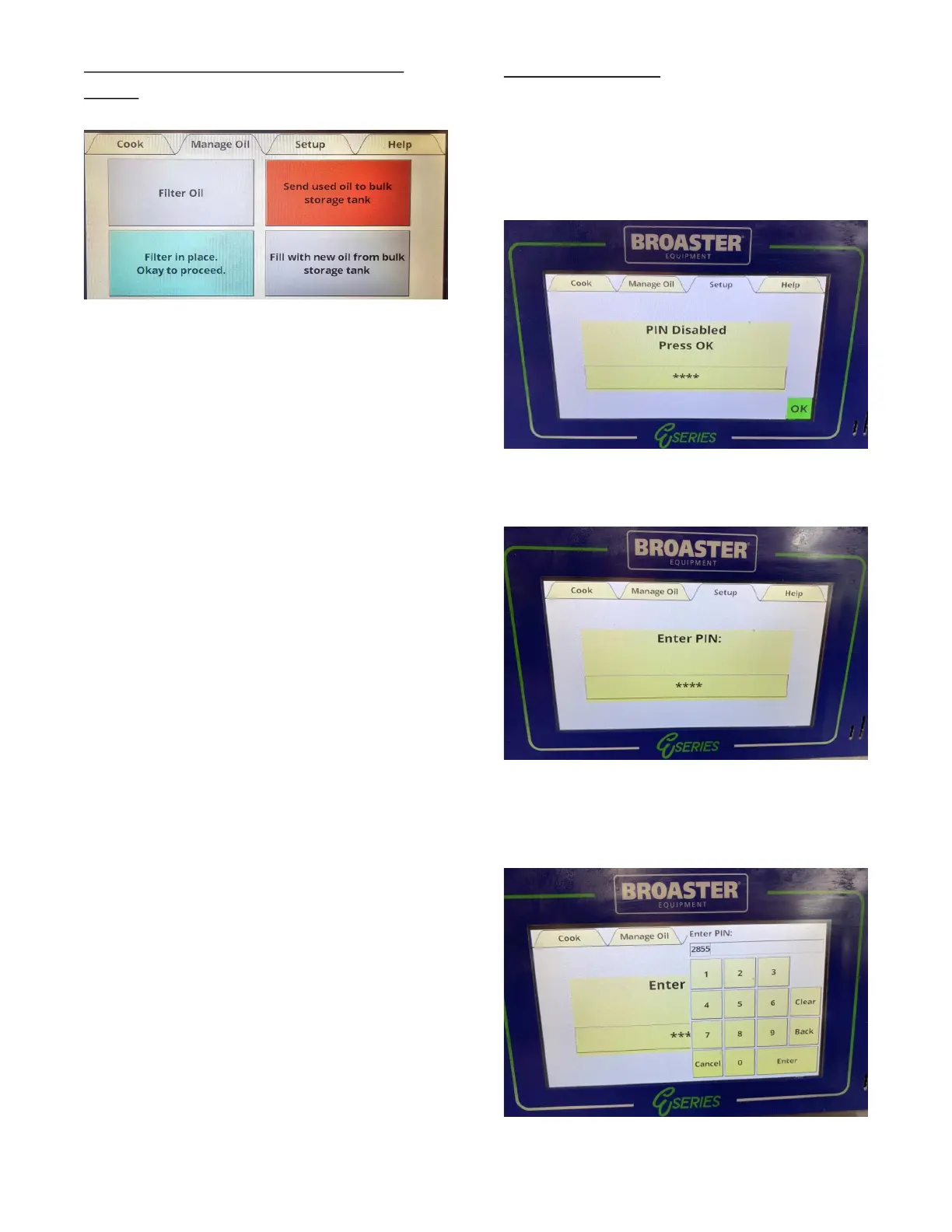
Send Used Oil to Bulk Storage
Tank.
When the red field is touched, the drain and
rear disposal valves will open and the pump
start screen will appear.
Press Start to begin pumping oil to the bulk
disposal system.
The pump will start and a timer will count
up to a maximum of 5:00. Press Stop when
all the oil has been removed from the cook-
ing well. Check when complete to make
sure filter pan is completely empty of oil.
Press the button indicated by the X in the
upper left corner to exit to the Manage Oil
tab. The valves will close and the Manual
Oil tab screen will appear.
SETUP TAB
This tab may or may not be secured. If it is
unsecured the Pin Disabled display will
appear as shown below. Press the OK but-
ton to continue.
If this tab is secured the Enter Pin display
will appear as shown below.
If the Pin number is known, press the box
and a keypad will appear. Enter the PIN
number and press Enter.
broaster.com Manual #21469 621 rev 11/23



 To Next Page