2 - 5
Main parts
Main unit
Disassembly
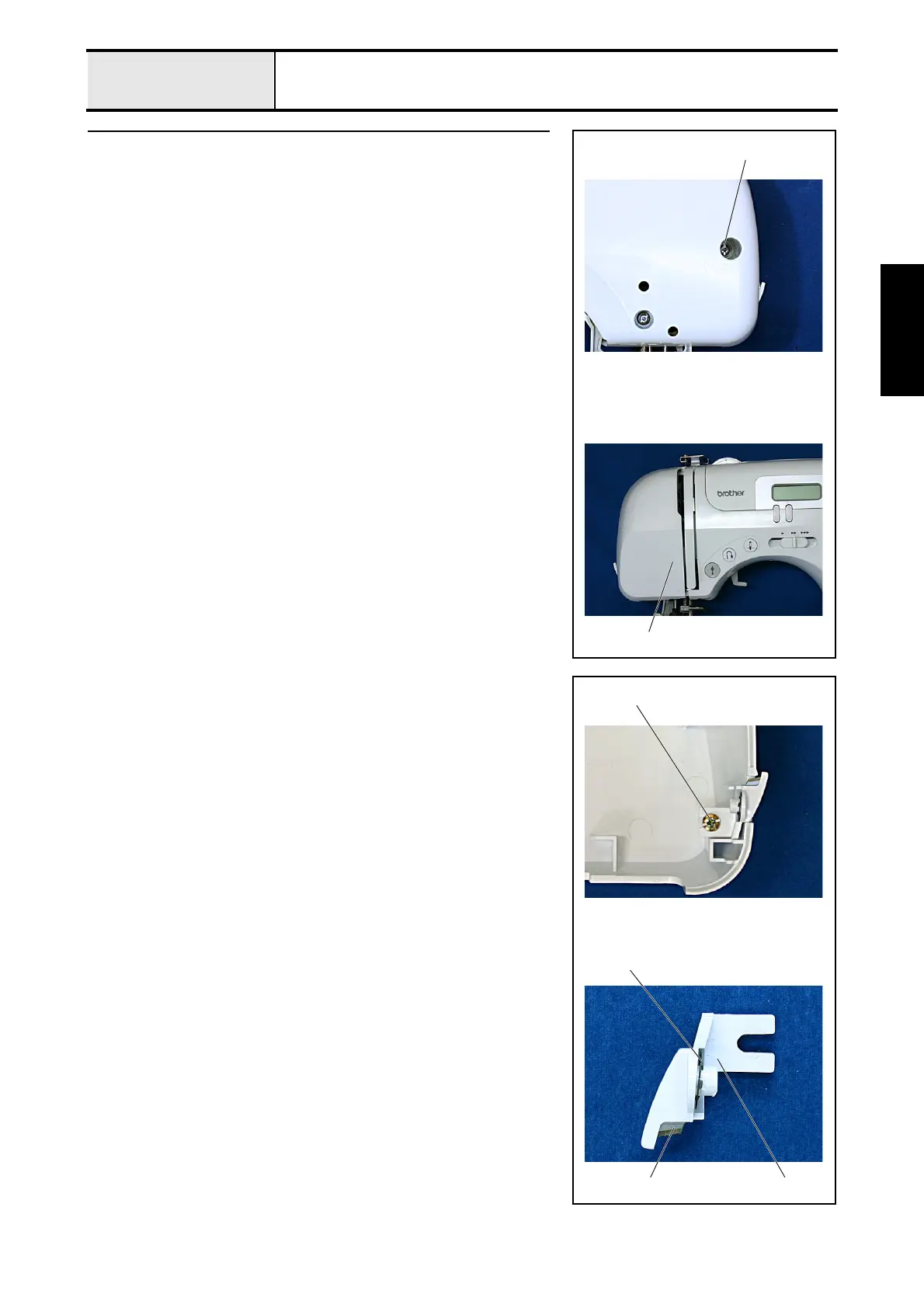
4 Face plate assembly removal
1. Remove the screw 1, and then remove the face plate assembly 1.
1
1
4-1 Face plate A ASSY disassembly
1. Remove the screw 1, and then remove the cutter cover assembly 1.
2. Remove the CS retaining ring 2, and then remove the NT lower thread
cutter 3.
2
31
1


 To Next Page