Troubleshooting
121
6
Jam A Tray 2 / Tray 3 / Tray 4 (paper jam in the paper tray) 6
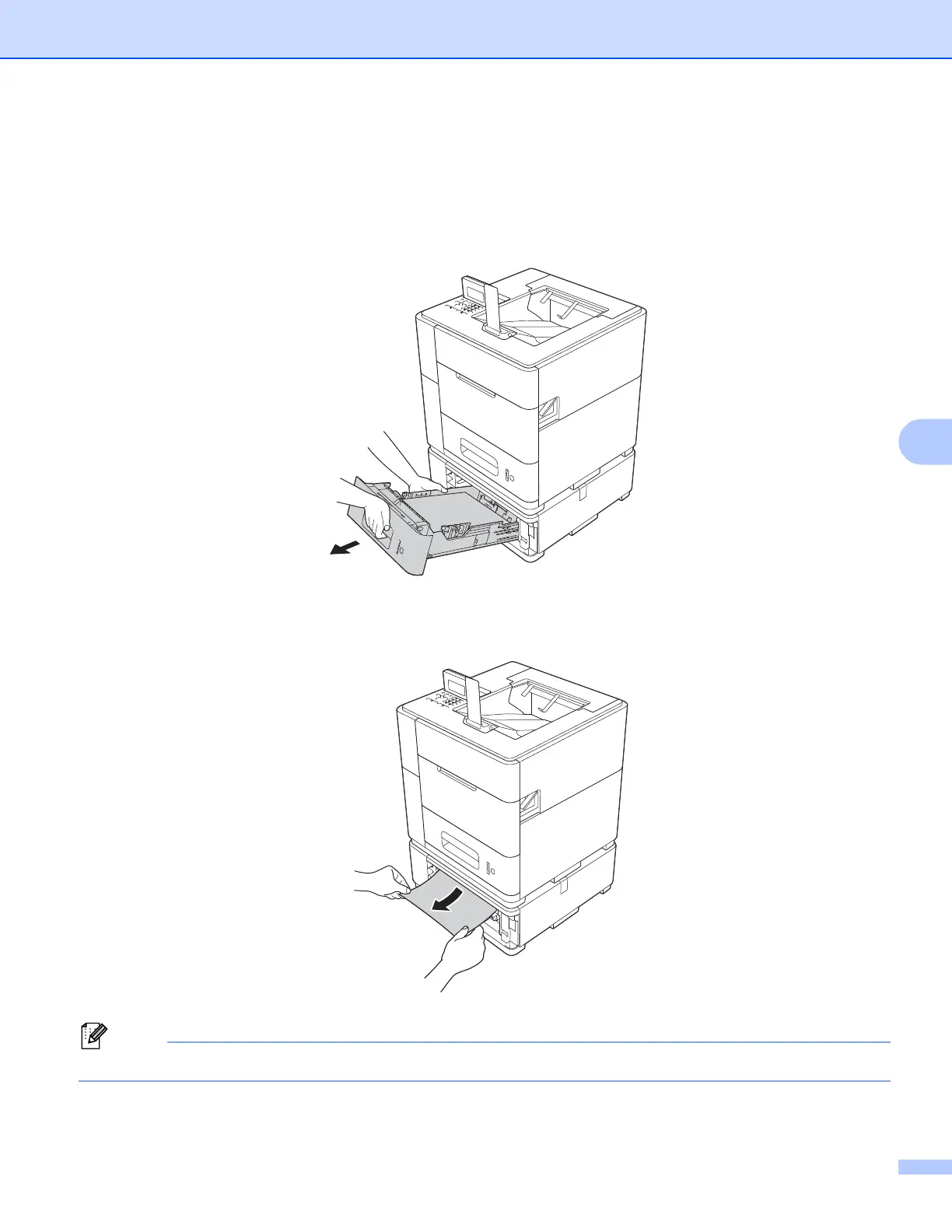
If the LCD shows Jam A Tray 2, Jam A Tray 3 or JamATray4 follow these steps:
a Slowly pull the paper tray, indicated in the LCD message, until it stops. Then slightly lift the front of the
tray and pull the tray out of the machine.
b Use both hands to slowly pull out the jammed paper.
Pulling the jammed paper downward allows you to remove the paper more easily.



 To Next Page
 Loading...












